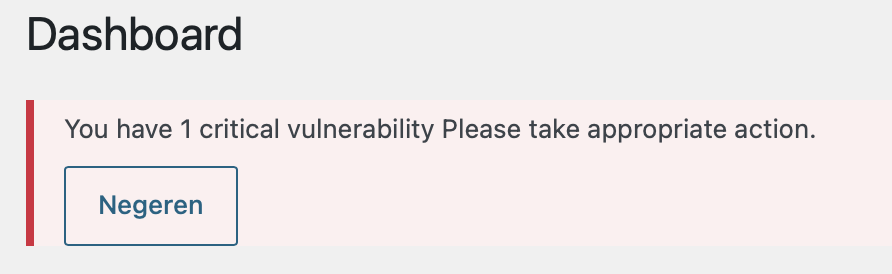
We have updated to 5.0.12 but still we have a critical issue warning:
What else can we do?
Replies for tickets on suppota
We have updated to 5.0.12 but still we have a critical issue warning:
What else can we do?
Hovering shows link: …event name…/var/event_access_
Klicking sends people -and me- to my WordPress Login area
Thanks, that’s great – Wordfence still warns people about eventON, but that’s still the older version.
_____
My other – bigger – problem seems to be there still:
The ZOOM link I set for all my events does not work.
It does not show on HOVER,
but it is still there in the backend
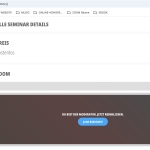
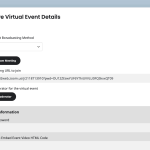
This is concerning, as it pertains all my events
Please, I would appreciate you looking into this fast
As always, thank you,
Dan
Here is one last try to get the images to show up here.
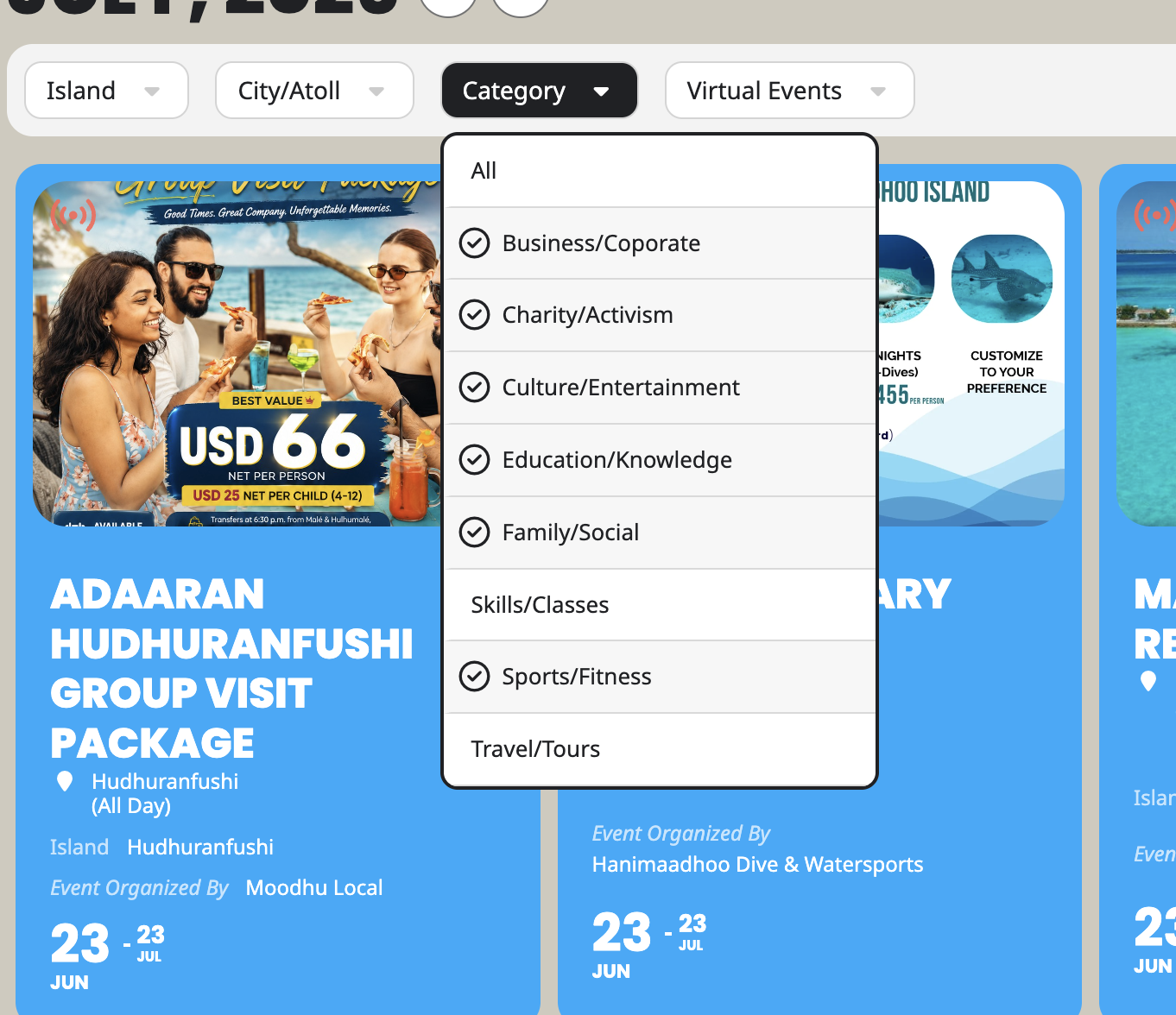
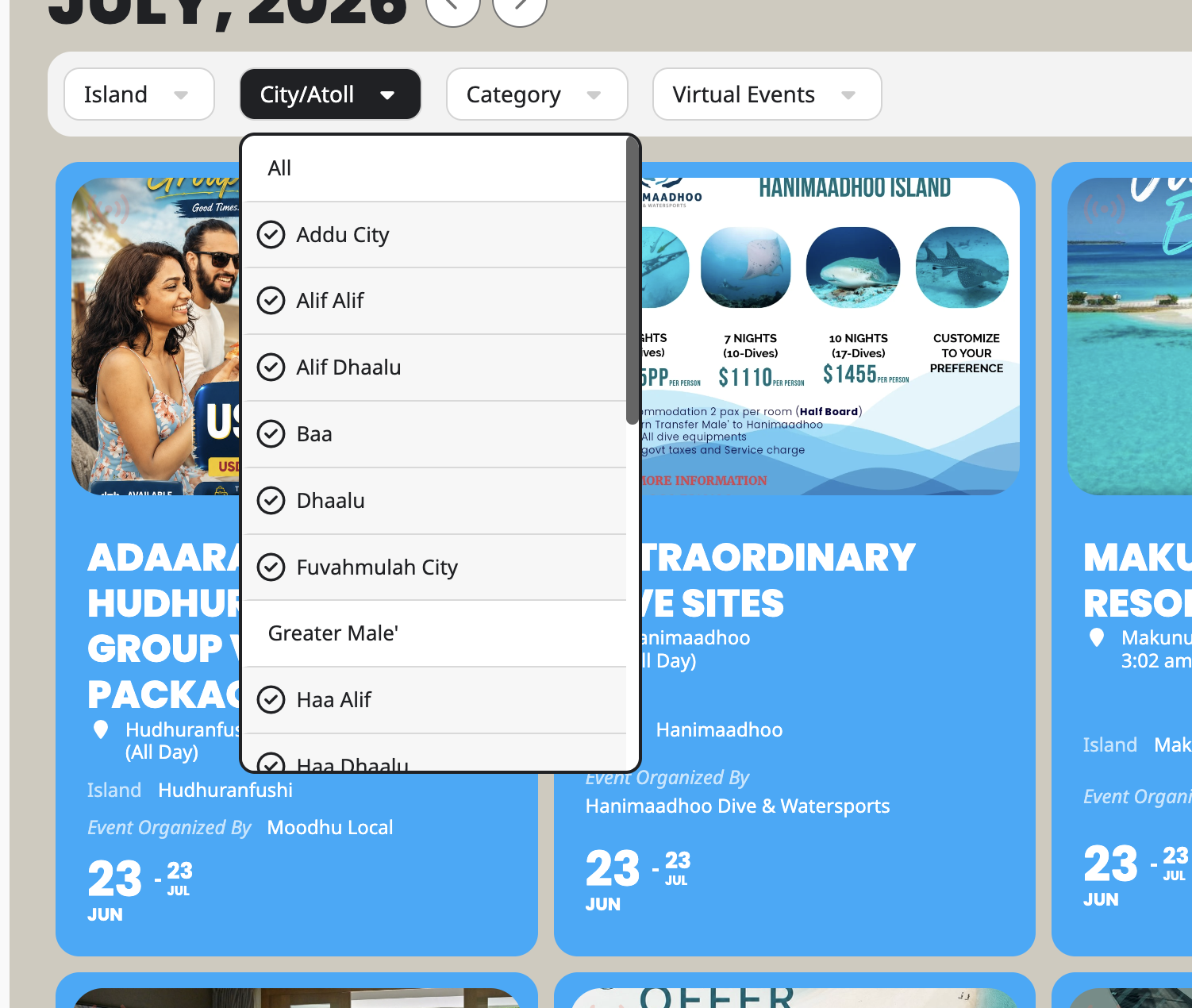
These are in travel category but its showing up, some of the items are in type 2 (Greater Male’ category but its showing up as well)
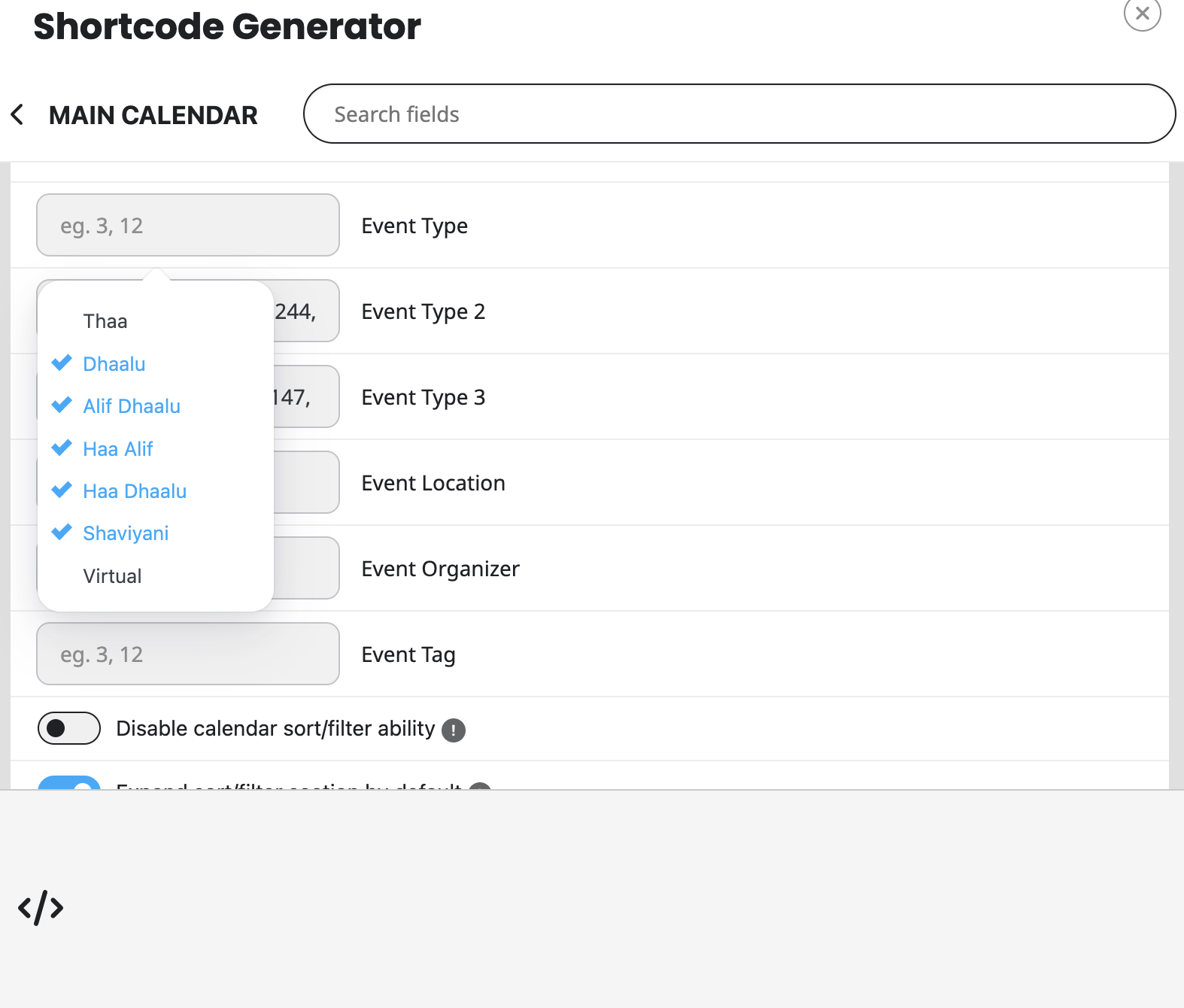
The orange enter button on type input dissapear:
Not sure why the images didnt past.. I am repeating the posts again
Thank you for your reply. Here is what seems to be happening on that page.
All these are actually in the Travel/Tours category. And you can see the shortcode does not have this selected. However it shows up here.
Also:
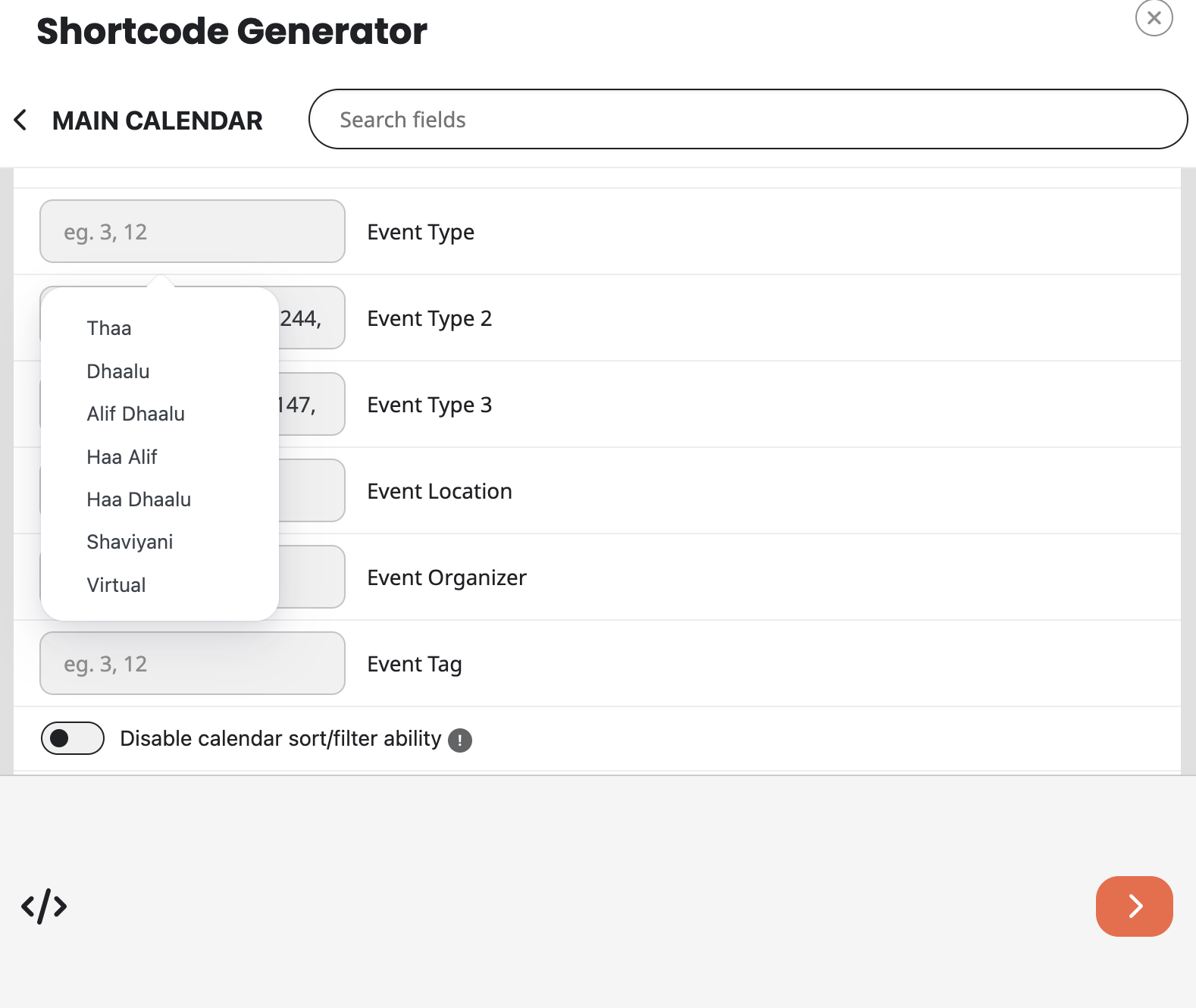
This also messes up the category 2. Which shows that Greater Male’ are not to be shown. However these items are being displayed as well. I noticed that this happens once the category 3 items are set from the back end. I also noticed that if I select one item category 3 works. but not if I select multiple items.
In addition:
That orange enter button on the bottom right scrolls out of window when I input a few of Type 2 items.
In this case I have to input the items manually.
Appreciate if you could help me figure out whats going on.
Thanks
Thank you for your reply. Here is what seems to be happening on that page.
All these are actually in the Travel/Tours category. And you can see the shortcode does not have this selected. However it shows up here.
Also:
This also messes up the category 2. Which shows that Greater Male’ are not to be shown. However these items are being displayed as well. I noticed that this happens once the category 3 items are set from the back end. I also noticed that if I select one item category 3 works. but not if I select multiple items.
In addition:
That orange enter button on the bottom right disappears when I input a few of Type 2 items.
In this case I have to input the items manually.
Appreciate if you could help me figure out whats going on.
Thanks
Hi Artem,
Thank you for looking into this. It still shows issues on my end, here is a screenshot.
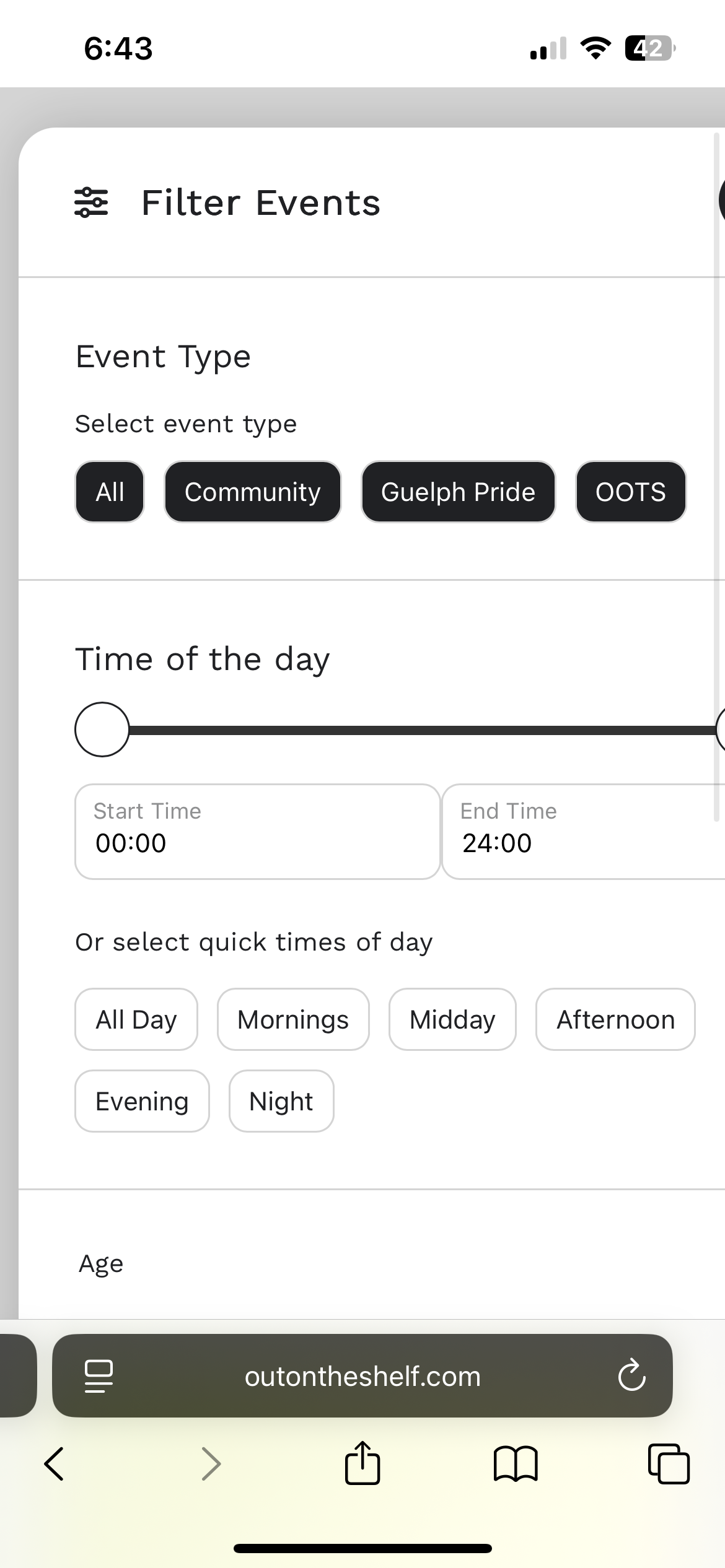
Its the RSVP that shows the license is not activated.
As long as you see it’s activated I guess it’s okay. That fixed the gap problems. What about it not showing on mobile?
We’ve just released 5.0.12 that fixes the issue. Please update ASAP.