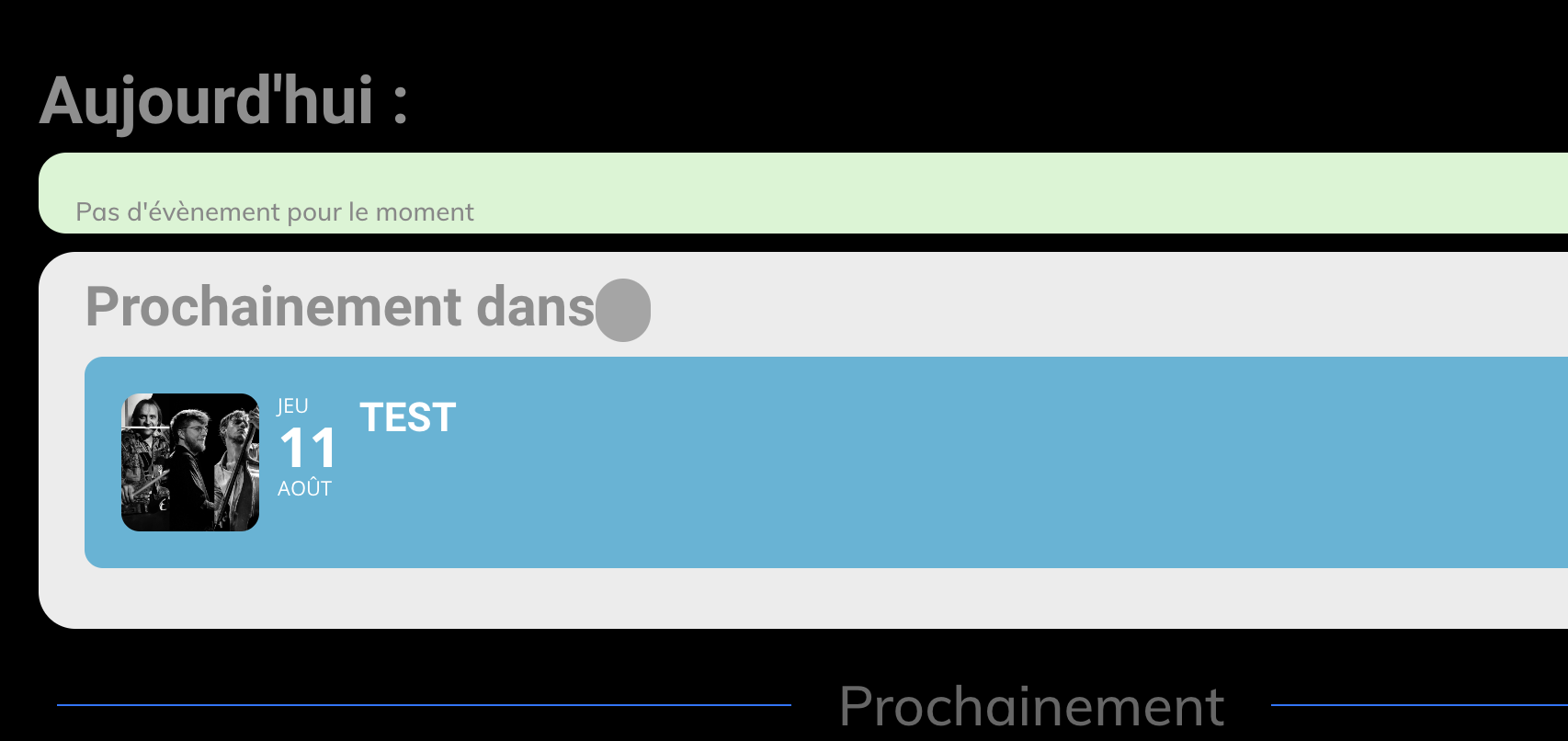
Hey — so, I know this isn’t the issue because everything worked before, but I am mentioning in case you work on the shortcodes and not settings for the plugin/events — we’re using Elementor for the layout, and if you don’t “Edit with Elementor” the pages could get ruined.
That said, there are 2 pages that use shortcodes — and this wasn’t working anymore on either. This is why we thought it was either the plugin settings or the event settings — but everything looked the right/same in those places, and we were stumped. [These are the edited shortcodes, done in an attempt to fix the issue — so some features might have been turned off or on, and it is possible they aren’t the exact ones from before the issue was seen.]
First page is https://nerfa.org. The shortcode used there is: [add_eventon_list hide_past=”yes” event_count=”4″ number_of_months=”1″ hide_so=”yes” hide_month_headers=”yes” etc_override=”yes” tiles=”yes” tile_count=”4″ tile_bg=”1″ ux_val=”3″ tile_style=”0″ show_limit=”no” event_past_future=”future” show_repeats=”no”]
The second page is https://nerfa.org/calendar/. The shortcode used there is: [add_eventon ux_val=”3″ show_et_ft_img=”yes” event_count=”10″ event_past_future=”future” livenow_bar=”yes”]
That said, we created an admin account specifically for you, so you can check the settings for us. Again — not sure why it worked, and then doing nothing different it didn’t; and we don’t currently have a live event; but hopefully you can suss this out for us since we’ve exhausted all options. Thanks!
un: eventon
pw: mlAIkL@tBOtD$b%v2z&T&l%W