Ok, I understand that, can you tell me where I find the code to edit?
Archives: Replies
Replies for tickets on suppota
Reply to: tickets(283921)
Amen to that 🙁
What really saddens me is that all the posts relating to performance issues are dismissed as “user error” or “server fault”…
Reply to: tickets(285082)
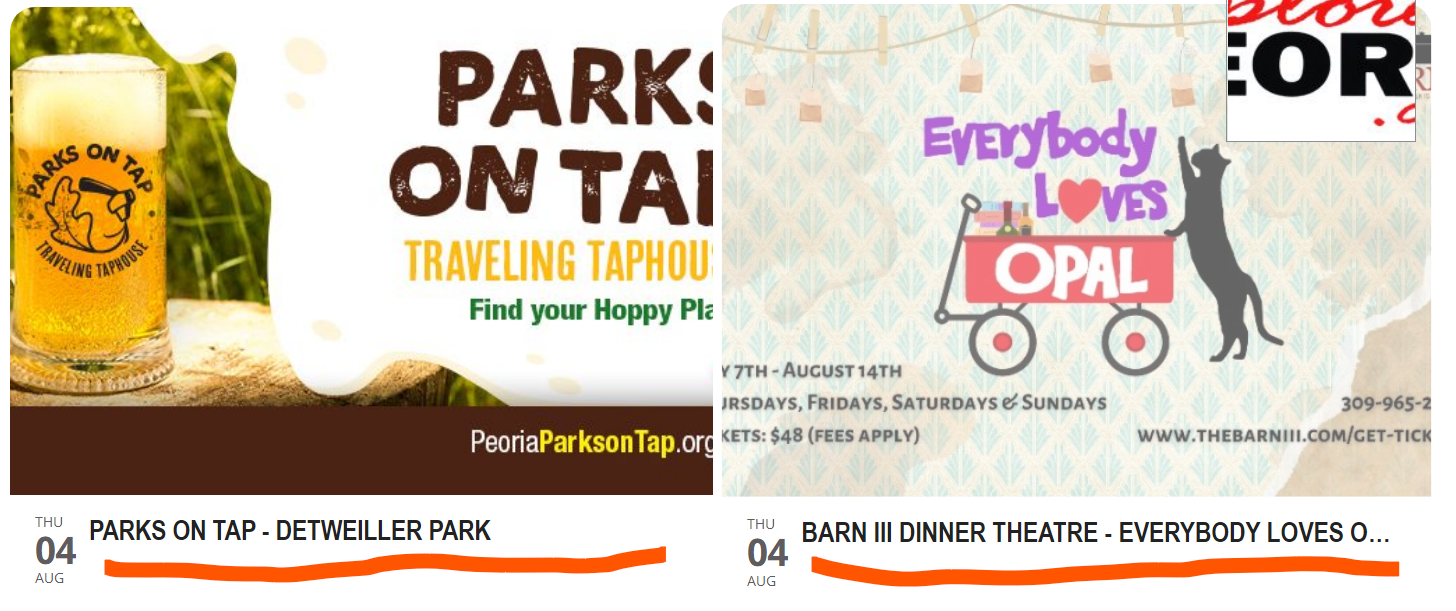
I tried the first thing you suggested and the text color was actually NOT white, but a grey.
And then I looked the scripts & styling and it was already turned off, but I turned it on just to see what would happen and now the date on the bottom left is at least displaying.
There used to be more information (now I don’t recall exactly what – I think the location & times) to the right of that date on the bottom left of each of the event boxes on the calendar grid. How do I get that back?
I do have some customization under the top nav bar “styles” from previous help tickets that I fear may be conflicting with other settings – here’s what’s there right now:
.evotax_term_details:after {background-color: #fff !important;}
.ajde_evcal_calendar.boxy.boxstyle1 #evcal_list .eventon_list_event .desc_trig { height: auto !important; min-height: auto !important; }
.wrap.evotax_term_card.evo_organizer_card { display: block !important; }
.wrap.evotax_term_card.evo_organizer_card #primary { float: left !important; width: 69%; }
Do I need to change any of that?
Please let me know.
Thanks,
Amy Blain
PS – I’ve attached an image with an orange highlight to show you where I’m referring to.
Reply to: tickets(283921)
This has really been the only disappointing thing with these plugins and add-ons. They provide SO much functionality – but them they bog the site down so much, their purpose becomes almost useless since folks either don’t take the time to wait OR the site throws speed errors. : Really hoping this is fixed ASAP.
Reply to: tickets(284209)
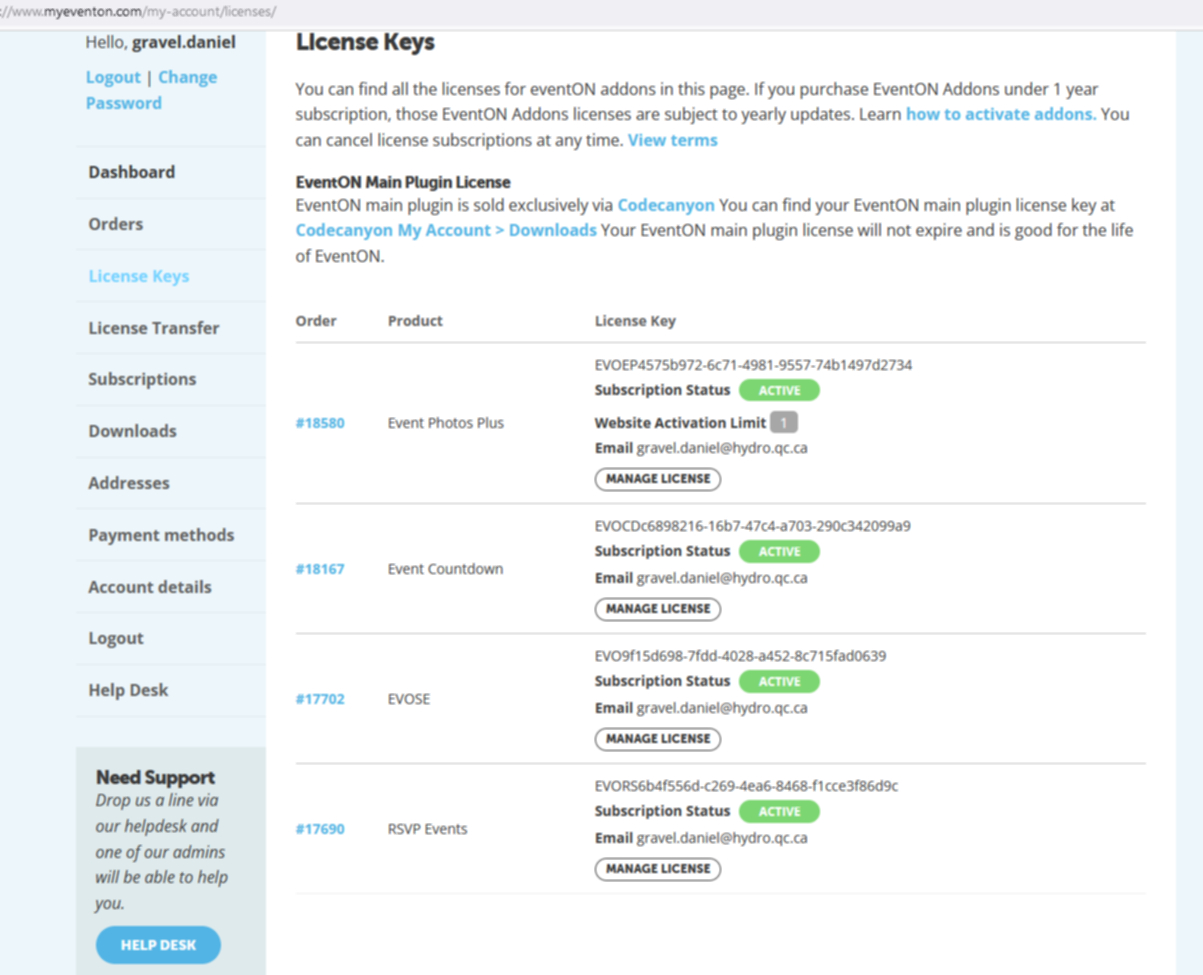
Order list
Reply to: tickets(284209)
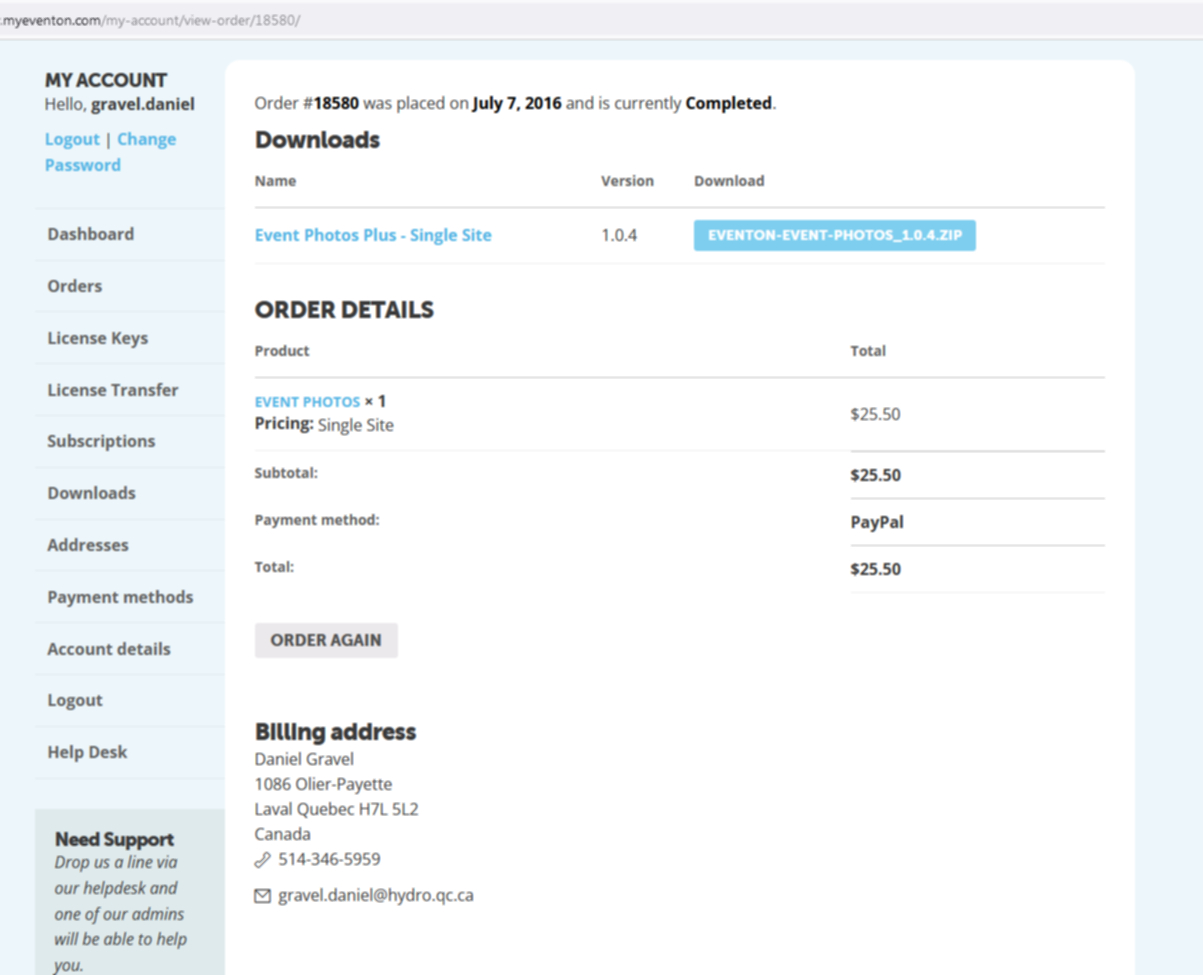
View my order in attachment.
Reply to: tickets(284953)
Can you try adding these styles to eventon settings > styles
.evobo_calendar .evoGC .evoGC_week span.today em{
width: 100%;
height: 100%;
line-height: 36px;}
Reply to: tickets(284919)
Do let us know how it goes. If you have any other questions, please feel free to create a new ticket.
Reply to: tickets(285082)
Hello,
Could you go to EventON > Appearance > EventTop Styles > change Text under event title (on EventTop. Eg. Time, location etc.)?
It seems that the color is white.
Please also try EventON > Scripts & Styling > turn off Write styles to header.
Reply to: tickets(285008)
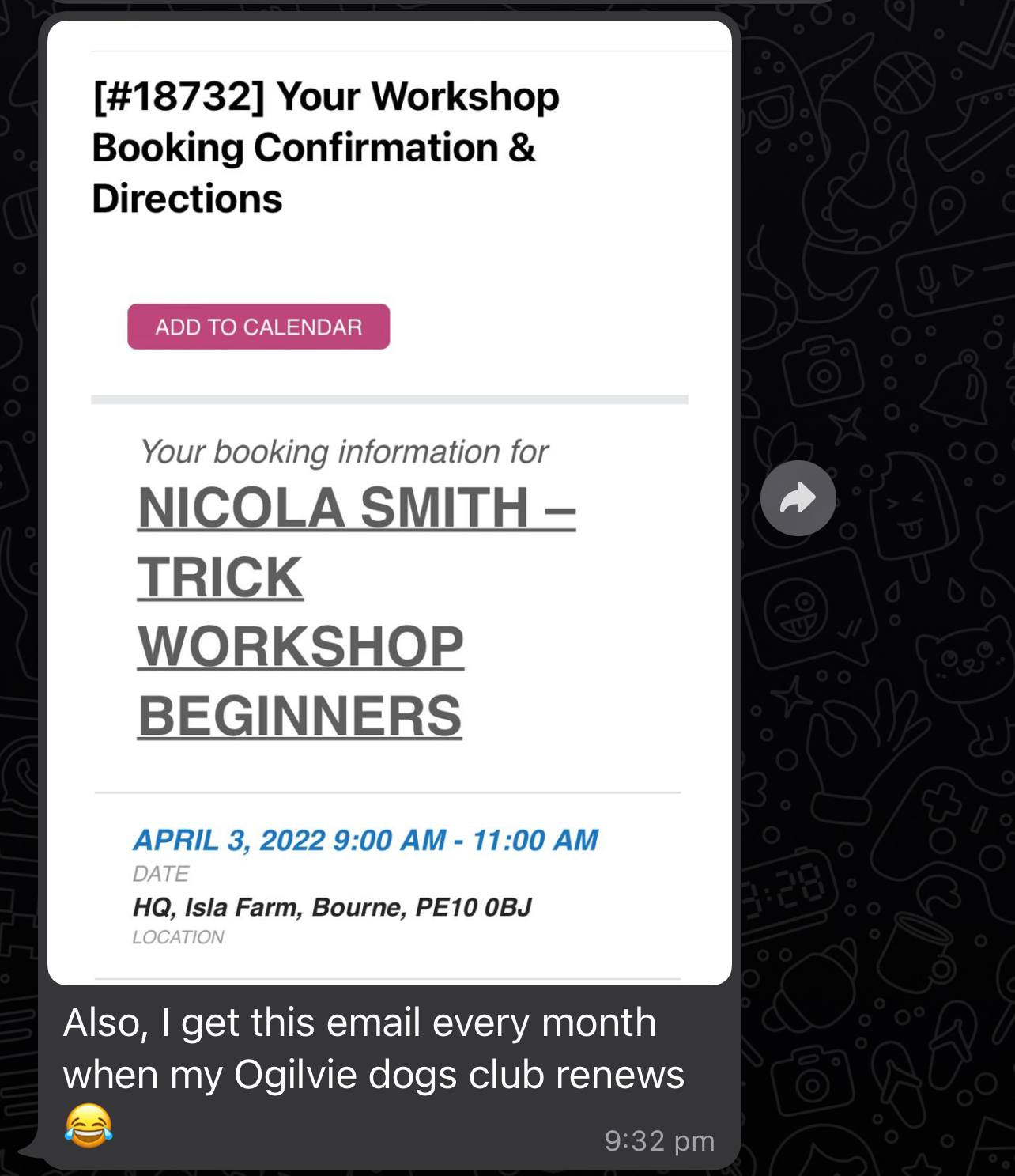
Sure it was this one: https://ogilviedogs.com/wp-admin/post.php?post=18732&action=edit
I have attached the screenshot that the client said had been sent to them, from the confirmation email on this order.