Hello,
I went to EventON > Scripts & Styling > disabled Disable font awesome fonts and Disable Moment script.
Icons are fixed as well as side list.
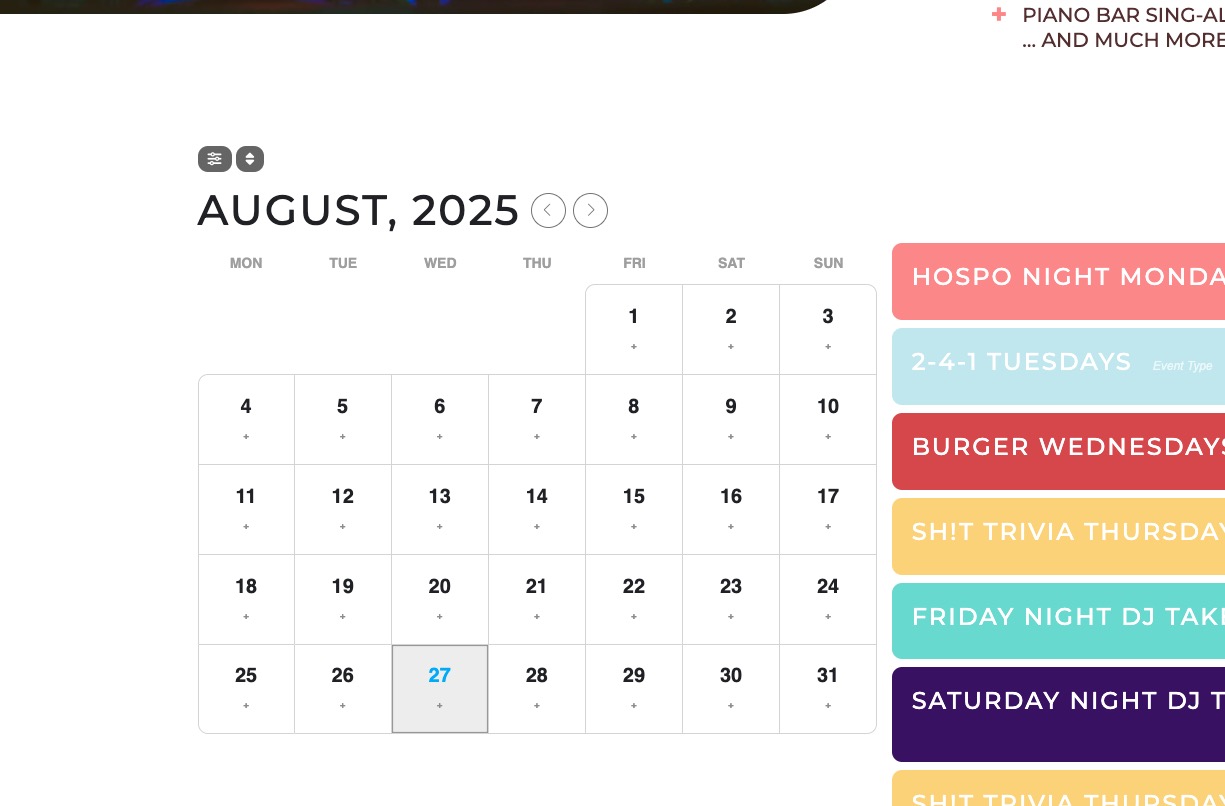
Please check and let me know.
Replies for tickets on suppota
Hello,
I went to EventON > Scripts & Styling > disabled Disable font awesome fonts and Disable Moment script.
Icons are fixed as well as side list.
Please check and let me know.
Hello,
Please take a look at this ticket:
https://helpdesk.ashanjay.com/ticket/accessibility-features/
Some accessibility features are still missing, but we are working on adding them.
Hello,
Thank you for your great suggestion, at the moment it is not supported. However please create a new ticket and select Feature Request as category so others can vote on your idea and get it moved into development faster.
Hi Artem,
Thanks for that. I ran some tests and I think your team (Ashan) has a lot of patching to do.
1. The email that gets sent to customers who join the waitlist is actually coming from both eventon-rsvp > includes > class-emailing.php AND eventon-rsvp-waitlist>includes>class-event-waitlist.php. The subject line is coming from the eventon-rsvp plugin.
It seems that the Waitlist is using this as the subject line:
‘[#{rsvp-id}] RSVP Update Confirmation.’,
When I receive the waitlist confirmation email, It actually has [#{rsvp-id}] RSVP Update Confirmation. in the subject line. So the [#{rsvp-id}] part is not behaving correctly. Can you please test on your end?
2. When users are moved from the Waitlist to the attendance list, the customer is not receiving any notification email that they have been moved. I even checked my junk email. Please confirm this is working on your end.
Thank you.
Ok, never mind! I just updated to the new version of the plugin, and the issue is gone. I apprecite the help, patience and assistance!
Regards,
Alex.
Actually, I cannot! I have to hold CTRL + Click to open a new tab
With Ashan’s code, that works and opens a new tab, but then the event cards dont work properly.
Hello guys, any updates?
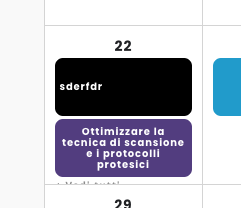
Hi, actually I don’t see the text “more events” (+mehr) because it’s cut. I attach screenshot. It depends on the height of each event box: if I could set it adapting to content, I think the problem will be fixed.
Is there a way to make cells adapt in height to content? Before the update, it could see this hypertext “more events”.
And in mobile view: I see bullets in different colors but not completely: they are cut too… how can I fix it?
Thanks,
Francesco
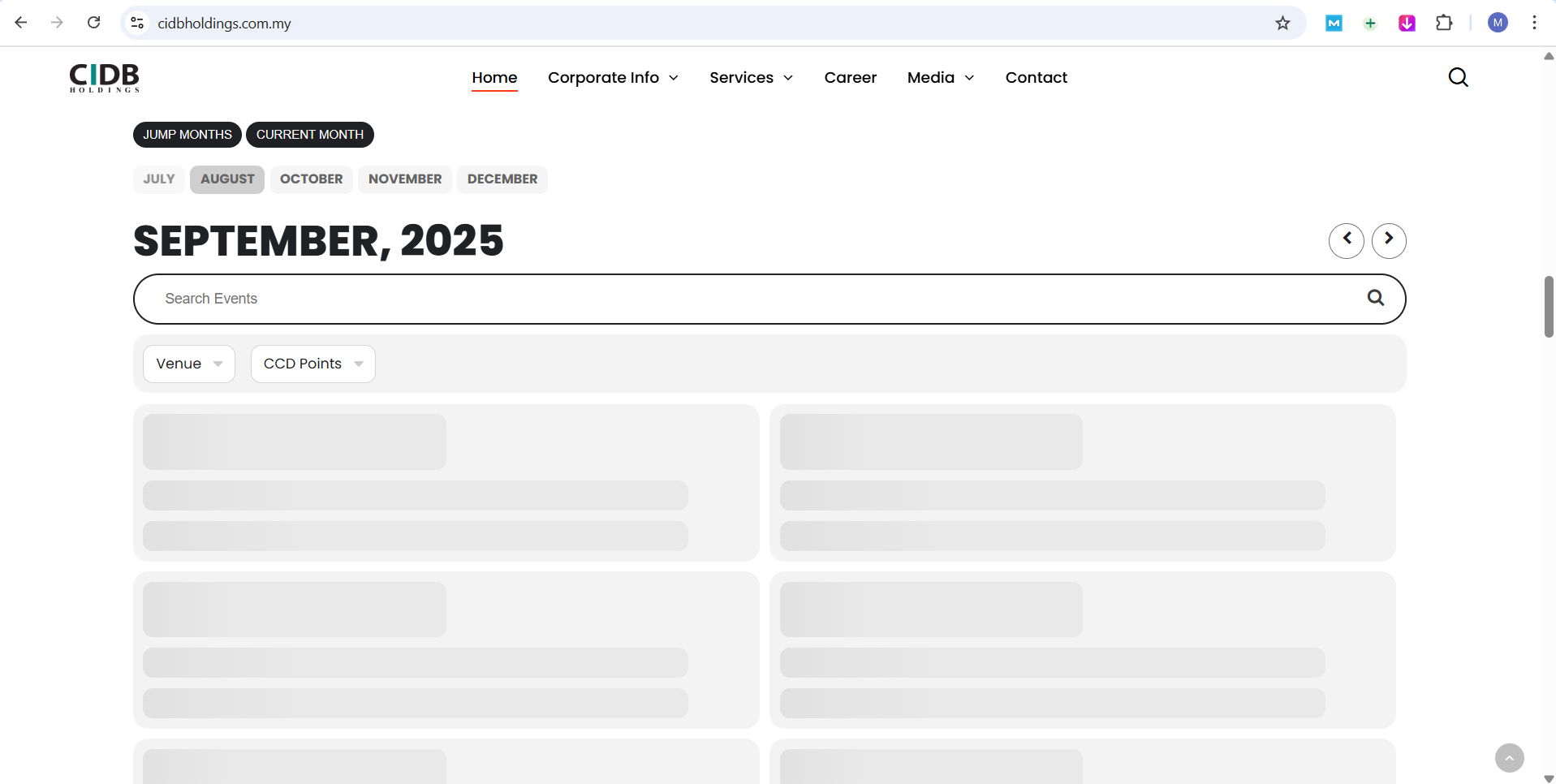
none of events. seem to be constantly loading and never stop, so visitors can’t see the events.