Thank you! I will ask them.
Archives: Replies
Replies for tickets on suppota
Reply to: tickets(284866)
Hello,
thx for fast reply:
Link: https://www.ferdinand-kerschner.at/wp-admin/
Login: eventon
PW: 4vx3jJg)Vs8P!0^d3w#vXOtK
Thk u!
Reply to: tickets(284924)
not within eventon settings
however see if the built in woocommerce report options will work for your needs
or search for woocomerce advance reports
see video
Reply to: tickets(284924)
Hello,
Yes, that option is available. Navigate to Eventon > Settings > General Settings. Scroll down to “Additional EventON Settings”, you will find the option to download all events in CSV format there.
Reply to: tickets(284861)
its not in the shortcode generator because it doesn’t work . its not something we will be working on as a feature of the maps unless theres lots of votes
However please create a new ticket and select Feature Request as category so others can vote on your idea and get it moved into development faster.
Reply to: tickets(284917)
hmmm seems to be working right on your site
Reply to: tickets(284919)
Hi Karl,
You can remove the button by adding the custom CSS code below to Appearance > Customize > Additional CSS
.evcal_evdata_row .evors_stat_data .remaining_count em{display:none;}
Reply to: tickets(284639)
Hello,
Please take a look at this event:
http://lulu.d2bconsulting.fr/wp-admin/post.php?post=596&action=edit
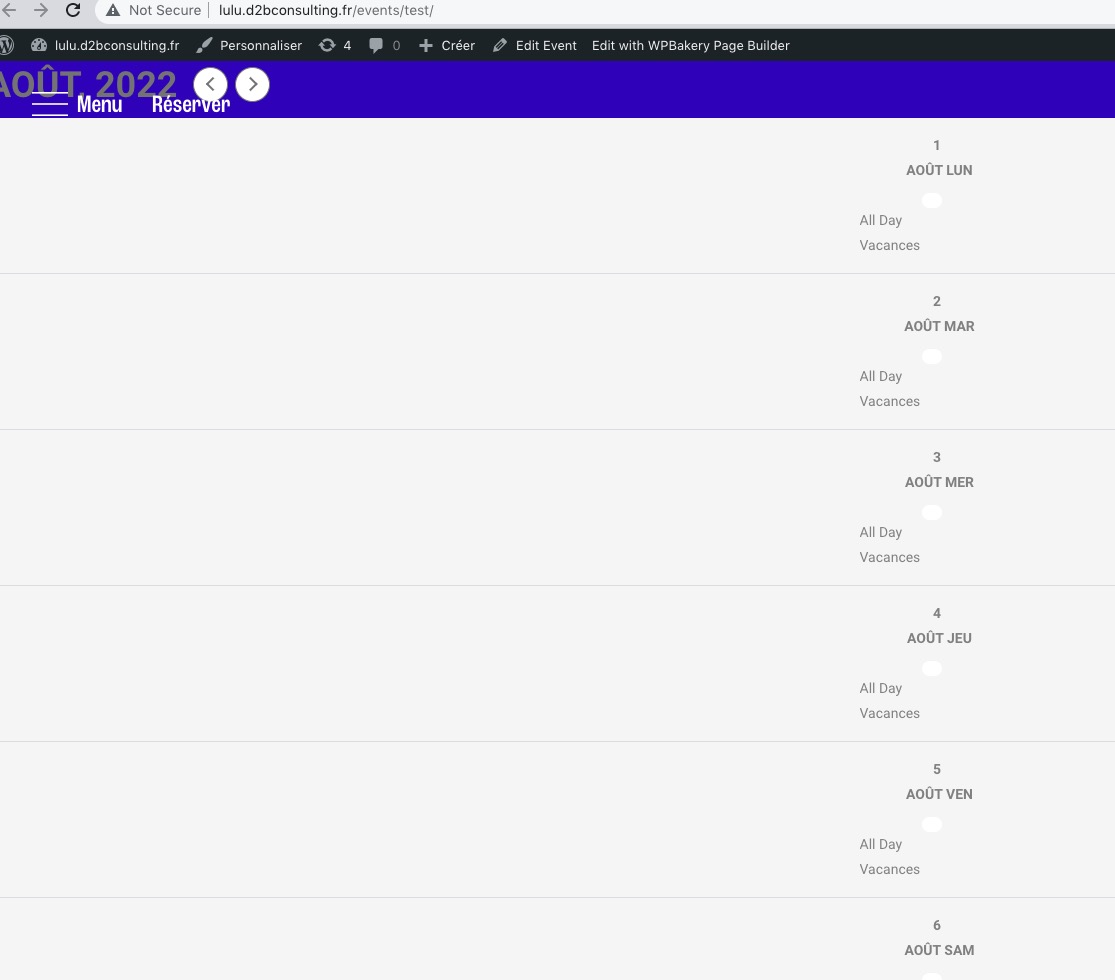
I want to test more, but when I load Single Event Page I get
Reply to: tickets(281188)
Thank you for your messages, I am going to assign this ticket to Ashan and he will be able to take it from here and find you a solution. Please allow some time for him to get back to you, we greatly appreciate your patience and thank you for being a eventon customer! Also please disable any IP blocking on your site if there are any.
Reply to: tickets(281188)
Ashan,
Google Events Page example can be found here: Reply to: 282828
Double schema confirmed https://search.google.com/test/rich-results/result/r%2Fevents?id=2FnNW9MyltabN_8m-89QTw
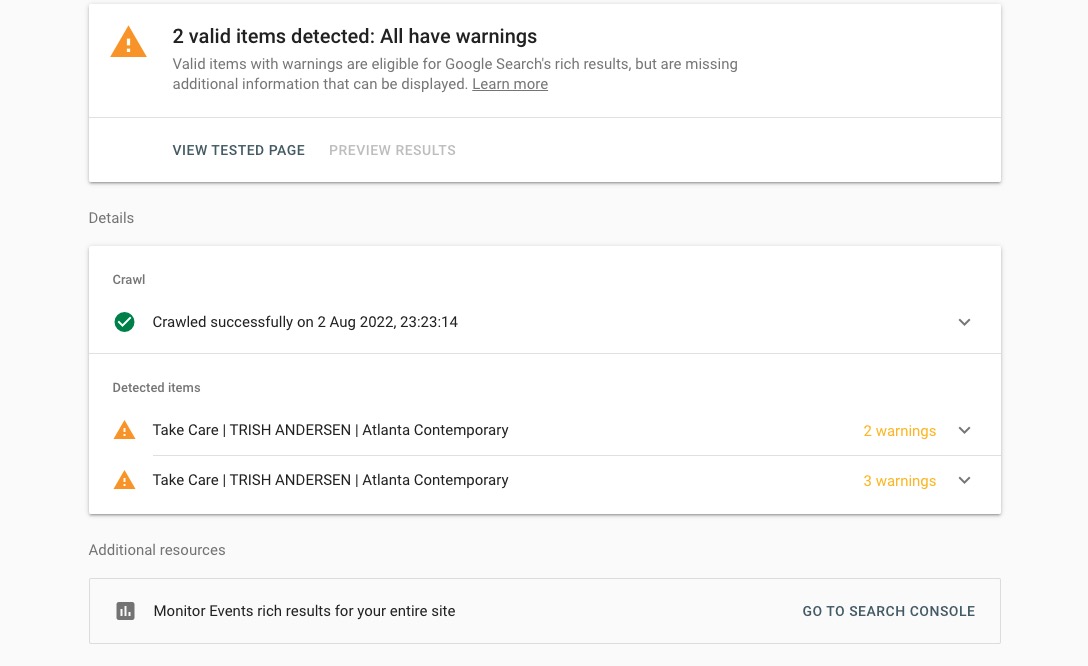
Is there something can we do from our side to fix the issue? Everything seems to be working correctly.