The only issue is the one with EventTop.
You can either apply this patch:
https://docs.myeventon.com/patch-fixes/4-1-in_array-error/
Or go to EventON > EventTop > EventTop Main Day block fields > enable Event Day Name or any other you like.
We are going to include the fix to the next version.
Could you tell us more about your customizations? The thing is that if if you’ve applied the custom CSS to the HTML structure, then with the new update you need to go through the code and make sure that it actually works, because we changed some things.
Thank you very much for letting us know. I am updating the dev site right now 🙂
Could you make sure that your version of FullCal is the latest one?
I am sorry, the access information you have provided did not work for us. Please check them and post the correct login information as a private message, thank you!
EventON 4.0.6: https://helpdeskx.s3.amazonaws.com/wp-content/uploads/2022/07/12041321/eventON-32.zip
Hello,
I cannot find the installed version of EventON in Plugins: https://mineralsday.org/wp-admin/plugins.php
Could you install the plugin first?
Hello,
instead of Event Tag Types, could you add just “Tags”?
Hello,
You can either apply this patch:
https://docs.myeventon.com/patch-fixes/4-1-in_array-error/
Or go to EventON > EventTop > EventTop Main Day block fields > enable Event Day Name or any other you like.
We are going to include the fix to the next version.
Also the PHP version is version 8
Hi!
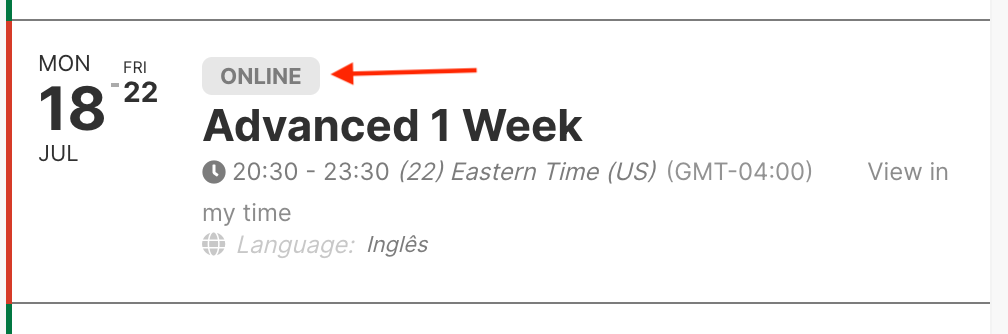
I tried to add Event Tag Types to Event Top, but didn’t work.
Attached, a print how it was before and how I need to look again.
Thanks.