Hello,
NOT- is exactly what you need:
You can also use NOT-, NOT-all for event type filter values
I went to Event Type 3 and there are two categories:
https://www.foodsorcery.co.uk/wp-admin/edit-tags.php?taxonomy=event_type_3&post_type=ajde_events
But when you click on the first one, there is only one event from 2017.
Could you make sure that the event that you want to hide is new enough to see on this page:
https://www.foodsorcery.co.uk/event/
If you want to exclude Event Type 3 completely then you need to add:
event_type_3=”NOT-68,NOT-69,”
OR even better:
event_type_3=”NOT-all,”
Could you try and let us know?
Please send us wp-admin access to your site as a private message for us to further assist your situation.
Could you also insert the form to Event Details of this event https://saio.org.ar/events/ciclo-de-conferencias-saio-3/ so we can test it?
The problem is in this event:
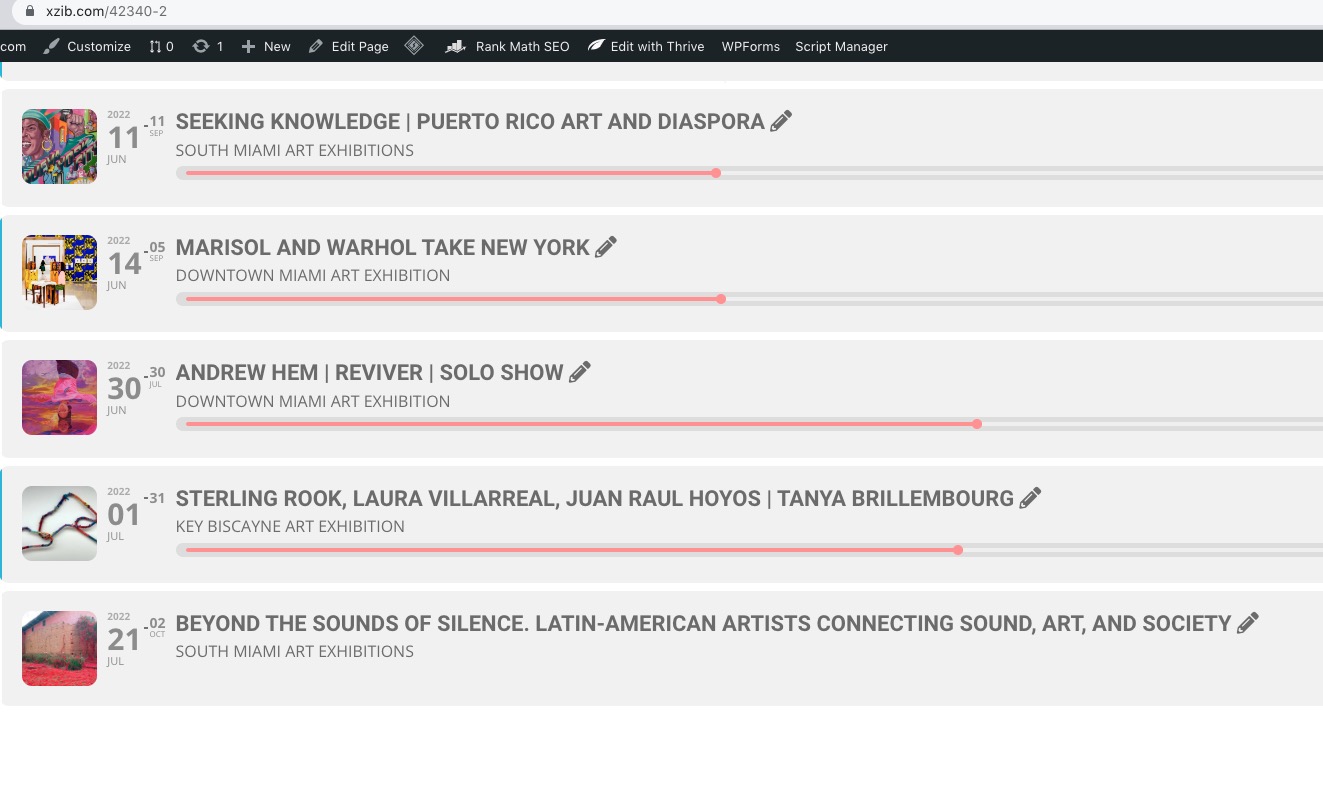
https://xzib.com/wp-admin/post.php?post=39359&action=edit
Please try excluding it from the calendar.
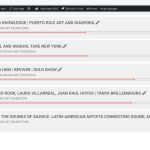
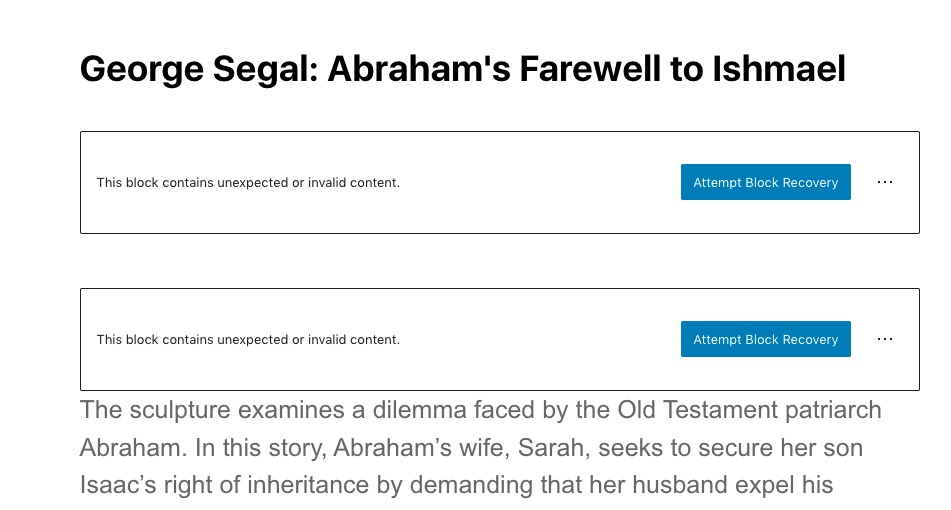
The issue can be in these errors:
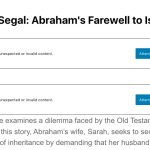
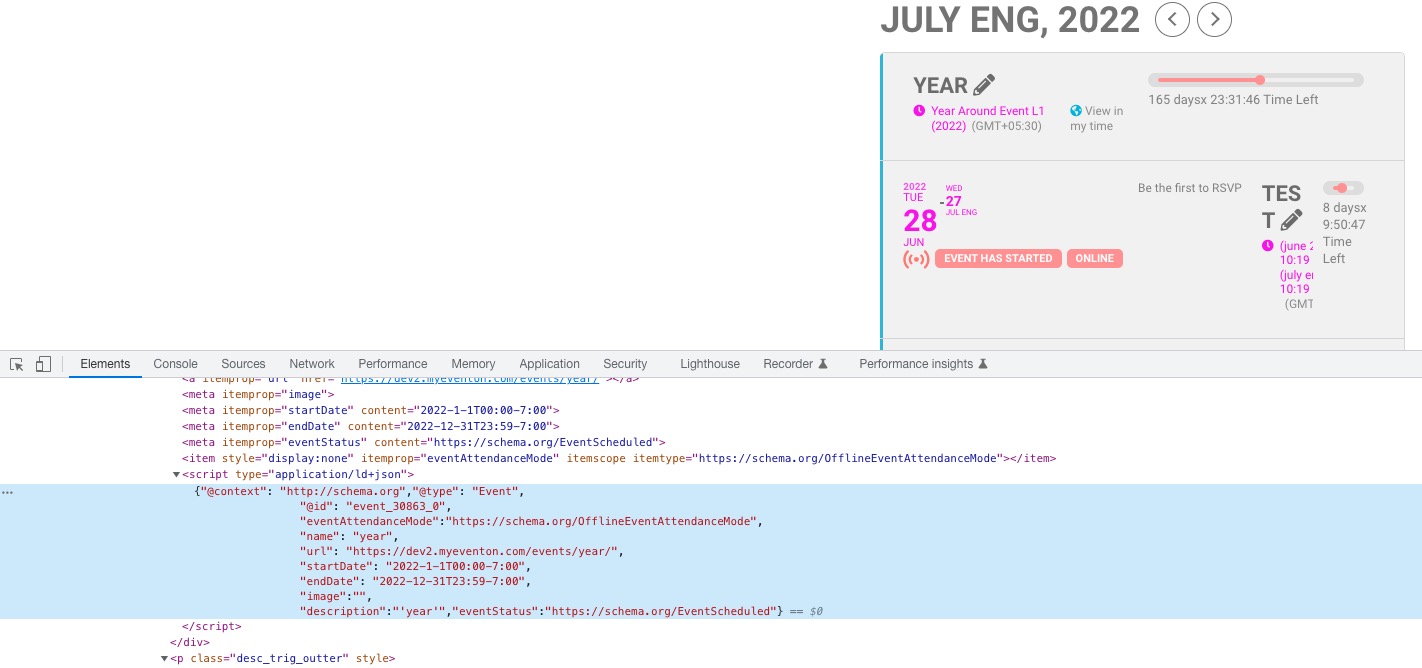
For each event EventON adds Event Schema that Google uses to separate regular text content from events:
https://developers.google.com/search/docs/advanced/structured-data/event
Example of the event schema code:
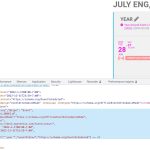
On EventON’s side everything has been done correctly, so it’s up to Google to decide whether it wants to show event on Google Events page.
Hello,
I am sorry, the access information you have provided did not work for us:
Error: The password you entered for the username eventon-help is incorrect.
Please check them and post the correct login information as a private message, thank you!
If possible, please follow the instructions in this documentation to activate debug in your site to see any PHP errors recorded that can provide insight on to whats going on. Please reply with a link to debug.log file. If you are not able to do this please send us FTP access to your site so we can do this for you.
I cannot login or see the website:
Could you check?
We are glad your issue is resolved, if you have any further questions or concerns please create a new ticket.
Hello,
Thank you for your great suggestion, at the moment it is not supported. However please create a new ticket and select Feature Request as category so others can vote on your idea and get it moved into development faster.
The only way is to go to wp-admin > Events, manage events from there.
http://www.epstuff.org/epstuff/
The dailyview styles, only lets me change the font but not the background for that page.
I tested everytthing you suggested in the last message
Hello,
With added “Tags” https://watson.events/wp-admin/admin.php?page=eventon#evcal_004aa, you can see “NO MORE SPACES LEFT” sign. Does it work for you? Please let us know.