Everything seems to be working: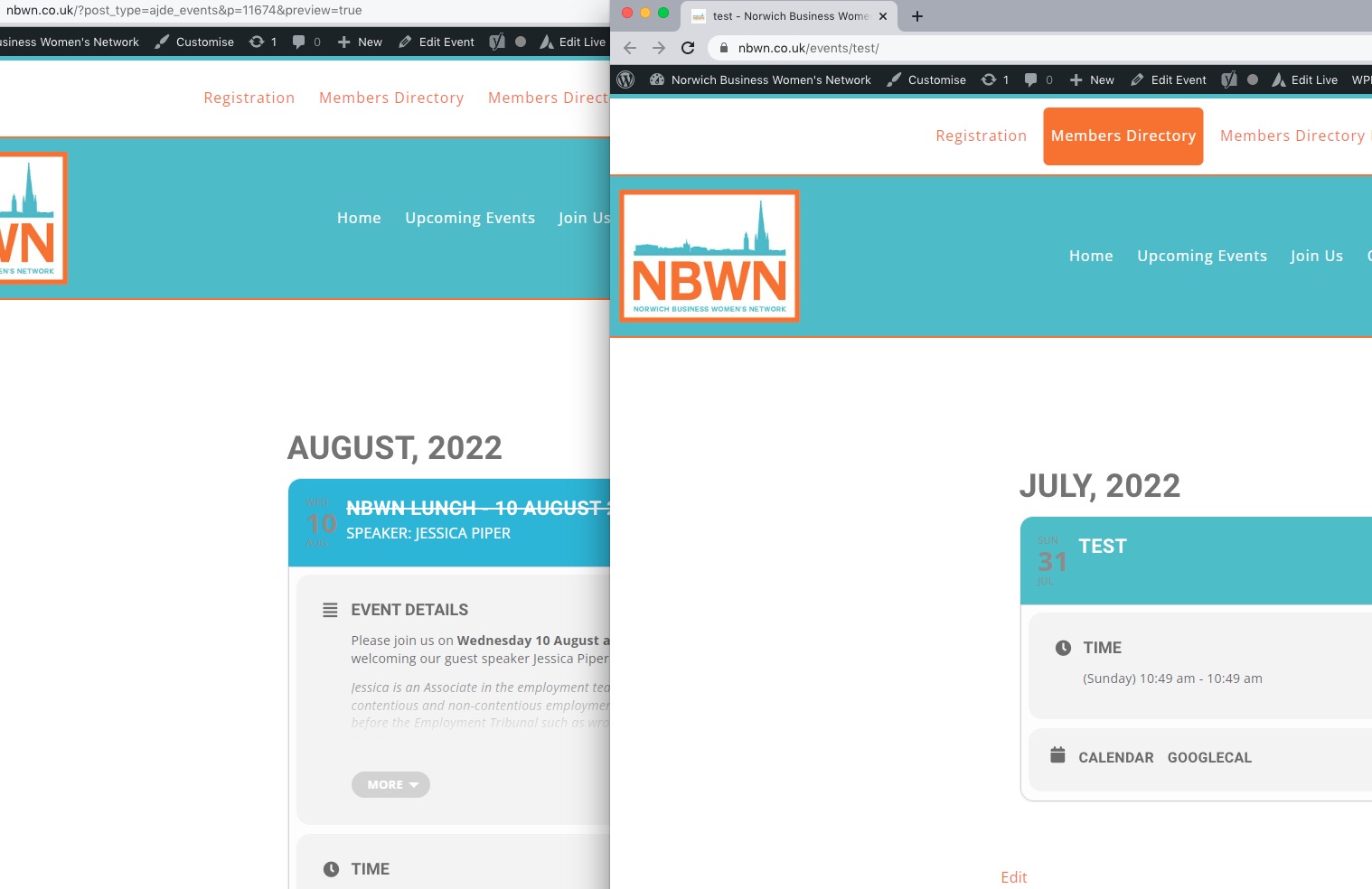
Test event: https://www.nbwn.co.uk/wp-admin/post.php?post=11681&action=edit
Could you check?
Replies for tickets on suppota
Everything seems to be working:
Test event: https://www.nbwn.co.uk/wp-admin/post.php?post=11681&action=edit
Could you check?
That worked. Thanks!
Example of symbols: “Sessió informativa sobre el canvi de model municipal de recollida de residus.”

OK another error: Adding a pictures which filename cointains some accented vowels like “à, é, ó, ò, í, ú…”
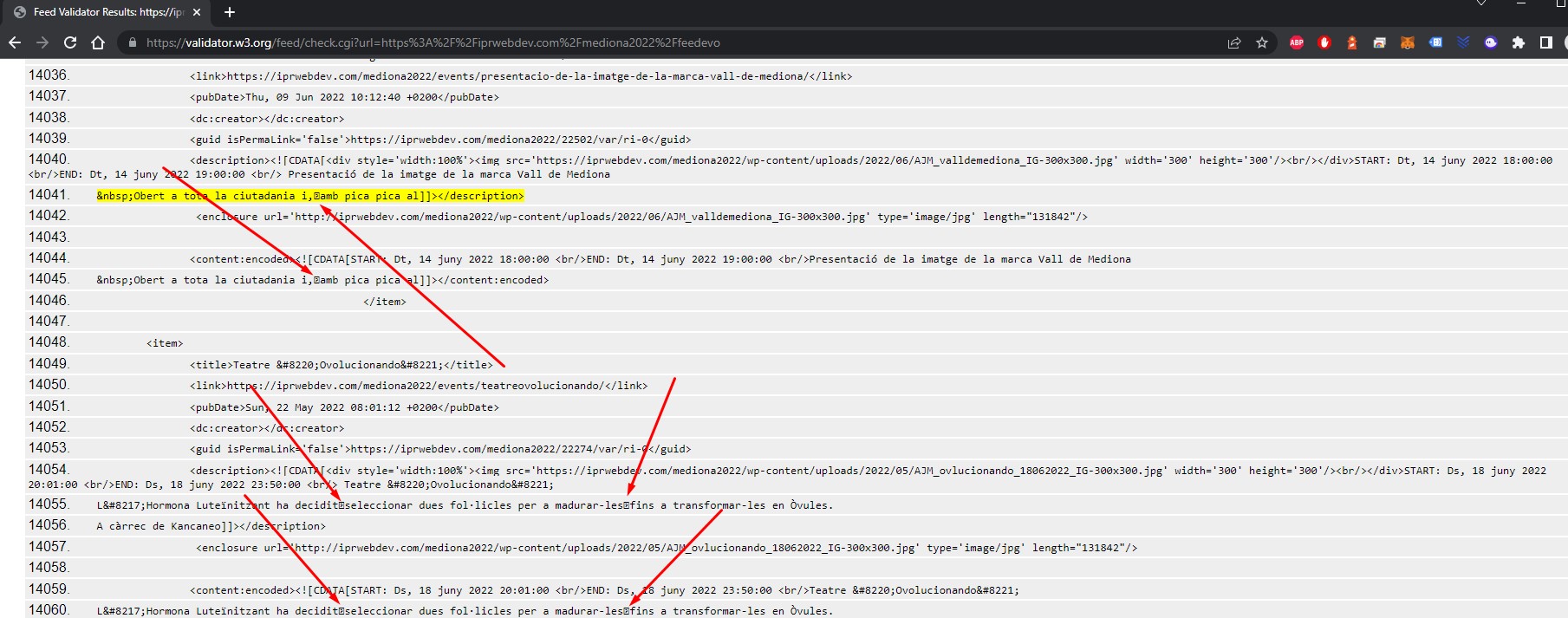
Well finally I fixed it by myself. Now feed is ok:
https://iprwebdev.com/mediona2022/feedevo
I think the person who add events in the calendar is using “copy/paste” from other file, so he is adding/pasting styles to the text.
I attach some pics with “pasted symbols” on it:
Thanks,
Since you dont have CSV Import addon that whole excersise would not work as I would not be able to transfer the events,
I can export, but cannot import the exported events into a new template ?
Hello, is anybody attending this ticket please?
actually in myeventon>>>>settings>>>>event top
change the
Select Default Calendar EventTop Style
to colorful event top
and therefore all text turns white and the background color is the color you set for the event
in myeventon>>>settings
scroll towards the bottom you can export as CSV or ICS format. we don’t have an xml export option.
we do have a CSV import addon
No sorry they have to be logged in- there is no way to do it via IP address or session control
the video above shows you they have to be logged in BUT they don’t access the wp-admin area- just the front end.