Thanks, I will wait for it.
Another problem I am having, is that the API is working on Desktop browsers -external websites- but NOT working on Mobile browsers, same page.
Could you please review the API – JSON plugin working at:
https://calendario.elcampo.com
but if you browse this page (a simple HTML with the javascript to embed a calendar from that site, it works with desktop browser but NOT with mobile browser, take a look here with BOTH devices:
https://elcampo.com/fabian.html
desktop browser, works fine -load the calendar
mobile browser, same page, doesn`t load the calendar.
please, the api is not working as expected in this case.
Hello,
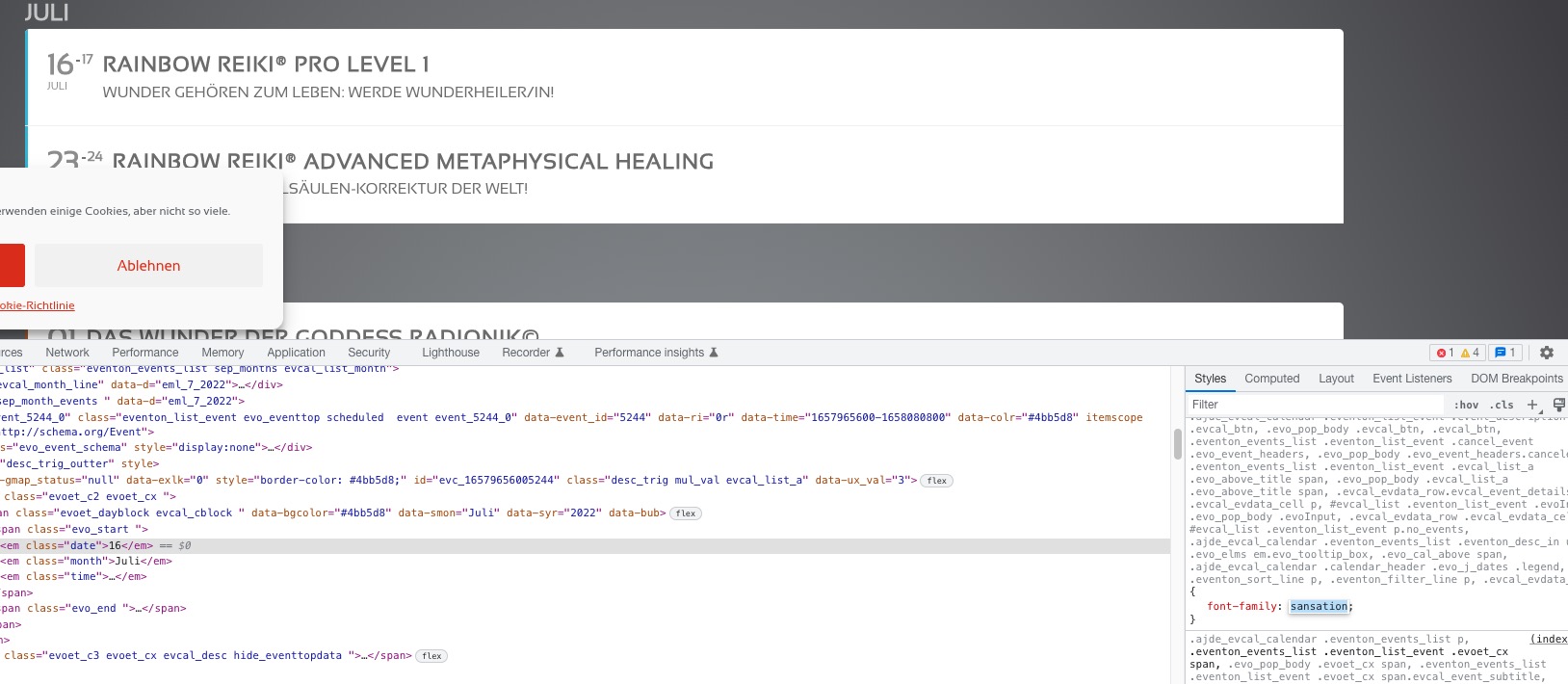
As a temporary solution I went to to EventON > EventTop > EventTop Main Day block fields > enabled Event Day Name.
We are working on fixing this.
Hello,
Is it possible to disable Smush Pro for a test:
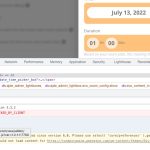
It seems that there is a js error caused by it.
Ashan,
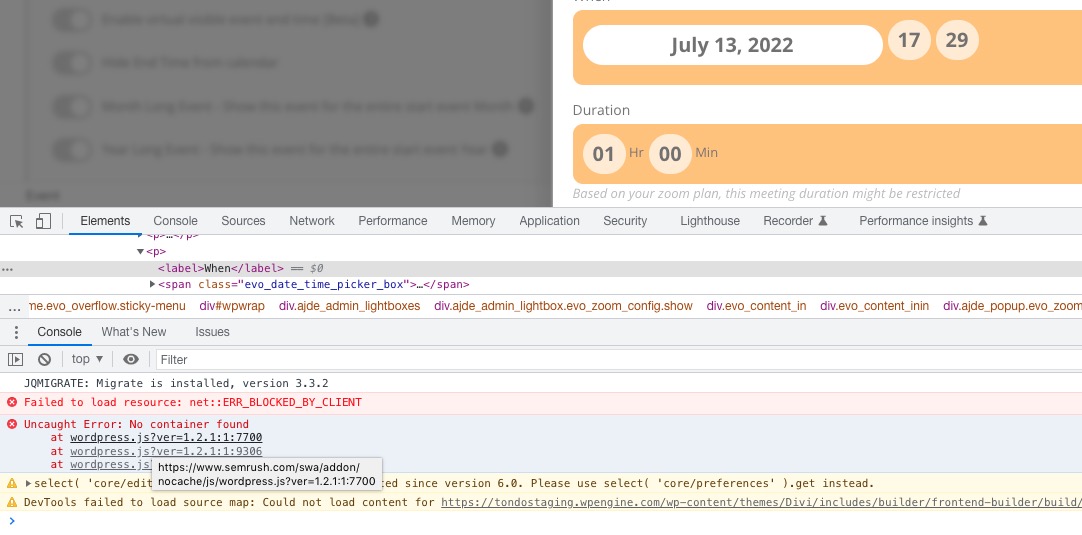
When you save an event, it increases event’s time every update:
https://tfltest.wellbeingontheweb.com/wp-admin/post.php?post=104650&action=edit (Publish it, now Draft).
Could you check?
Live now shortcode can be found here:
https://tfltest.wellbeingontheweb.com/calendar-test-page-i-e-f-r/
Hello,
Thank you for your messages, I am going to assign this ticket to Ashan and he will be able to take it from here and find you a solution. Please allow some time for him to get back to you, we greatly appreciate your patience and thank you for being a eventon customer! Also please disable any IP blocking on your site if there are any.
Update will be available soon. CodeCanyon will notify you when it’s ready.
By default in order to purchase multiple seats, you need to click on a seat > press “Add to Cart” > select another one > press “Add to Cart” > when done press “Buy Now”:
Also – this is for a theatre so we have multiple times and dates for the same show. Do I need to create separate seated events for all those options? Or is there another way to accomplish that within a single event listing?
It seems that you need to take a look at Bookings add-on:
https://www.myeventon.com/addons/bookings/
Try on https://dev.myeventon.com/wp-admin/
It seems to be working now:
Could you check?
After every update it is required to save settings, since we change a lot of things so some of them need be updated by re-saving the settings. Better yet, use EventON > Scripts & Styling > turn off Write styles to header > save settings > turn on Write styles to header.
But I am only be able to download Full Cal 1.1.3 in my account.