Hi Tom,
Thanks for reaching out. The credentials you have given out do not seem to work.
Please send us wp-admin access to your site as a private message for us to further assist your situation.
Replies for tickets on suppota
Hi Tom,
Thanks for reaching out. The credentials you have given out do not seem to work.
Please send us wp-admin access to your site as a private message for us to further assist your situation.
Hi Sheila,
You can change the icon colors using custom CSS, that is the only way to o it currently.
Hi Artem,
I have tried to download version 4.1 from CodeCanyon and it is still version 4.0.6. Are you sure version 4.1 is available?
Cheers,
Bronwyn
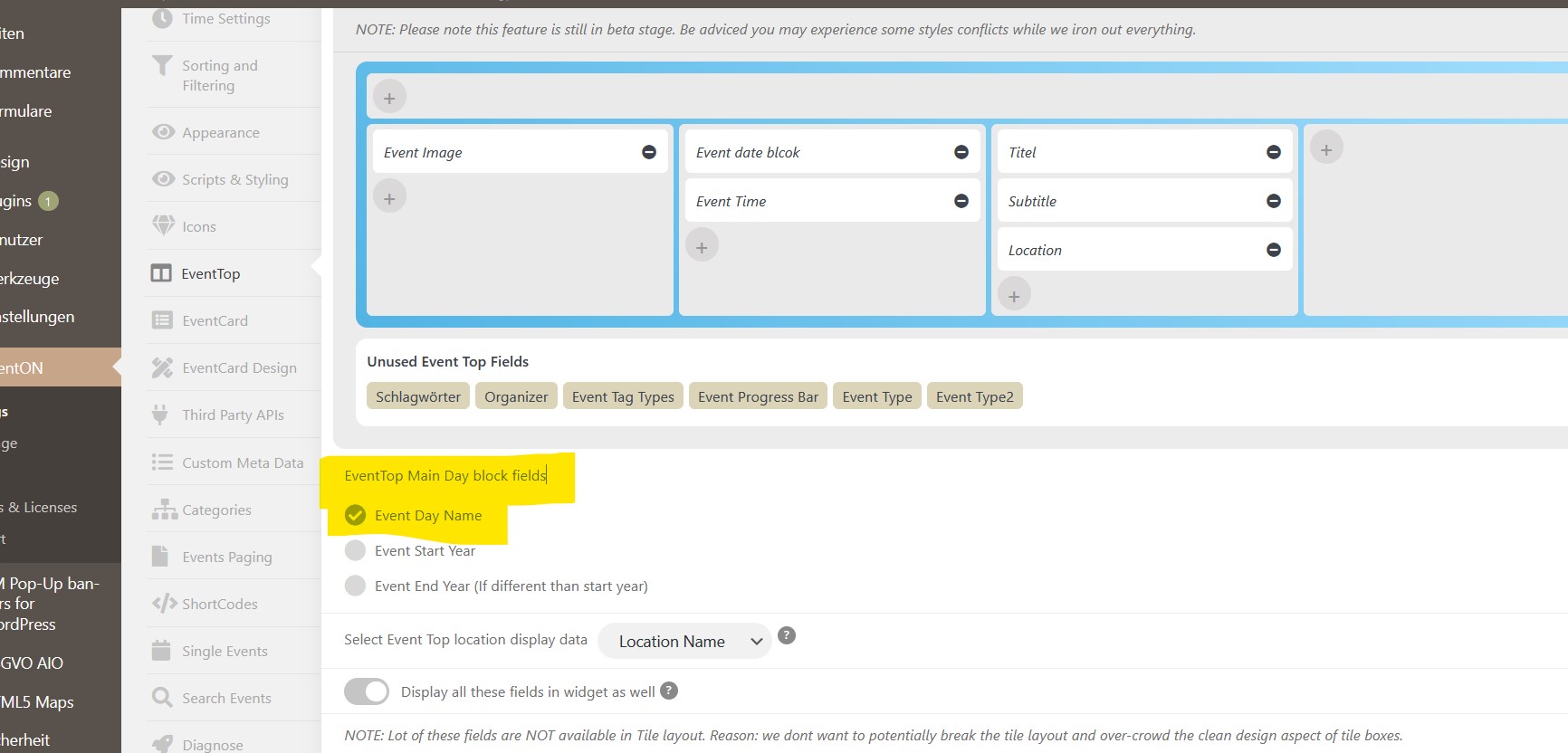
OK, thank you it will work. I had to activate checkbox “EventTop Main Day block fields > Event Day Name” and than it works. If not the error message will be shown.
Thanks
can you send a screenshot of where this is and i’ll get some custom css out to you
i can’t find it on your events
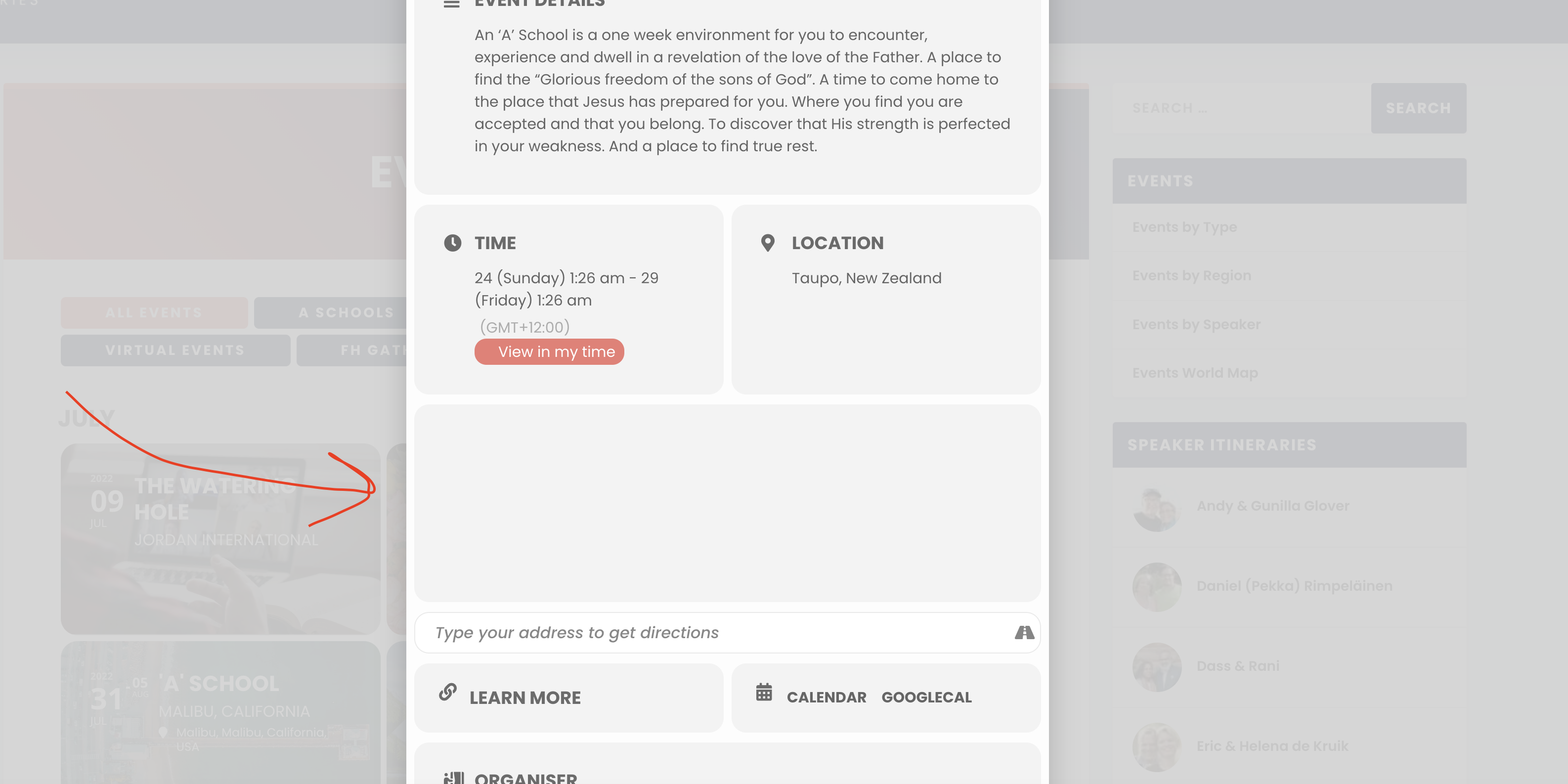
See here:
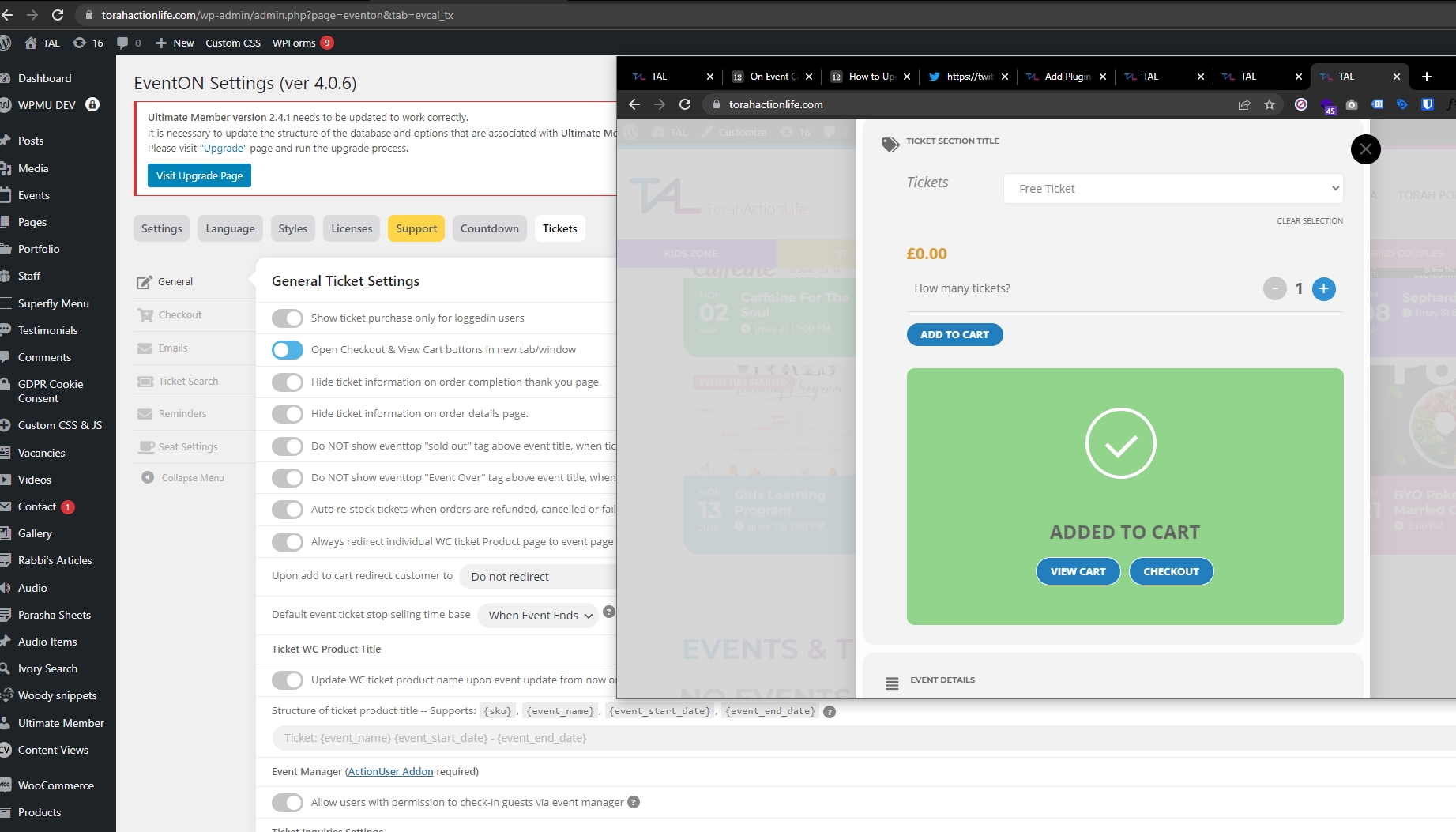
See attached,
Can this green box with checkout/cart button popup on its own and grey out the rest of the page?
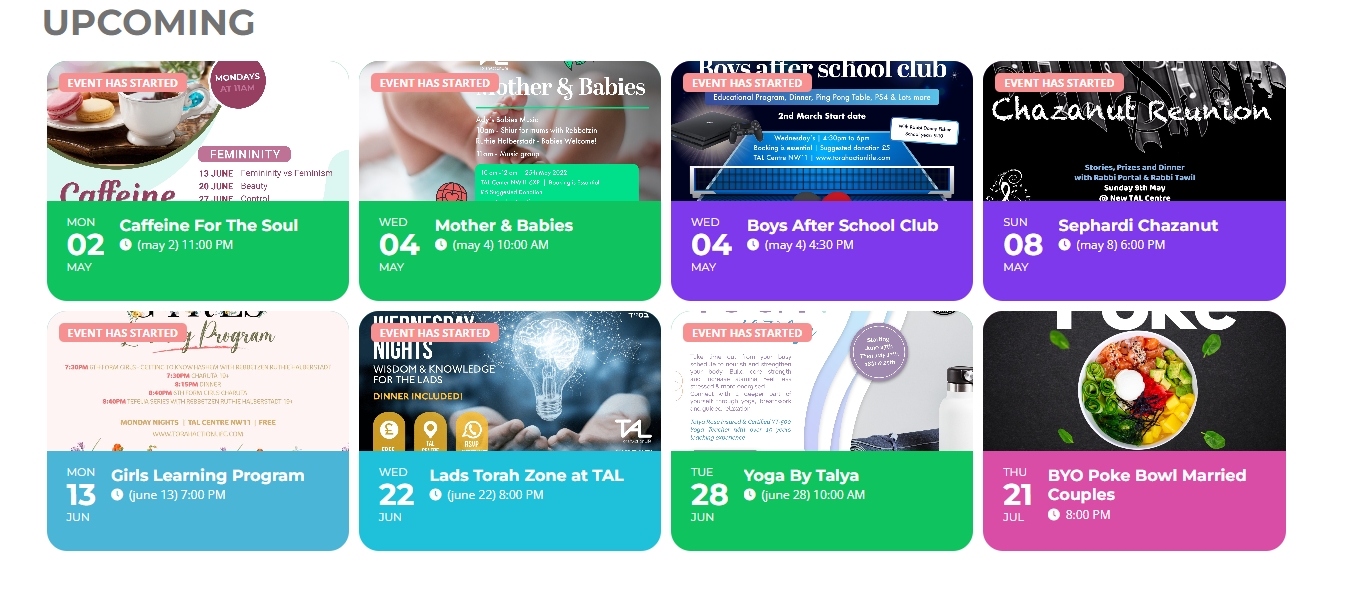
P.S.
I did not delete the original EventOn plugin
1) I disabled EventOn
2) I uploaded new EventOn 4.1
3) I selected replace current with uploaded version
4) I activated EventOn 4.1
5) I updated each addon in the same maner
Hi Artem,
I have updated Eventon to 4.1 and all plugins add-ons that where outdated.
The issue still persists, can you advise.
Great, thank you! I will do the update and test, and then let you know how it goes.