I have added the code as instructed, processed the import again. I have only included present and future events this time which cut the number down to 1691. (For reference – I don’t need the past events included.)
Seems to be stuck on 1325 out of 1691 events on import, but only 6 showing in events tab.
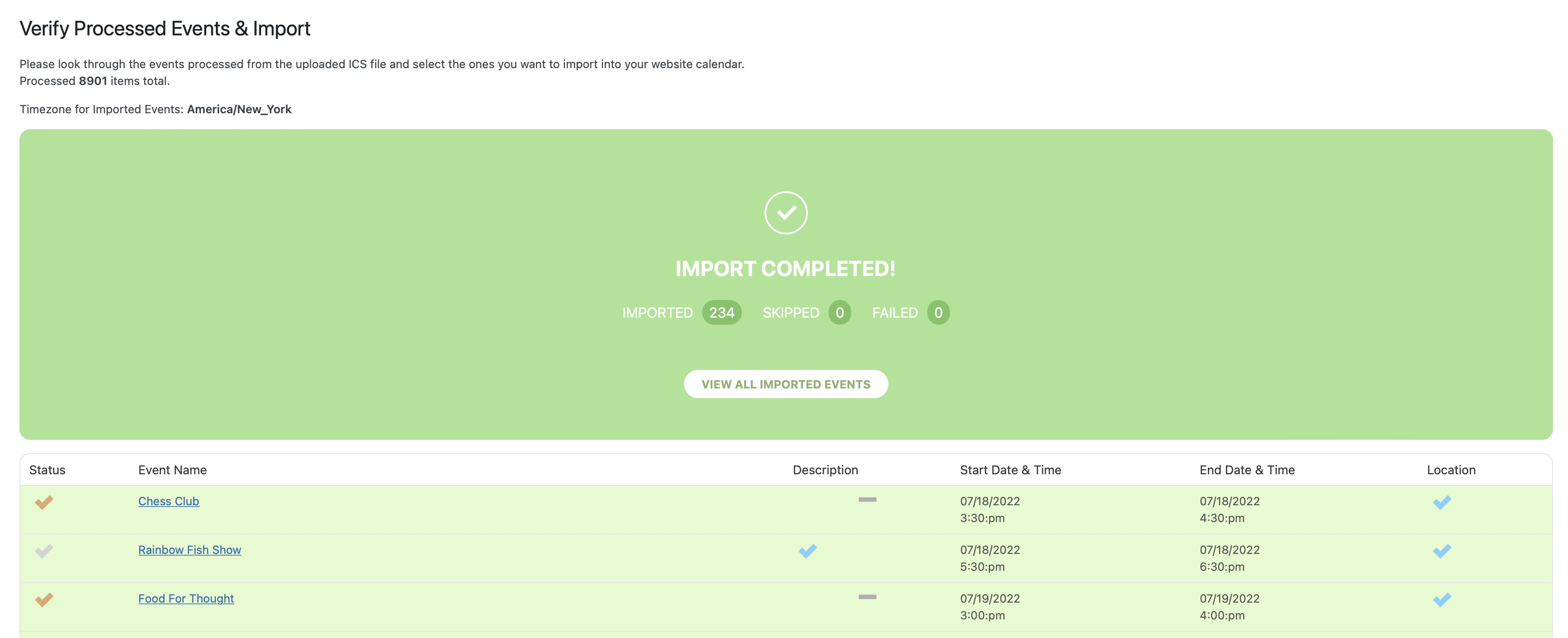
So I stopped it by refreshing page after 2 hours. Then I tried to process the import again, but deselected all events and only included events through the end of August. (234 total events). All events were processed. (Image Included). Still only 6 events showing in Events tab.
Also, if you need to change anything in the file system like adding any other code – I have the “File Manager” plugin install in WordPress that can access files like the wp-config.php file in the main directory.
Any thoughts? Not sure what to do next – very frustrating.
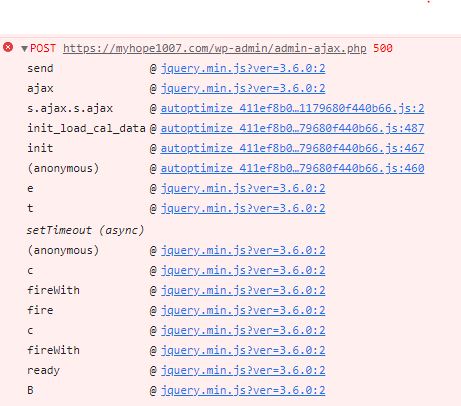
Attached is the Dev Tools error:
That is perfect! Thank you!
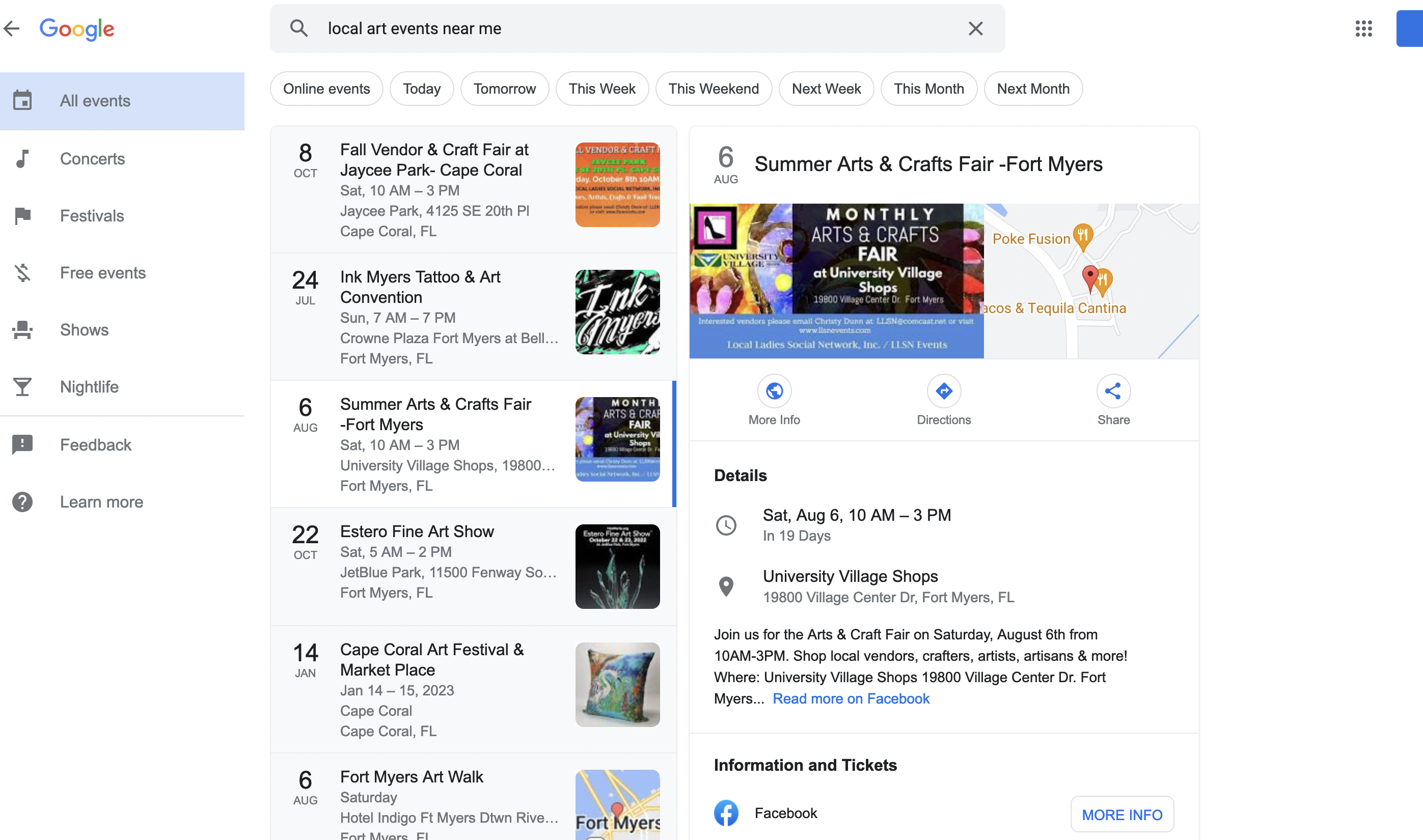
Screen Shot of google search result… I don’t the the above link is taking you to the correct result.
https://xzib.com/ninja
Ryan Eddy Lutz
wT)UNwnnmoasGcvVwL0yi4!Y
I have already tried with the 3 filters and:
- Selecting EVENTON CONTENT FILTER it breaks the single event page
- Selecting DEFAULT WORDPRESS FILTER it breaks the single event page
- Selecting NO FILTER does not show the form (shows the shortcode of the form).
I keep waiting for a solution.
Best regards,
Okay thanks for your answer. I understand that the plugin have changed since this old version 🙂 Is it possible to make some adjustements to the html strutcure ? Like adjust classes ?
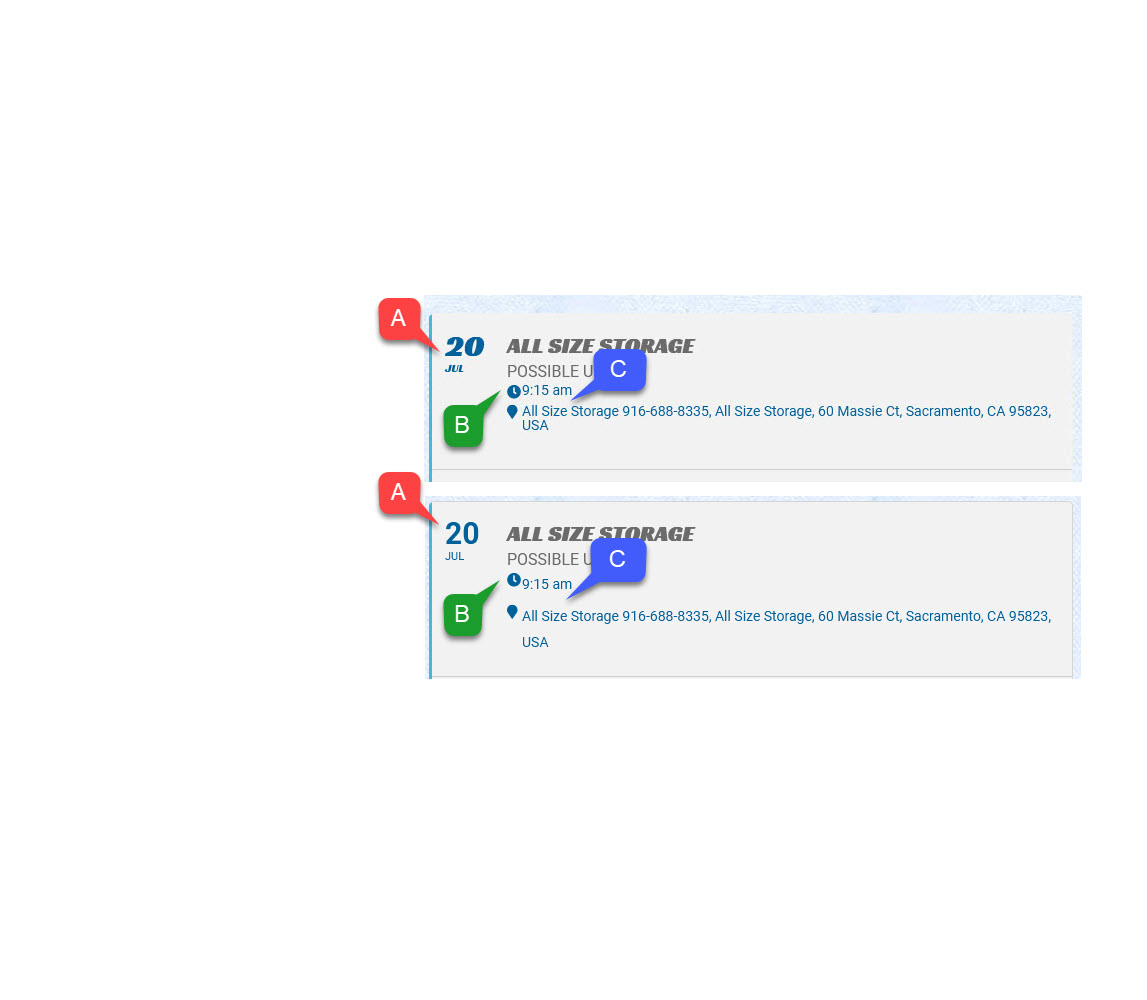
Thanks for the quick response! Your change did get it closer to the original layout, but there are still some differences in fonts and spacing. Please see the comparison… (A) Date font has changed. (B) Alignment of the small clock and location icons is off (C) Line spacing has increased.Do you have any guidance on getting these corrected? Perhaps there are new updating instructions that can be used to avoid this? I usually have problems like this when updating even when I follow the recommended update process.