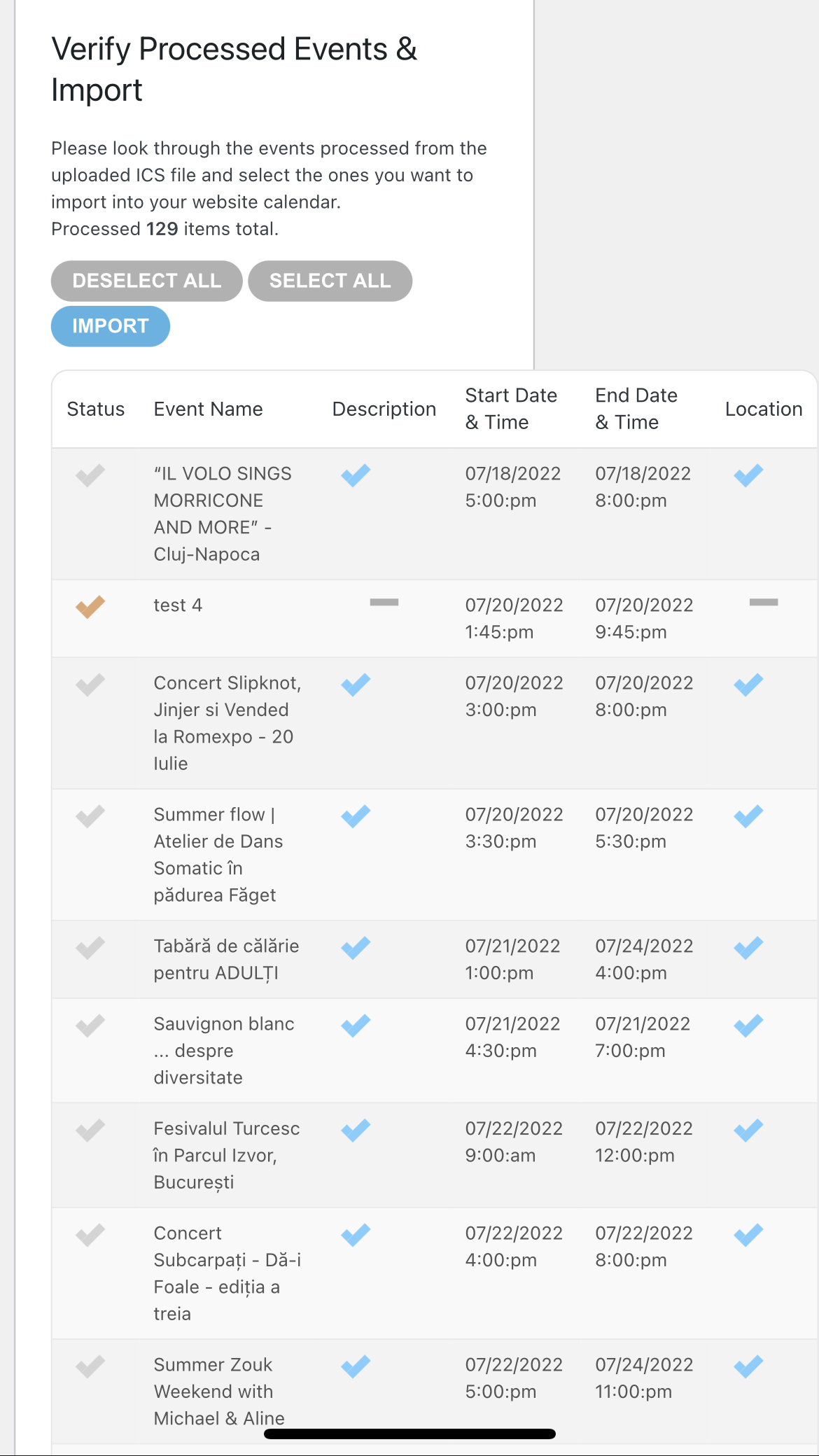
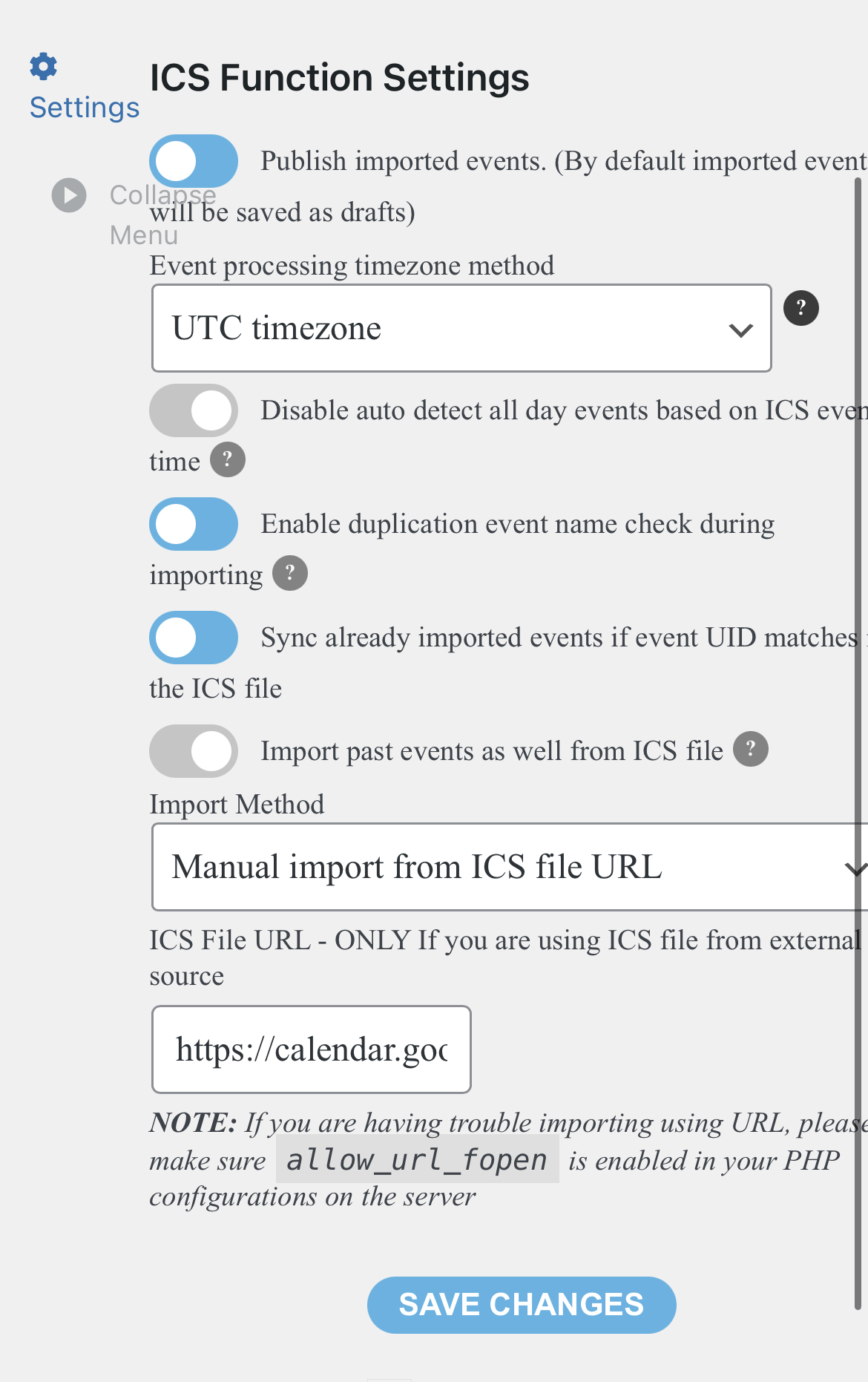
It seems that the number of events can be the issue.
Please follow the instructions in this documentation to activate debug, try to import, let us know so we can take a look at debug.log. If you are not able to do this please send us FTP access to your site so we can do this for you.
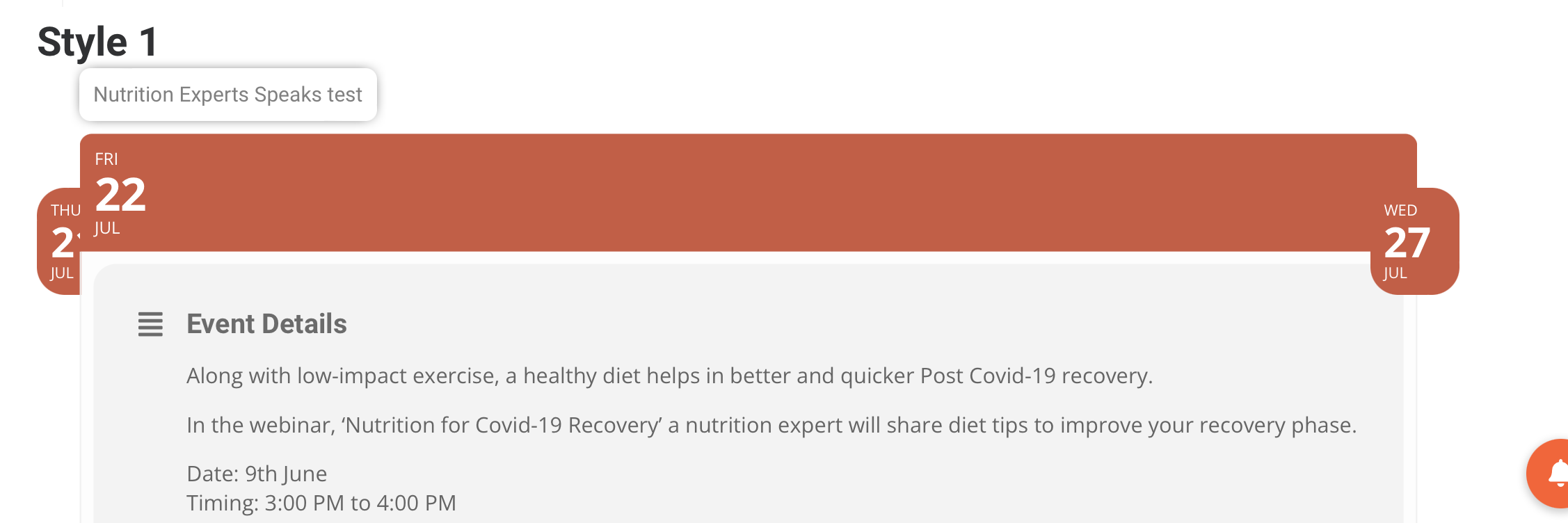
Hi ashan, provided can’t working properly shortcode ux-val=’3a’. Please refer the video below
Password for video: 18july@22
Events Title not showing 2.mov
It is now displayed next to – instead of on top of – the Event Name.
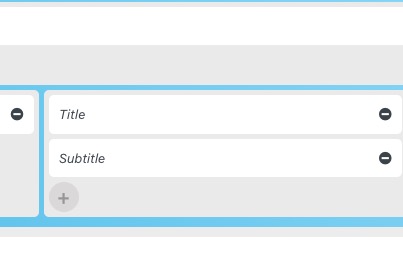
Please put it into the third column above Title:
Also, the “view in my time” is too high.
Please add this CSS code to EventON > Styles (If you don’t see any change, EventON > Scripts & Styling > turn off Write styles to header > save settings > turn on Write styles to header):
.eventon_list_event .evcal_desc em.evo_mytime { margin-top: 6px !important; }
Hello.
I also send the wp admin acces if what I sent now is not enough,
https://calendar.google.com/calendar/ical/emmcag6aroduef2u3sgf7j5084%40group.calendar.google.com/private-5b090d4b88d34696530e3b0513f7beea/basic.ics
Hello,
Please check for latest version of this software from here Your issue might be related to an older version you are running and we might have resolved this already in the newer version update. If you are on latest version of our software and the issue still persist please let us know.
To update eventon addons: You can download latest eventon addons from myeventon > my account. Then you can go to your website, deactivate old addon and install new one and activate then delete the old addon. This link will further explain the process. Also you can follow us on twitter to get real-time announcements on updates!
I don’t think that Physical tag was ever visible, since every event is physical by default.
Hello,
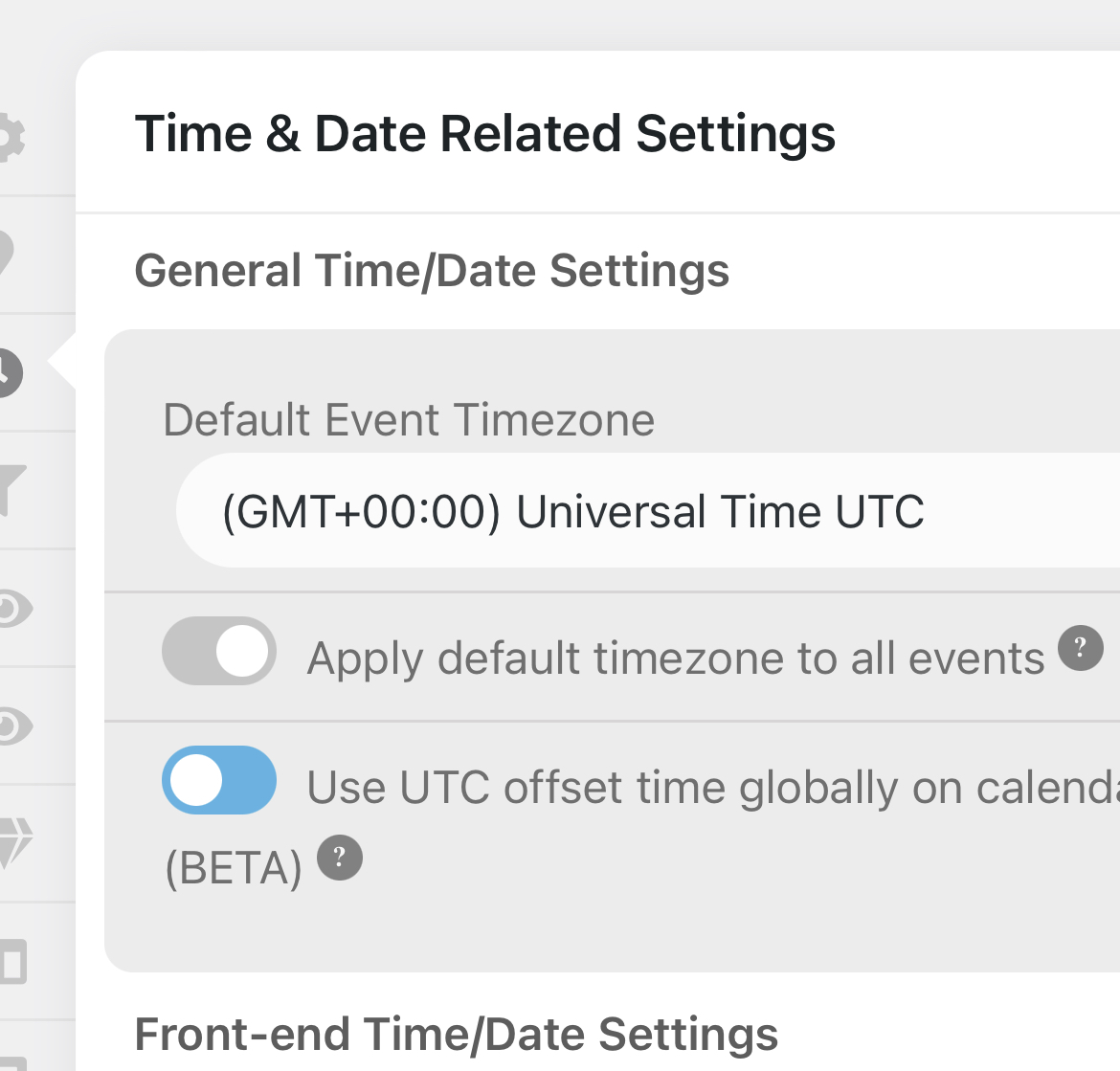
As a temporary solution please go to EventON > EventTop > EventTop Main Day block fields > enable Event Day Name or any other you like.