Hi, Thanks, I updated and it worked.
About the EVENTON API, I will be waiting such solution.
Just FYI: there are no IP blocked, as ALWAYS you can access with desktop browser but you can`t access with mobile browser. Very strange thing.
Please, I have another question-problem:
I can`t find anywehere, at which URL or setting, could I change the name of the DAYS ( S M T W T F S ) to SPANISH ( D L M M J V S) in the YEAR CAL VIEW addon, for example at:
https://calendario.elcampo.com/agenda-2022/
As each date name (the first letter) appears in english, as I have set everything in spanish.
Please let me know where could I change such letter. Thanks.
Problem solved: the parent container was a text container; I can either zero out the typeface and line height size or change to an unformatted Code container in Divi – both solutions work.
https://paneurhythmy.dance/wp-admin/
admin-pan
u%ODn9@HD8
hi, done but not changing
https://paneurhythmy.dance
to you need login where should i put?
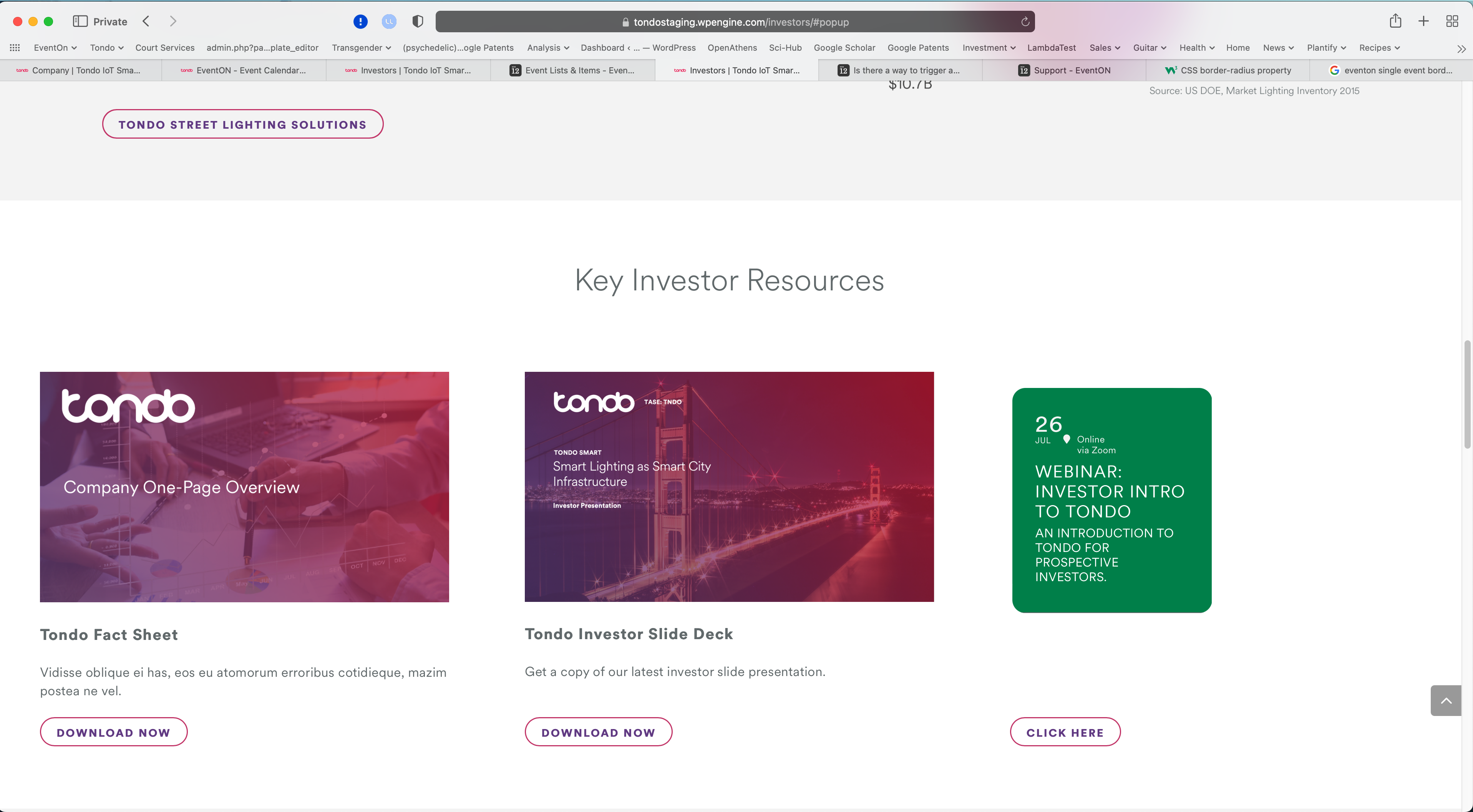
OK I’ve solved most of this through correct shortcode configuration and CSS targeting:
[add_single_eventon id=”237683″ ev_uxval=”3″ hide_et_tl=”yes” hide_et_tags=”yes” hide_et_dn=”yes” hide_et_extra=”yes” tiles=”yes” tile_height=”299″]
.page-id-764 #eventon-single-card .ajde_evcal_calendar.boxy.box_2 .eventon_list_event, .ajde_evcal_calendar.boxy.box_2 .evoShow_more_events {
width: 100%;
border-radius: 0px 0 0 0px;
padding-top: 0;
margin-top: 0;
}
However, I still can’t find the padding or margin that is creating a gap at the top. Can you point me in the right direction here?
Yes, I think you are referring to the “NitroPack” plugin and I disabled it and tested and it didn’t make any difference.
The temporary fix definitely looks like it’s working like it should now. I guess let me know you find anything else, but the way the home page looks now is correct. I went in and added the second screen for both dates and it’s displaying like it should.
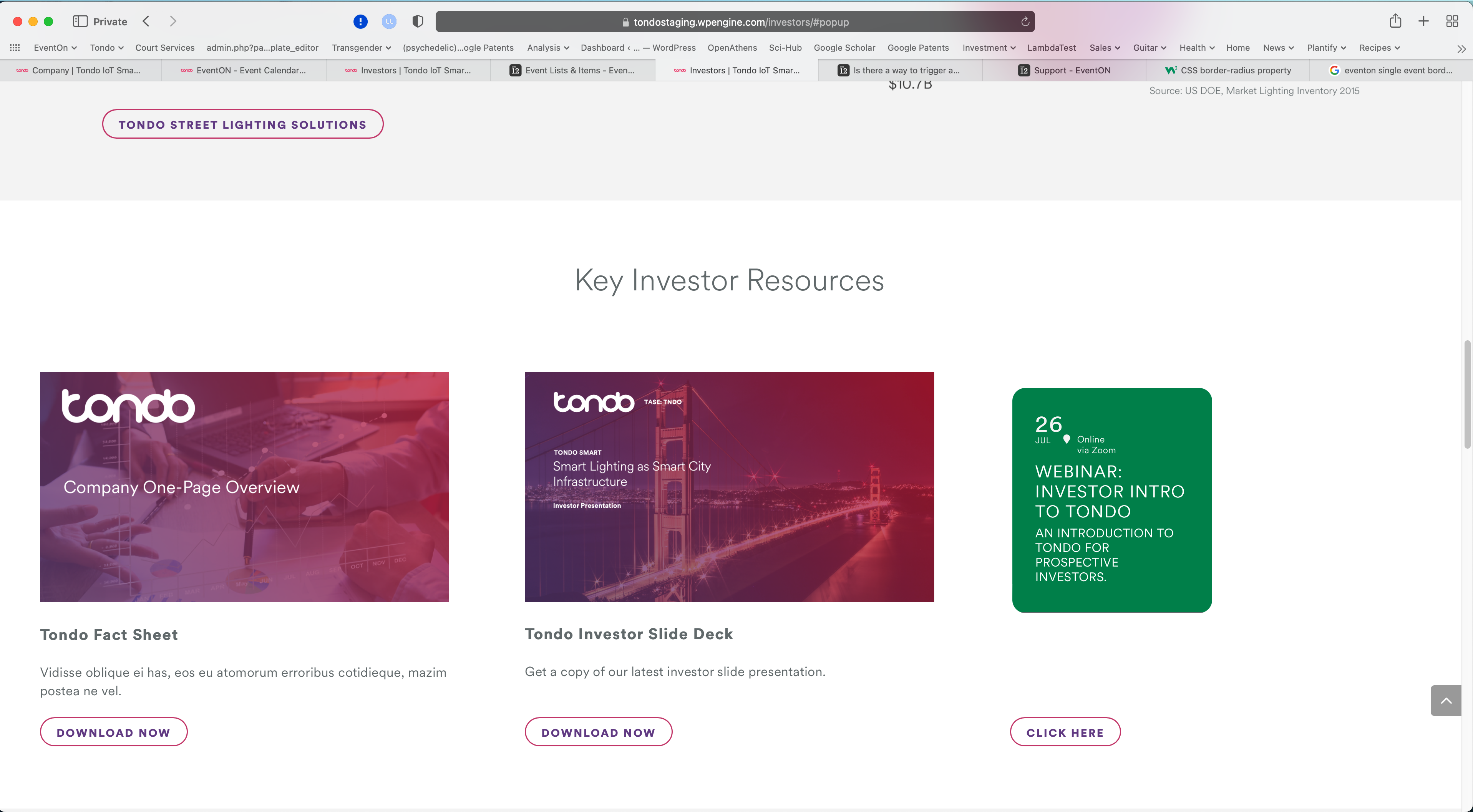
For your reference, attached is the current default appearance of the EventOn Single Event card without my manual HTML/CSS modifications in the rendered page.
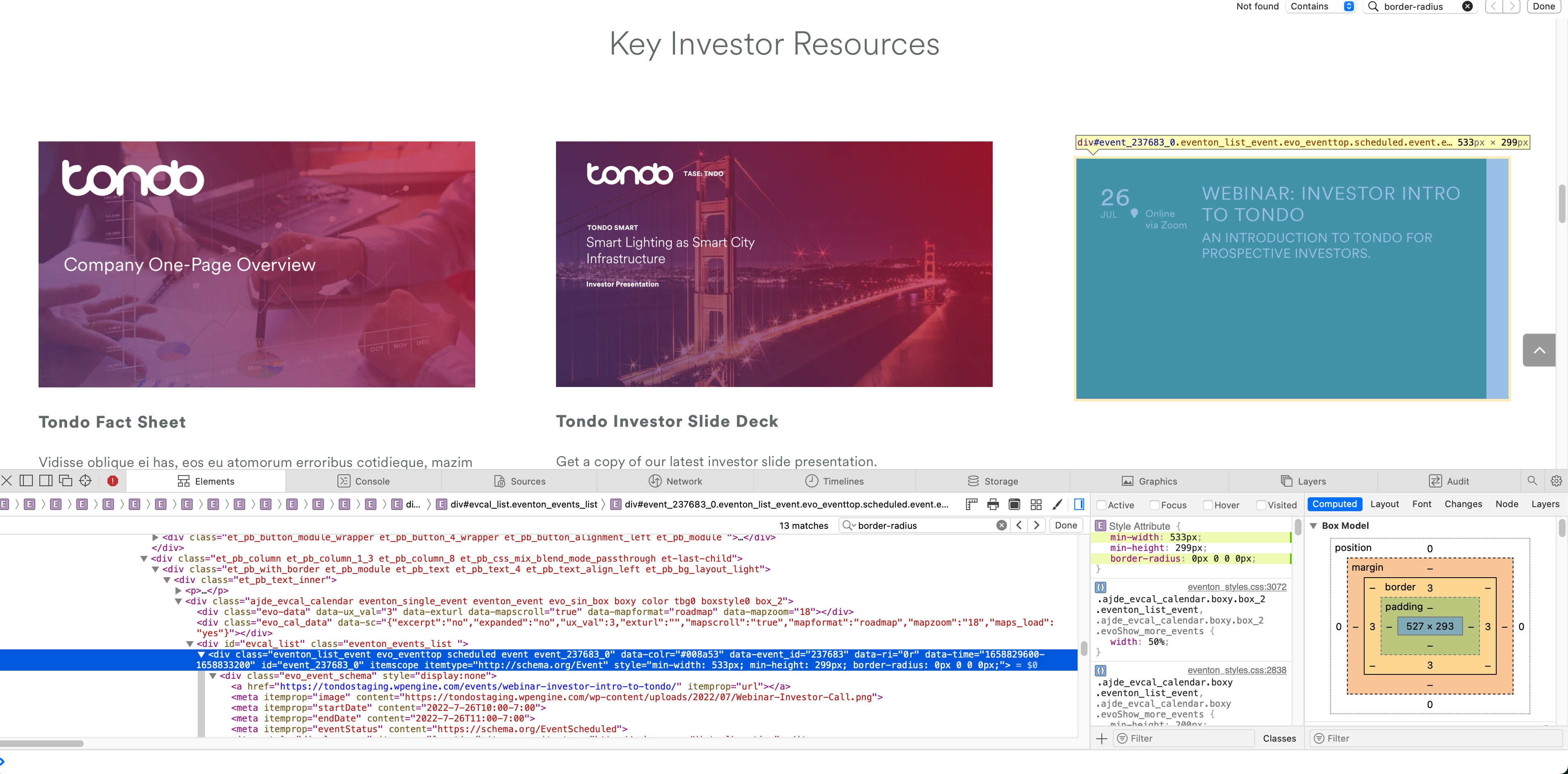
Here is an image showing the element I’m targeting. All I need to do is force this for this particular element (not site-wide).
In this example, I’ve changed border-radius, width, and height to my desired sizes from the defaults. There seems to be a padding on the EventOn Single Event element that I can’t find as well – I’d like to eliminate the top padding for that element so it lines up with the rest of the cards in the row. Let me know what you think on that as well.
Thanks for your help with my questions. I moved to EventOn from The Events Calendar solution because their support policies are terrible, and their product functionality is nowhere near the functionality of EventOn. I’m not sure why some people think their solution is #1 in the market, but I expect if that is the case now, that it won’t be for long. Keep up the great work!
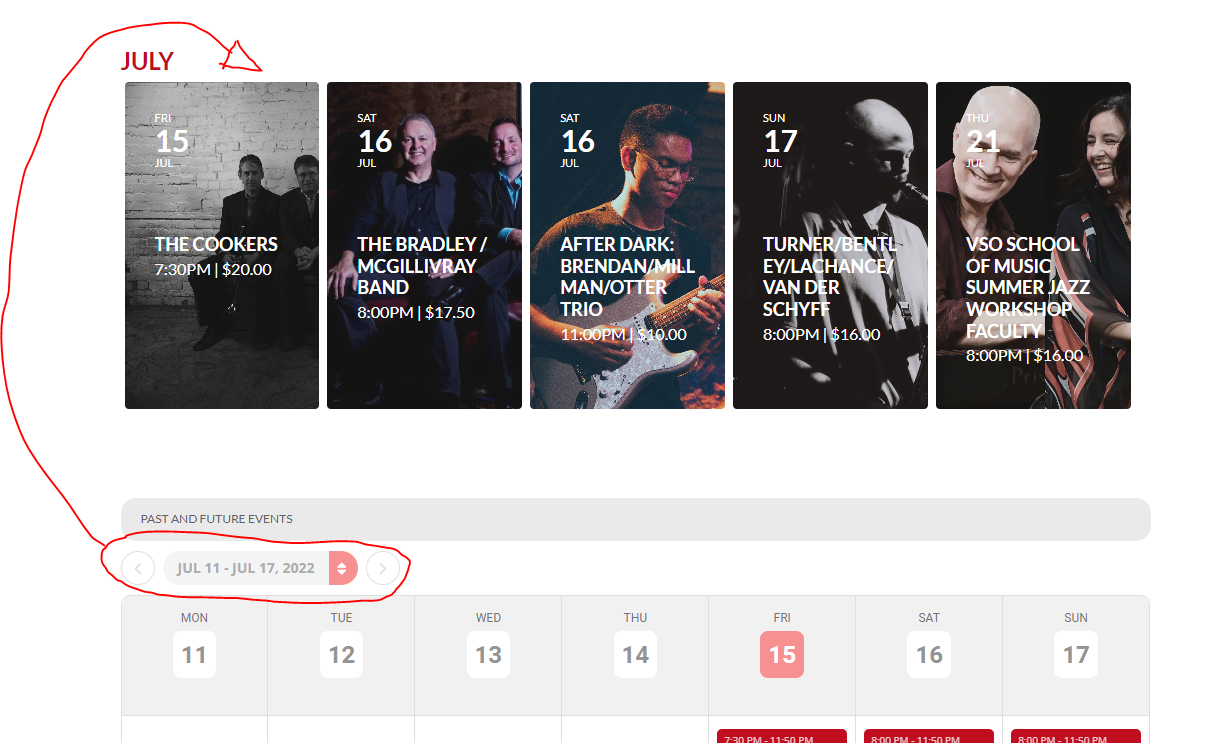
See in image attached what I am wanting to do. Thanks!