we just released version4.1.1 which resolve this error.
Archives: Replies
Replies for tickets on suppota
Reply to: tickets(282027)
Yes, I will like to see multiple months at once?
Reply to: tickets(282356)
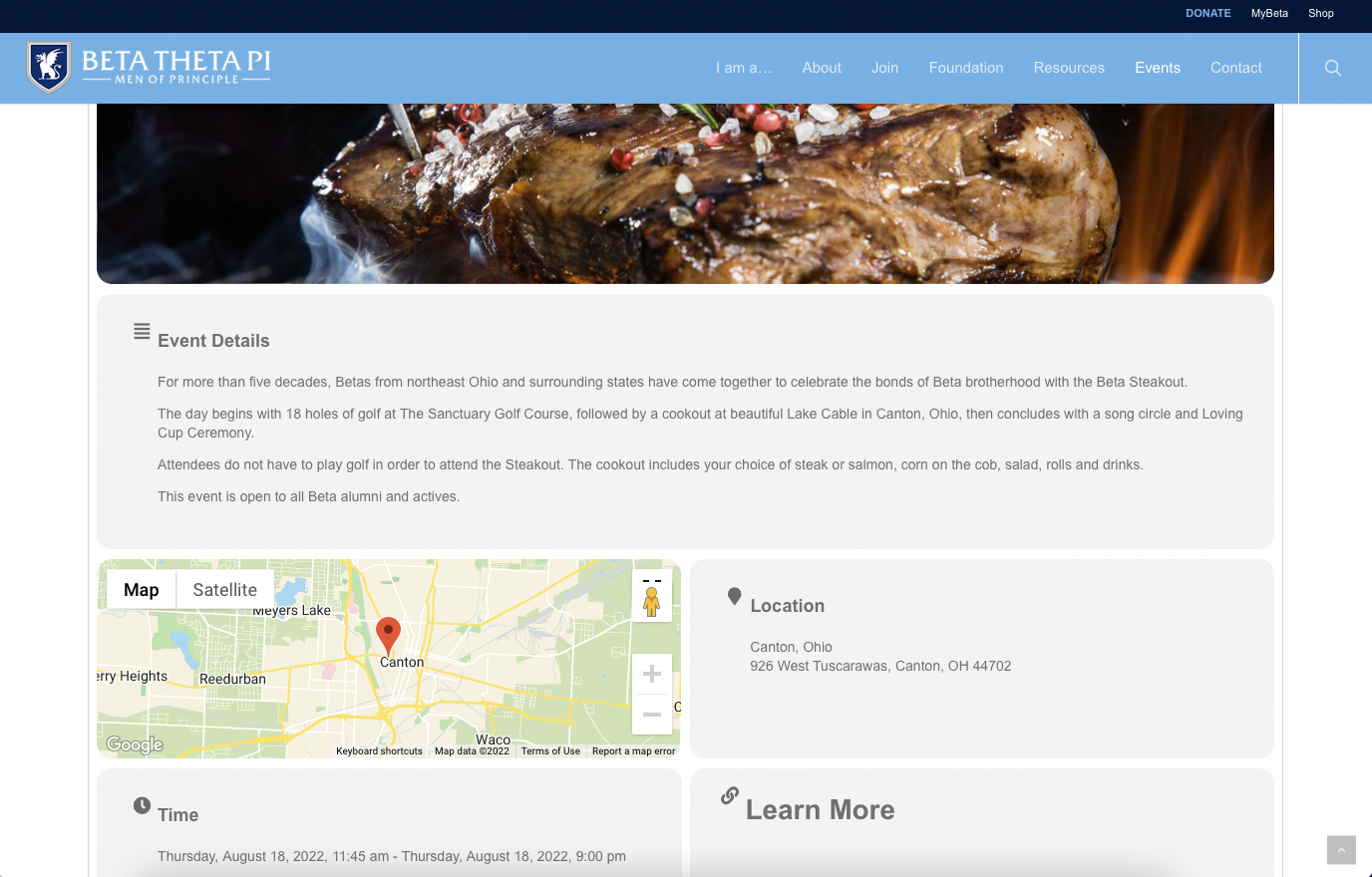
And here’s an example of where it is working. I’ve given you admin access. Hopefully, you can figure out what’s wrong. Thank you in advance.
Reply to: tickets(282356)
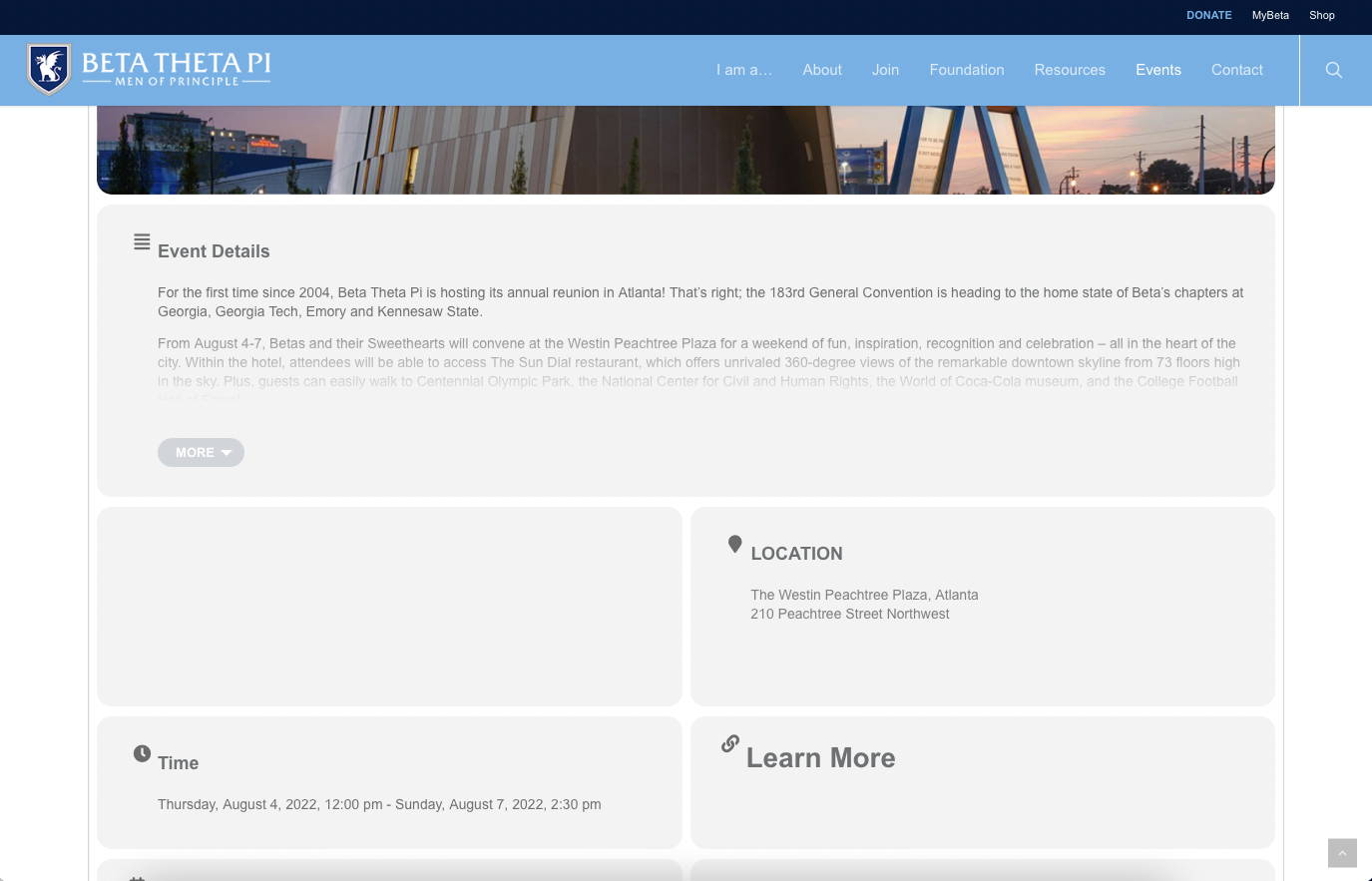
Here’s an example of Google Maps not working
Reply to: tickets(282306)
Plugin update. Sorry for the confusion, I wasn’t clear.
Here is the ticket I saw… https://helpdesk.ashanjay.com/ticket/after-updating-eventon-the-default-primary-calendar-font-family-is-shown/ On my site, it shows default colors and fonts. My customizations are all still there under Settings > Appearance, I just have to click Save and the styling takes my customizations again.
Reply to: tickets(281854)
Thanks, but please, I need new version. Please send me an email as soon as it get updated.
I have just updated the plugin to 4.1.1 and now the single event page, works with the PLAN
But you can see that the MAP doesn`t work here:
https://calendario.elcampo.com/argentina/
where I list ALL EVENTS in a month.
Reply to: tickets(281067)
I don’t see Events, EventON Settings. Could you give us more access?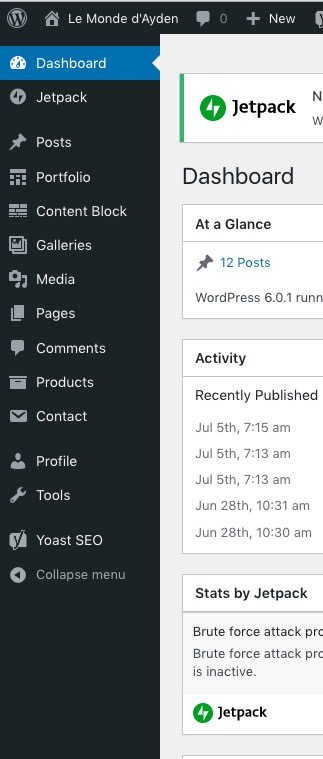
Reply to: tickets(281854)
We are working on fixing this issue. Get back to you ASAP with more updates.
You can downgrade EventON to 4.0.6:
https://helpdeskx.s3.amazonaws.com/wp-content/uploads/2022/07/12041321/eventON-32.zip
Reply to: tickets(282306)
Hello,
…after each update.
After each plugin update or style change (EventON Settings > Appearance)?
…like this is a known bug.
Could you send us a link to a ticket?
Reply to: tickets(282307)
Hello,
Captcha is available. Go to EventON > Action User > Form Fields > enable FORM HUMAN SUBMISSION VALIDATION.
Also try Action User > Restrict only one event submission per user.
Please also try installing Wordfence or similar security plugin.