Please try with password:
Dent4L#2022#MAR
Replies for tickets on suppota
Please try with password:
Dent4L#2022#MAR
Hello,
Please navigate to Eventon > Settings > Time Settings and enable Use UTC offset time globally on calendars (BETA)?
Let us know if that fixes the issue.
Hello,
The credentials you have given do not seem to work. Kindly check if they are working on your end.
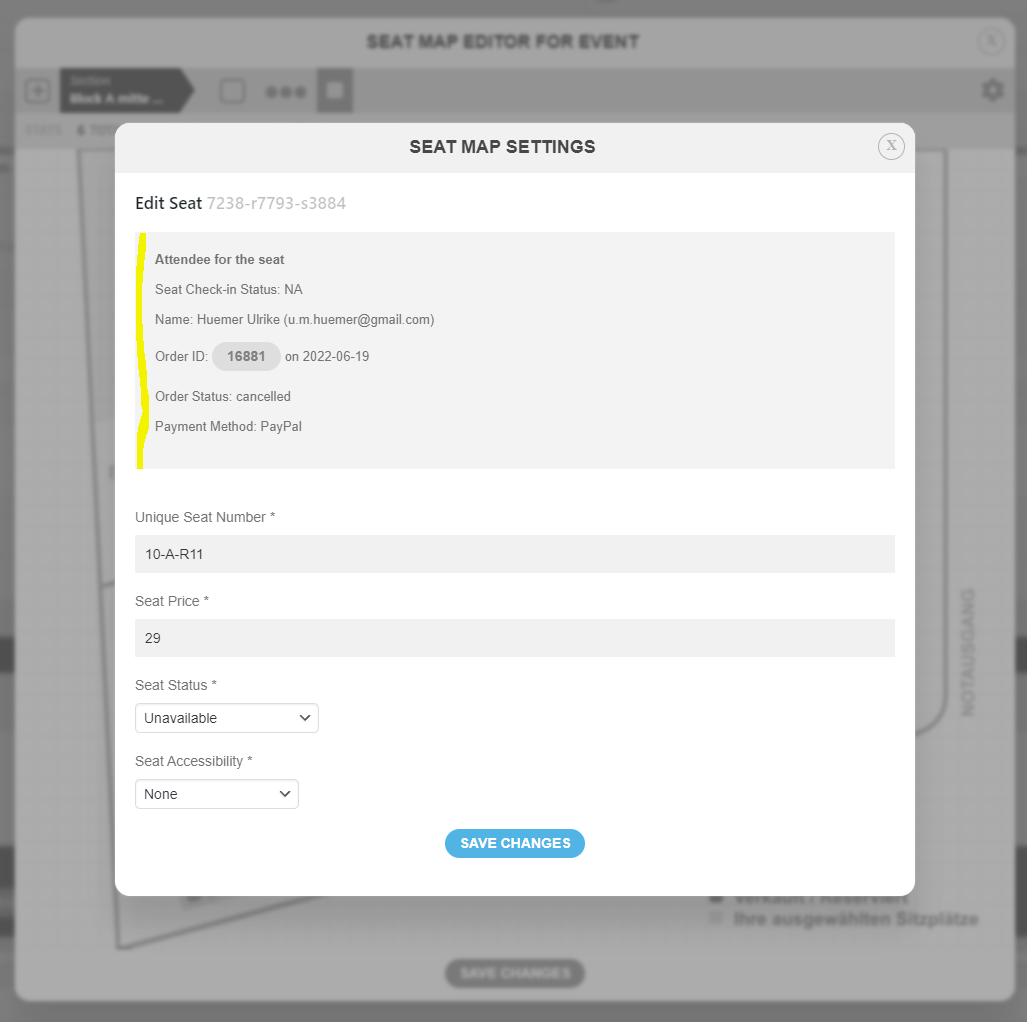
Hi!
I was talking about the seat map here. The first user shows up with the correct status, even though they canceled the ticket an another user booked the seat again.
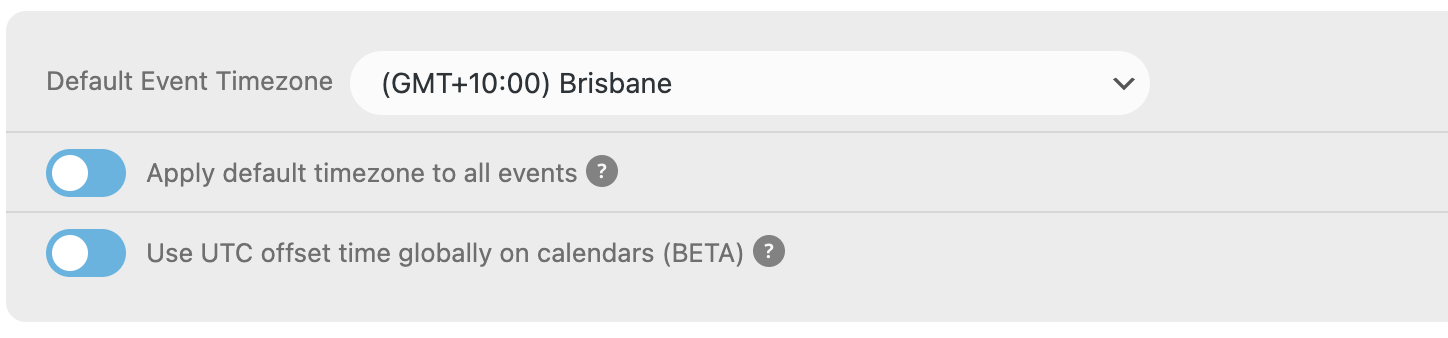
Hi,
Thank you for coming back to me so quickly.
The UTC Offset time globally on calendars (BETA) option was already enabled when I created these appointments. (See below). And the times are still incorrect on the calendar invite, yet they are correct on the GoogleCal.
Also, is there a way to include the Zoom link inside the calendar invite?

PS how do you change the heading name of the calendar which just say name of month too?
Thanks heaps,
I have updated now and can see all filters. while I am here, is there an easy way to set desktop to 3 tiles and iPad to 2 tiles as the text is getting cut off on iPad ? on iPhone it is 1 wide by default which is great but pain on iPad at 3 tiles
Thank you very much! 🙂
hi Artem,
thank you so much for your response! Just to avoid a misunderstanding, customers should be able to buy tickets in my store even if the stock is 0 or less. Usually I used a woocommerce backorder feature for this, which allows for customers to make orders even if the product is not currently available. It would be great either to fix the compatibility with this WC feature or add some checkbox to the event where I can define the backorders.
Thanks a lot in advance,
Olga
Hello,
Your version of EventON is quite old. The latest version allows you to click on “All” to select/deselect all available categories.
Try here:
https://dev2.myeventon.com/30771-2/
To update eventon to latest version: If you are unable to do autoupdate, you can go to codecanyon your account > download and get the latest eventon version as zip file. Then you can go to your website, deactivate old eventon, activate (Do not delete eventon settings & data when EventON is uninstalled) from eventon settings, delete old eventon, install new one and activate. This link will further explain the process it. Also you can follow us on twitter to get real-time announcements on updates!