Hello,
Your server’s timezone is Los Angeles: https://www.chef-julia.com/wp-admin/options-general.php
Shouldn’t it be Texas?
Please note that you can change event’s timezone independently from Edit Event > Event Timezone:
https://www.chef-julia.com/wp-admin/post.php?post=324509&action=edit
Could you also go to EventON > Time Settings > enable Use UTC offset time globally on calendars (BETA)?
Hello,
Could you resend us the screenshot?
It seems that you need use WeeklyView add-on:
https://www.myeventon.com/addons/weekly-view/
The thing is that you’ll have to customize it quite extensively.
Try on https://dev.myeventon.com/wp-admin/
Hello,
Could you elaborate more?
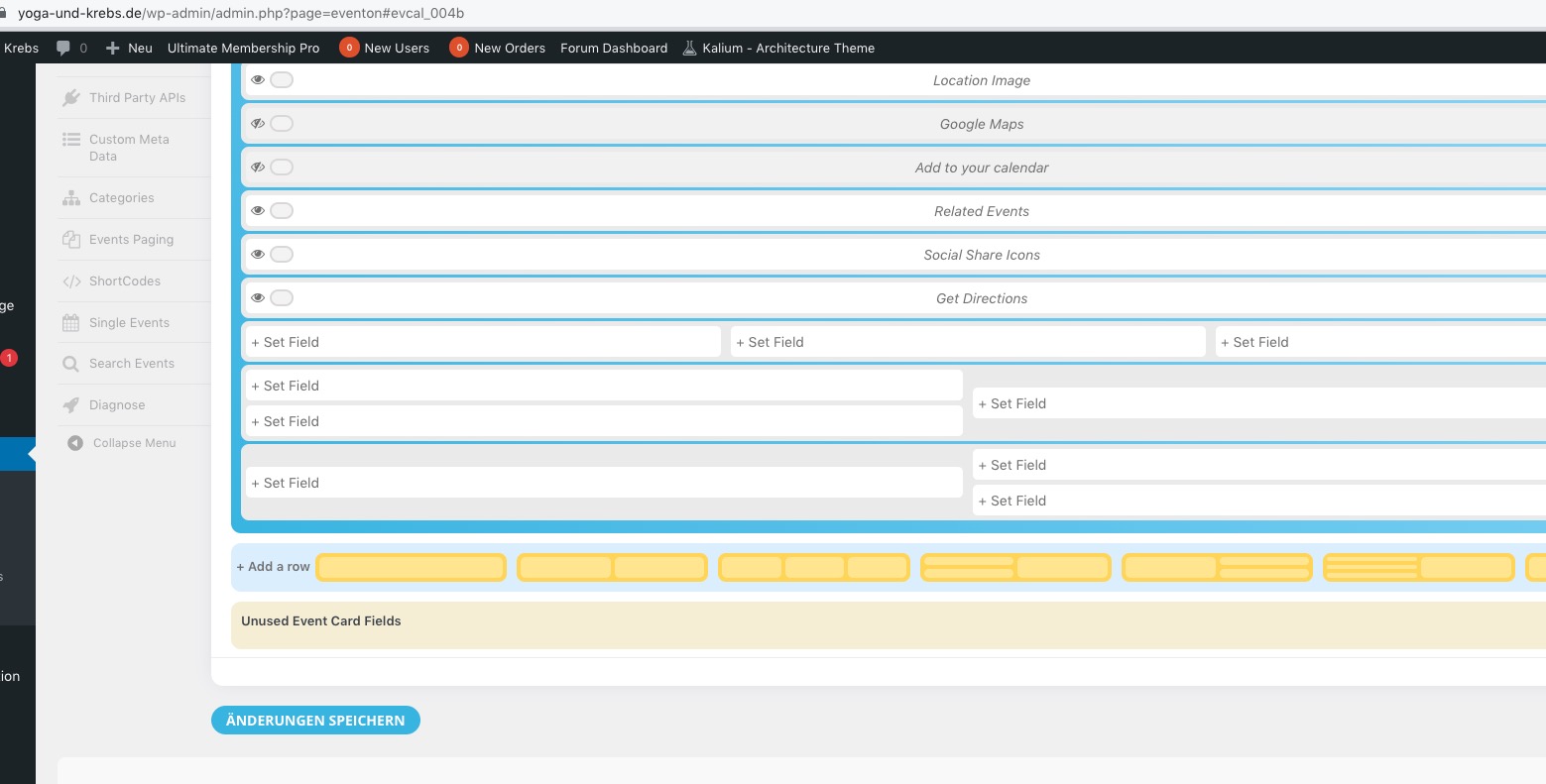
Please note that you cannot add empty rows, they always must have some kind of content inside.
So after save these empty rows will disappear:
My goal is to make it look like this:
1: we used to but not anymore- too many headaches for both sides- so we don’t do it anymore.
2: to clarify- when you say RSVP- they are registering for the event for free?
if so
a combination of tickets and RSVP addon would work
the rsvp addon would be set so that only user free can RSVP- but user paid cannot rsvp- there would also be tickets on the event via the tickets addon
you can have a look https://dev.myeventon.com/wp-login.php
and the rsvp setting https://dev.myeventon.com/wp-admin/admin.php?page=eventon&tab=evcal_rs
if you have user types they will appear in the list above
I found this world time buddy.
https://www.worldtimebuddy.com/gmt-to-cst-converter
Is there a way to set my timer to Texas time, Central. or how do I make my event be on track with central time and not the GMT time zone?
:). thank you for your help.
Thank you for your messages, I am going to assign this ticket to Ashan. Please allow some time for him to get back to you, we greatly appreciate your patience and thank you for being a eventon customer!
Hello,
This is because the theme or a third-party plugin that adds their own copy of FontAwesome icons on a page.
Please add the CSS code from this link to EventON > Styles (If you don’t see any change, EventON > Scripts & Styling > turn off Write styles to header > save settings > turn on Write styles to header):
https://pastebin.com/Bi24GSws
The email is Tim@dunelandmedia.com