Thank you for your messages, I am going to assign this ticket to Ashan and he will be able to take it from here and find you a solution. Please allow some time for him to get back to you, we greatly appreciate your patience and thank you for being a eventon customer! Also please disable any IP blocking on your site if there are any.
Archives: Replies
Replies for tickets on suppota
Reply to: tickets(394539)
I only see “No access information available.”. Could you check?
After you enabled WPML and created translated versions for each Event, you need to make sure that you also added wpml_l1, wpml_l2 and so on to your shortcode, so when users go through your website, they can open events from calendars that provides the correct URL.
Please make sure to provide us with the correct login details, so I can create an example for you.
Reply to: tickets(394441)
I will need your email to create the user. i can’t give you access to my work email. I asked you for an email so that you can receive the authentication code.
Please provide me for any support email so that you can access wordpress.
Thanks.
Reply to: tickets(390018)
Perfect! Please keep us updated.
Reply to: tickets(394606)
Hello,
Past repeats are hidden by default, I believe:
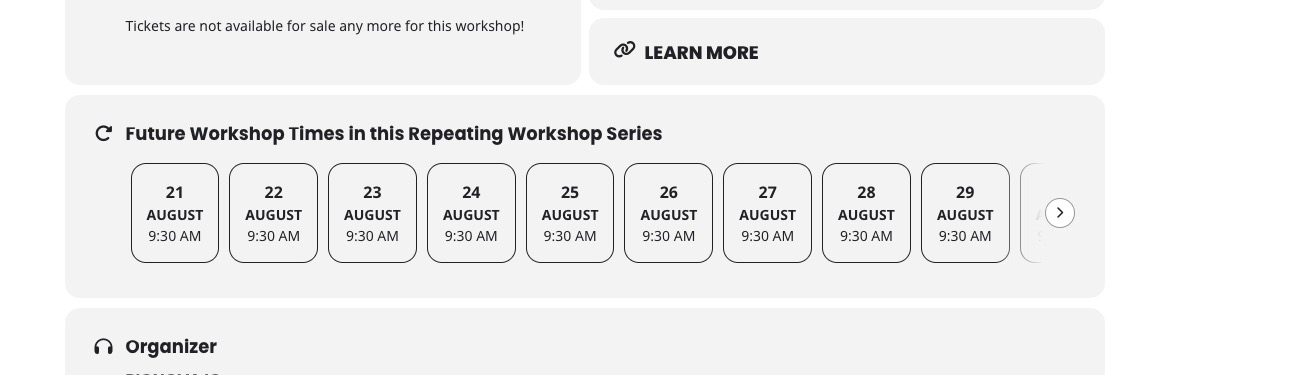
Could you check and let me know?
Reply to: tickets(394607)
Hello,
I just added this event:
https://leopoldsporties.com/wp-admin/post.php?post=7378&action=edit
And the website is loading correctly.
Do I need to go to a certain part of the website?
Please follow the instructions in this documentation to activate debug in your site to see any PHP errors recorded that can provide insight on to whats going on. Please reply with a link to debug.log file. If you are not able to do this please send us FTP access to your site so we can do this for you.
Reply to: tickets(393543)
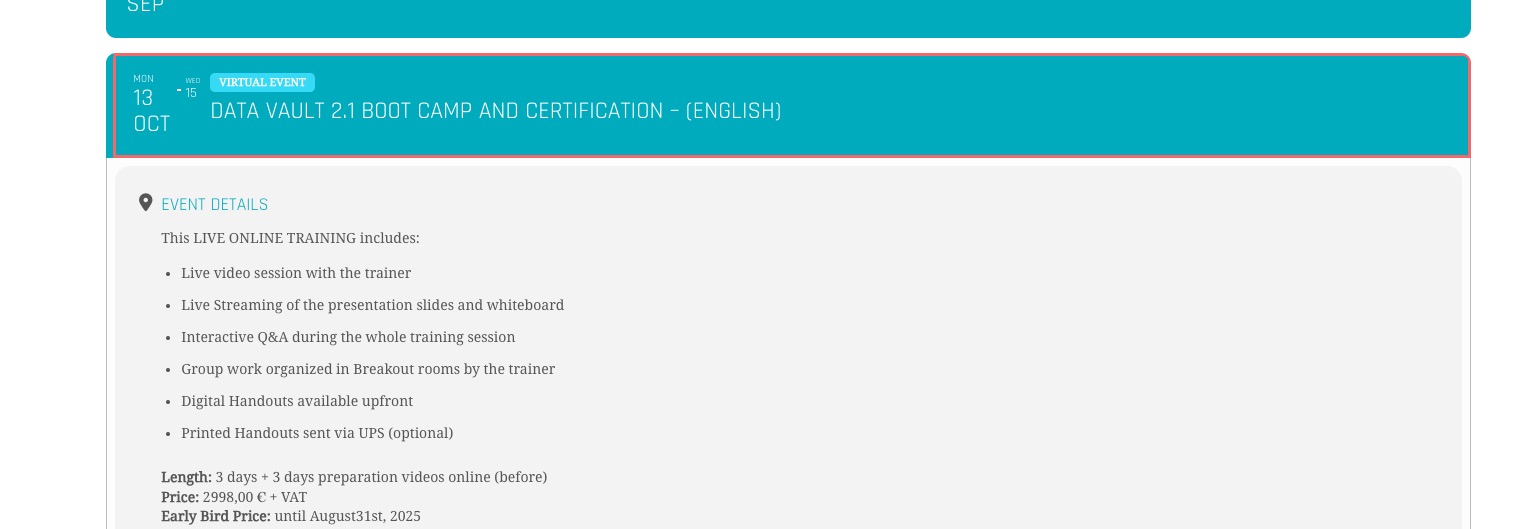
I just re-checked the issue and could you try manually clearing your browser cache.
No issues on my side when I click on
Reply to: tickets(393543)
Thank you for letting us know! Ashan will check this ASAP.
Reply to: tickets(394442)
Timezone is empty:
https://www.xtra-news.eu/wp-admin/post.php?post=1906&action=edit
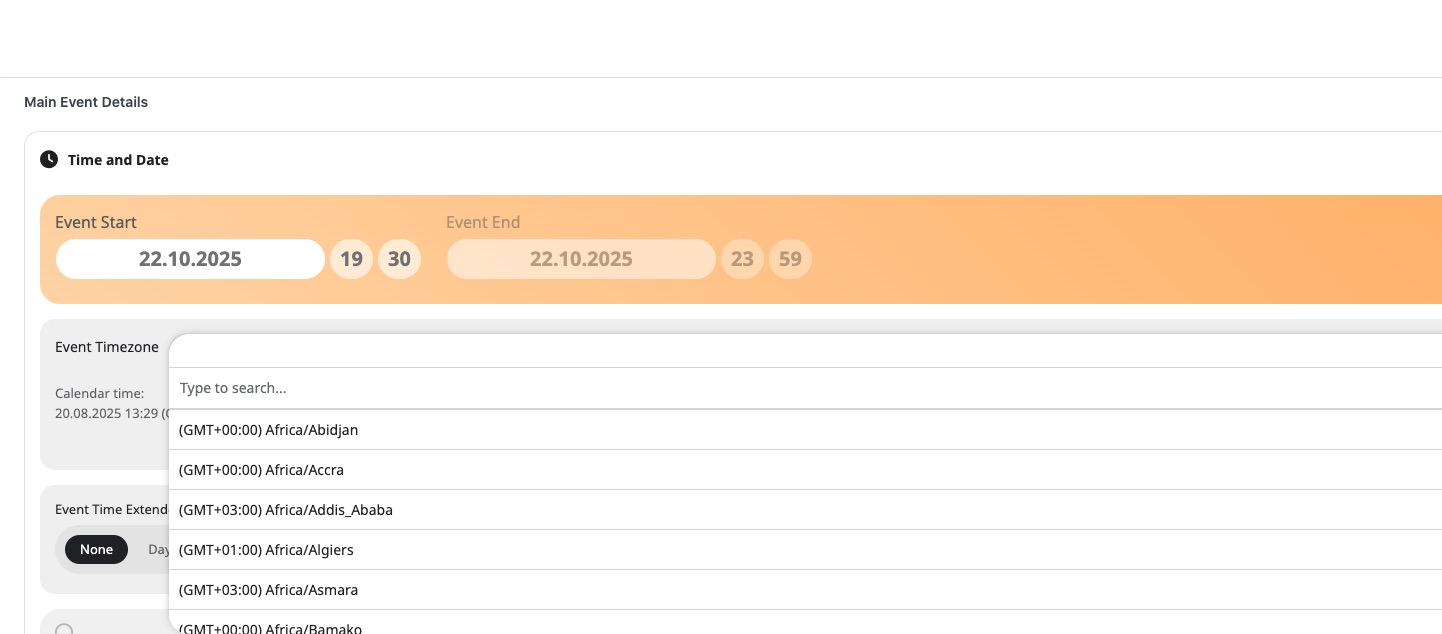
The Vienna timezone is correct, please just make sure that Edit Event > Timezone isn’t empty.
Reply to: tickets(394611)
Hello,
Can we take a look at wp-admin? Please send us wp-admin access to your site from “Access Info” box on right side menu, to further assist your situation.
If not possible, please send us your shortocode.
Please also try the instructions mentioned in this documentation to make sure your issue is indeed coming from eventon.