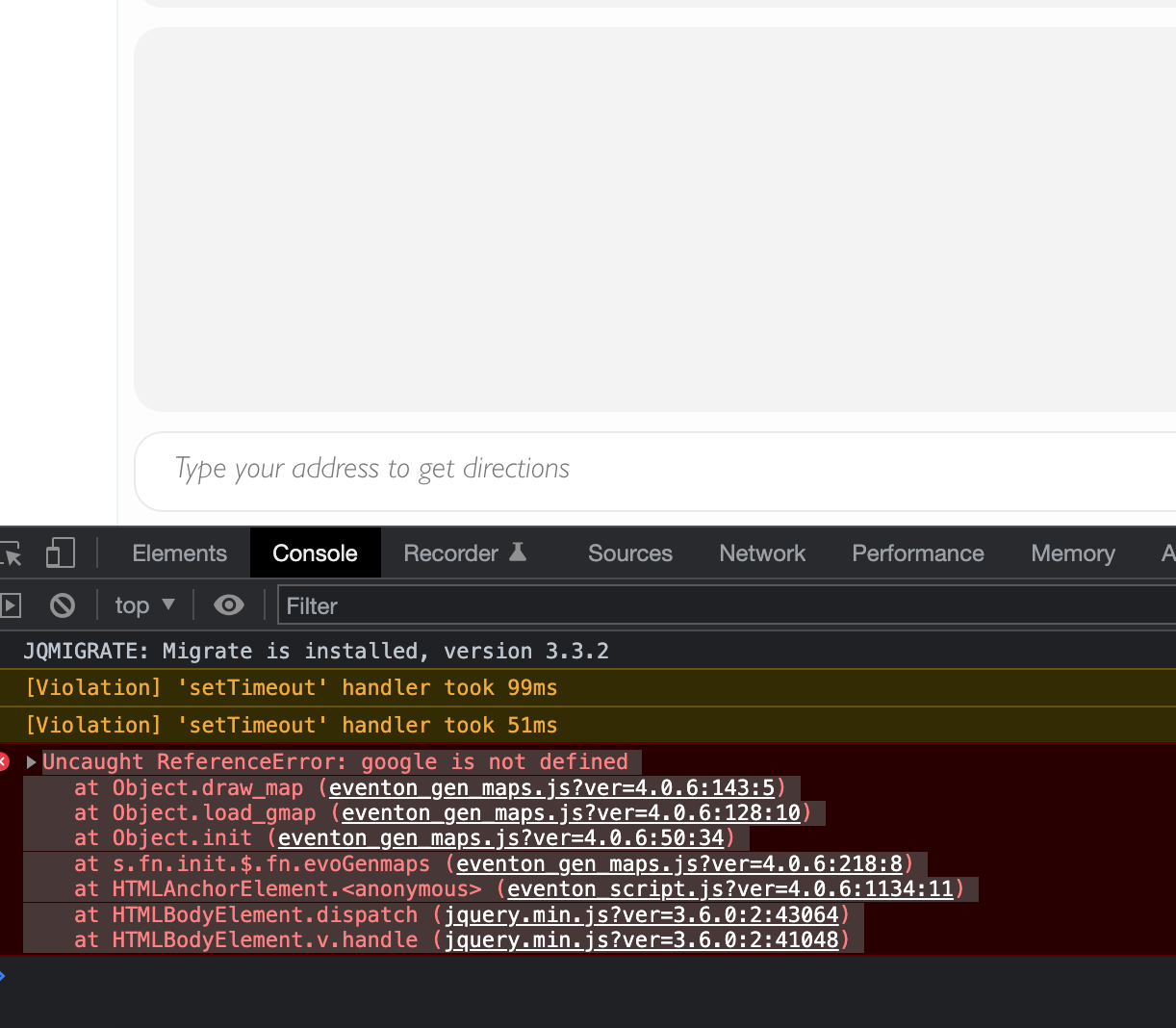
Reply to: tickets(281228)
Replies for tickets on suppota
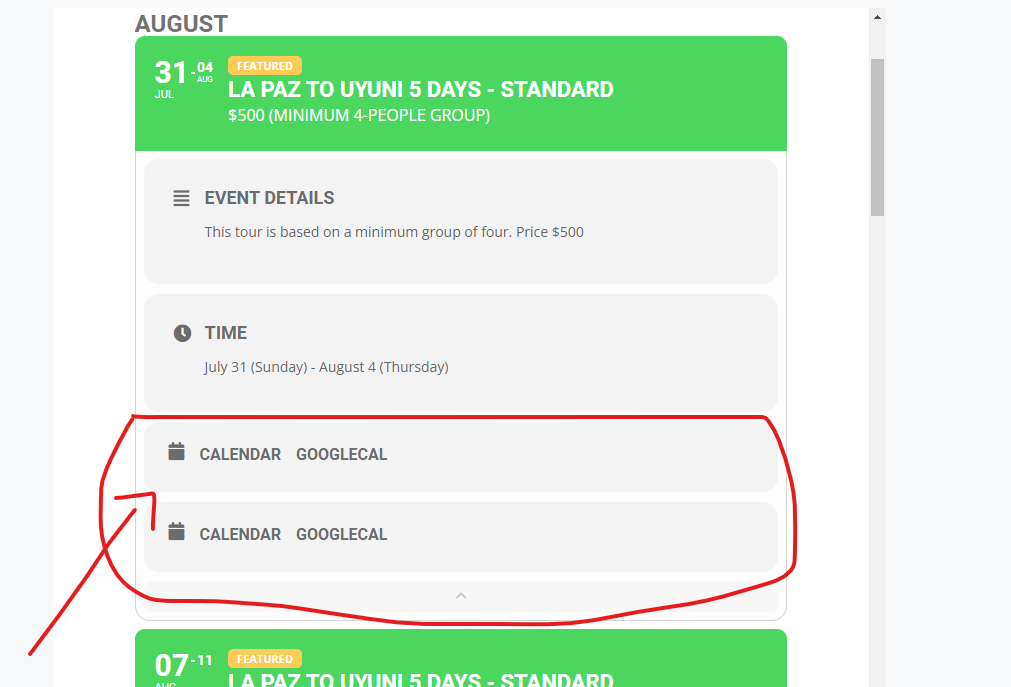
This image explains the issue. Thanks
Hello. I appreciate your prompt response.
I would like to try the second solution you suggested. So where do I paste the following code: [add_eventon exp_so=”no” jumper=”yes” exp_jumper=”yes” jumper_offset=”2″ jumper_count=”2″] exactly?
Thank you
That makes sense, thank you!
Hi Kenneth,
Is there a way to custom the page layout? Like change the default event style to simulate similar style to this tag
[add_eventon cal_id=”main” accord=”yes” show_et_ft_img=”yes” tiles=”yes” tile_bg=”1″ tile_style=”1″ tile_count=”3″]
Thank
Hello Jeff,
Yes, that link shows you how to rename the events slug to something else. Unfortunately, there is no option to change the look and feel of the default page without coding.
However, you can try this plugin regarding restricting the page completely https://wordpress.org/plugins/restrict-user-access/
Hope it helps,
Hi,
The link given provide few diff method to change the URL of eventon even instead of disabling the feature / page correct?
Meaning by default it is /events and if I change using rewrite method or changing the slug to example /abc, as long as someone type myurl.com/abc it will land on the eventon default event page correct?
If it can’t be disable, how and where can I change the look and feel of the default page without coding involvement?
Thank
https://www.loom.com/share/e1358944e875427d9ad5e70fa7612d54
here is the example with screen recording
Hello,
We are glad your issue is resolved, if you have any further questions or concerns please create a new ticket.
Hi Jeff,
Please take a look at this tutorial. Let us know if that helps.
https://docs.myeventon.com/documentations/change-events-slug/