Hi,
Could you please give us access so we can review the configuration?
Replies for tickets on suppota
Hi,
Could you please give us access so we can review the configuration?
Hey Jesus,
I would need access to help you on that please
Hi Ryan,
Pinged Dave again, as u only want him
What calendar app are you using?
This code works:
.eventon_events_list .eventon_list_event .evcal_desc .evcal_time { font-size: 20px; padding-left: 26px; }
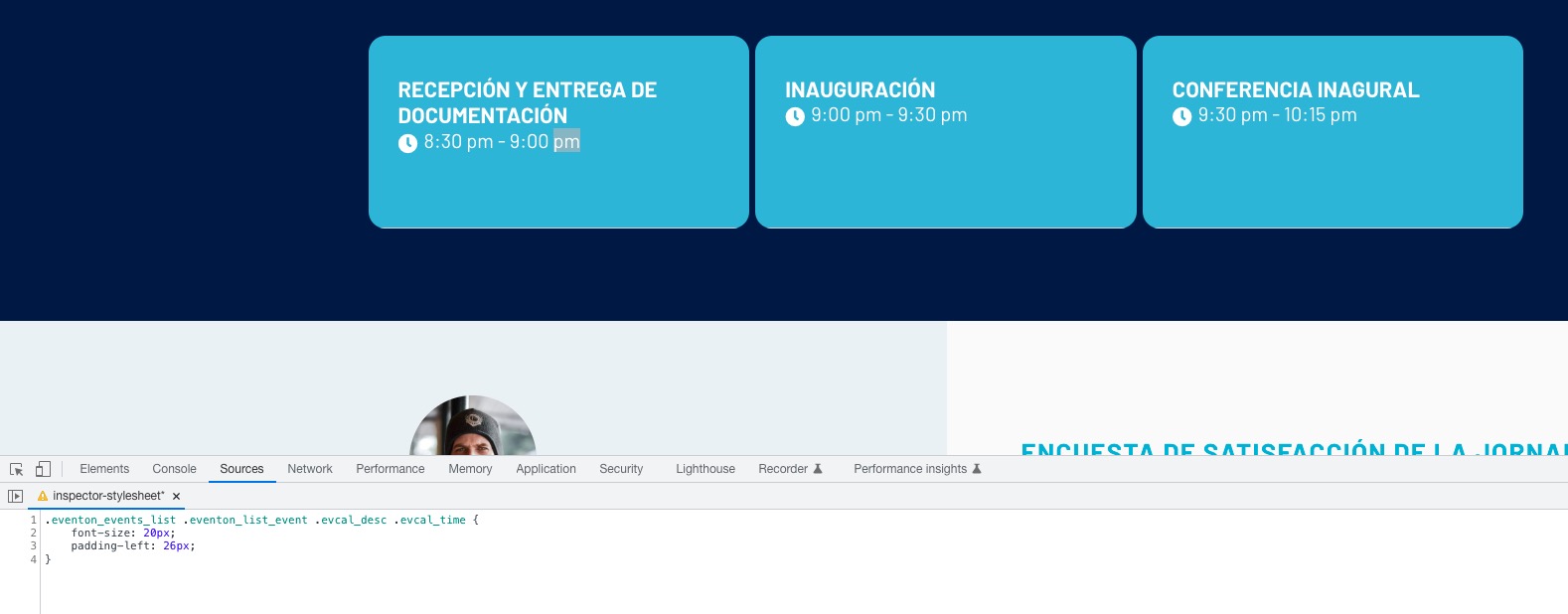
Please try it and let us know.
Hello,
Thank you for your message, I am going to assign this ticket to Ashan and he will be able to take it from here. Please allow some time for him to get back to you, we greatly appreciate your patience.
Hello,
You can use the custom CSS code below:
.eventon_events_list .eventon_list_event .evcal_desc em, .evo_pop_body .evcal_desc em{font-size:20px;}
Please add the custom CSS code to “EventON Settings > Styles” and save changes. If you do not see the new style changes, Go to “EventON Settings > Styles & Scripting > Turn off write styles to header” Click save changes – to write the styles css code direct into page header. You can turn this off once the cache is cleared. You can also clear cache on your website via wordpress and/or from server to make sure new style changes are populated into page.
If that does not work please send a screenshot showing the exact date you are looking to customize.
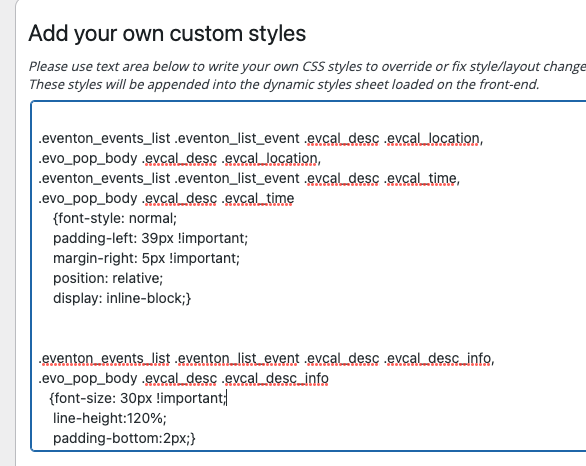
https://pxpday.es/eventos-anteriores/
Hello,
In order to request a refund, please create a new ticket under Billing & Accounts and be sure to include the order ID for which you need a refund for and the reason for requesting a refund.
No sorry, doesn’t work either.
Kind regads, Kobien