Hi Peter,
Just to make sure we are on the same page, please send a screenshot of the symbols images you are referring to. It will help us in giving you an accurate response.
Replies for tickets on suppota
Hi Peter,
Just to make sure we are on the same page, please send a screenshot of the symbols images you are referring to. It will help us in giving you an accurate response.
Hi Jay,
I see you have another ticket regarding the same issue. Please respond there so that we can keep all the info in the same place.
Thanks!
Hi Peter,
I am able to see the events on my end
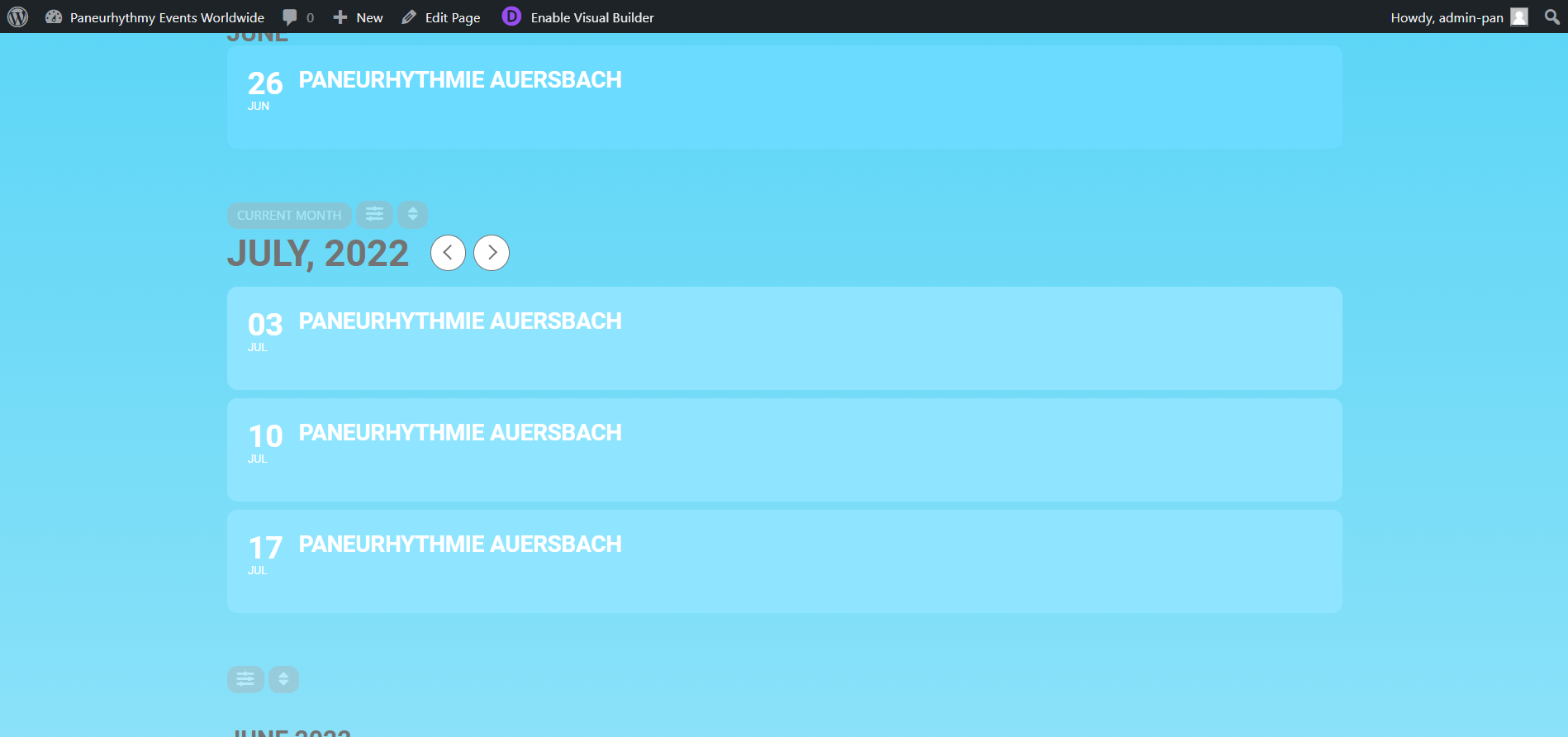
Kindly confirm, were you able to fix the issue?
Hi!
yes when I come to the page I want to select the country, region, or city where I am
how can I solve this?
thx
peter
Hello,
This would be probably the worst customer support service I’ve ever experienced where the customer’s messages are bluntly ignored!
can you export events via csv or ICS?
from myeventon>>>>settings>>>>scroll to the bottom to export
we then have 2 addons to import
https://www.myeventon.com/addons/ics-importer/
and
https://www.myeventon.com/addons/csv-event-importer/
Hi Artem,
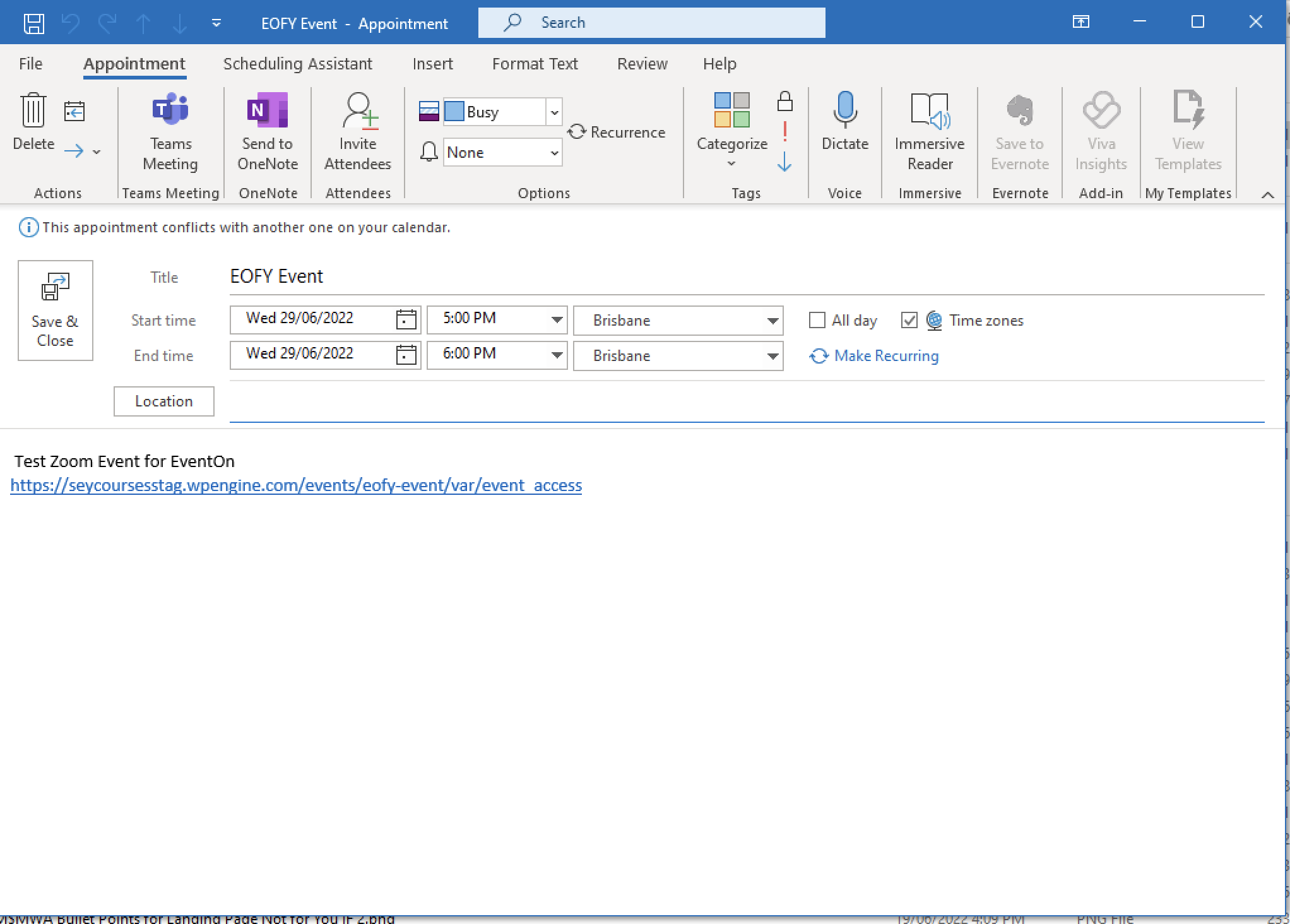
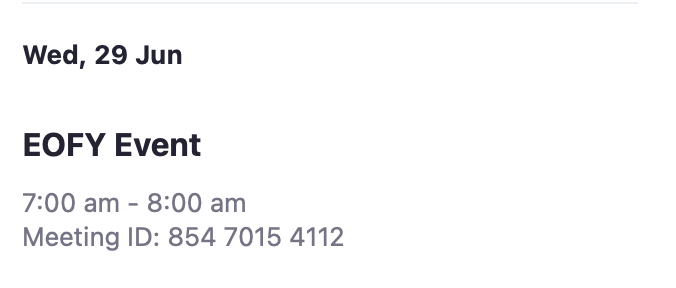
Is your image of the Google Cal invite? If so, that one always worked. The problem is with the ICS file for Outlook. It shows the wrong time and still does, so no your patch hasn’t fixed the issue.
I tried existing appointments and they hadn’t changed. So, I created a new event EOFY Event and the time shows correctly in the website and Zoom (see below) but still shows incorrectly in the ICS file (also see below).
So I don’t think your patch has worked.
Let me finish my work on the webhook feature we are adding in 4.1 🙂 and then upload to your site.
with webhooks you will be able to use platforms like zapier, IFTTT etc to create automated tasks for various trigger situations from eventON 🙂
Thank you for informing of the 4.0.5 version!
Hi Michael, yes the whole ticket is private!