Hi, thanks!
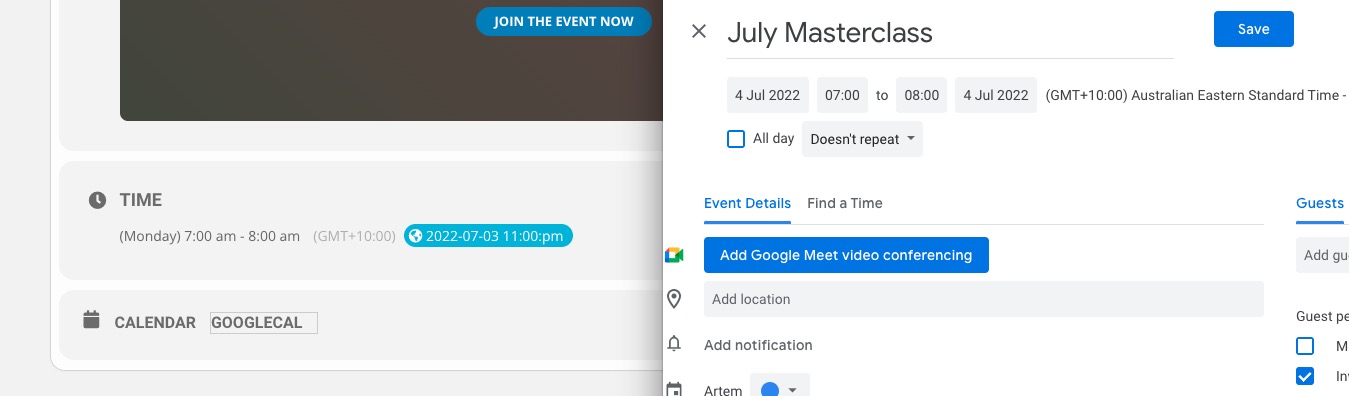
Hmm, that does not seem to do the job, am I doing it right?
[add_eventon_el number_of_months=”12″ event_count=”12″ event_count_list=”yes” tiles=”yes” tile_count=”3″ tile_height=”453″ tile_bg=”1″ hide_so=”yes” event_type_1=”287″ filter_relationship=”OR” event_type_2=”214″]
Is the customization of the event single page trough Elementor planned in the next updates ? – Unfortunately, no.
We are glad your issue is resolved, if you have any further questions or concerns please create a new ticket.
If you have a moment, we would greatly appreciate if you could kindly leave us a review at codecanyon! from your account > downloads. Cheers!
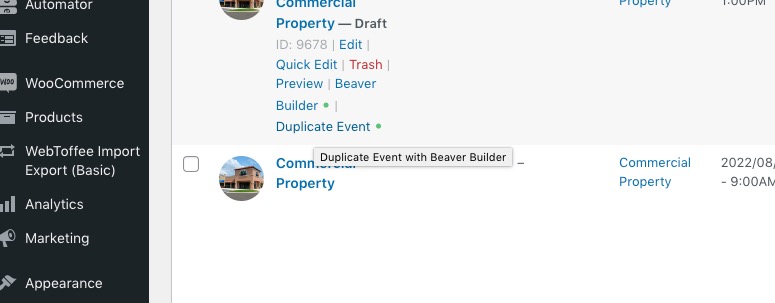
It seems that this function doesn’t work correctly:
When copying an event it supposed to create a new product as well:
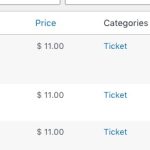
That’s why all of these event have the same product assigned:
https://icainsuranceeducation.com/wp-admin/post.php?post=9678&action=edit
https://icainsuranceeducation.com/wp-admin/post.php?post=9646&action=edit
https://icainsuranceeducation.com/wp-admin/post.php?post=9647&action=edit
Thanks it’s works ! For now i’ll use this fix.
Is the customization of the event single page trough Elementor planned in the next updates ? It will be a huge time saving and a design friendly feature.
Thanks again, have a good day
Could you check now:
The patch will be included in the next release.
Hello,
Could you also try adding
filter_relationship=”OR”
to the shortcode?
Hello,
The problem was with event_id. It seems that there already was a post with the same id, so it couldn’t be updated and imported successfully.
Please take a look at https://helpdeskx.s3.amazonaws.com/wp-content/uploads/2022/06/23030125/eventi-da-caricarevirgola.csv
Hello,
Please add this CSS code to EventON > Styles (If you don’t see any change, EventON > Scripts & Styling > turn off Write styles to header > save settings > turn on Write styles to header):
footer.jupiterx-footer { clear: both; }
No worries! If you have any other questions, please feel free to create a new ticket.
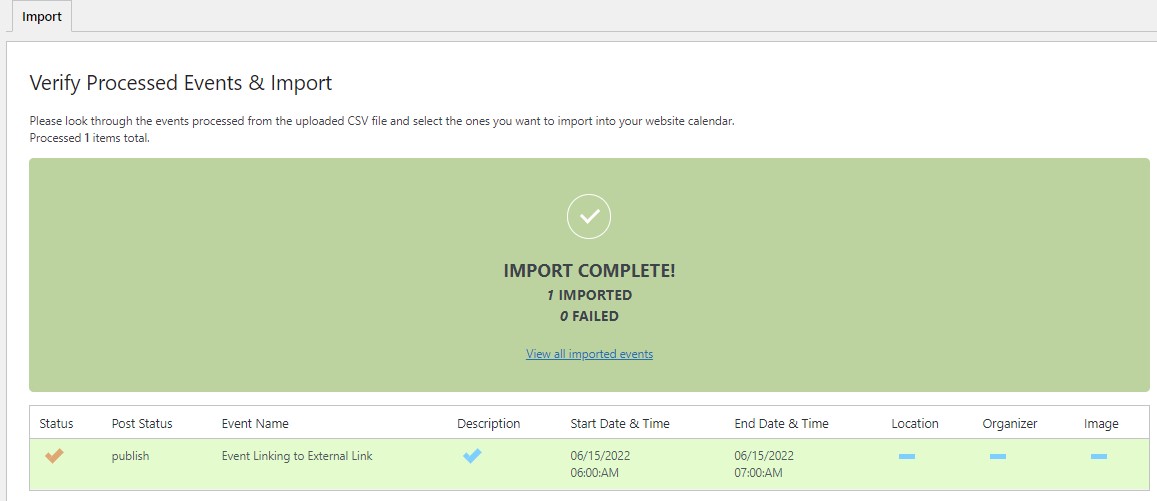
In attachment the message that confirm the import succeded…tks