can you provide a link to the page that has the calendar pop up events?
in myeventon>>>>settings>>>>event card I changed the image to direct image- its appears right to me on the single eent page but cannot see your pop ups
Replies for tickets on suppota
can you provide a link to the page that has the calendar pop up events?
in myeventon>>>>settings>>>>event card I changed the image to direct image- its appears right to me on the single eent page but cannot see your pop ups
Thanks for this. I was able to download it.
Also, I sent a messaged you via Envato a few days ago, but haven’t heard back yet. Somehow, the site registered that I bought three copies of the base calendar. I was hoping to have two of them refunded, as they were accidental purchases. I did a refund request, but it hasn’t come through yet. I haven’t downloaded any of them yet, as I want to be sure the refund goes through on the right two licenses first.
Thanks so much!

We are super close! The top of the photo is getting cut off and the date/title text are no longer showing up.
You are no pain, we are happy to help 🙂
I have made some changes to the code, please take a look if it’s showing fine on your end now. FYI I have added the code in Appearance > Customize > Additional CSS
Also, please remove the code below, it’s affecting the single event page image
@media (max-width: 960px){
.evcal_evdata_img.expanded {
background-size: 100% !important;
margin-top: -25% !important;
margin-bottom: -25% !important;
}}
Unfortunately that didn’t work either. It created a blue bar on top and bottom and cut the photo off.
Also – looking at the home page now, the photo is currently being cut off on desktop as well.
Sorry to be a pain. This is the last piece of this website for me to finish up.
Hello,
Thanks for letting us know.
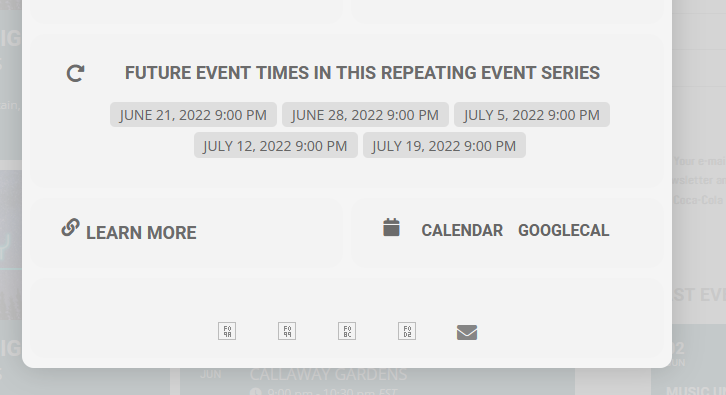
The icons display just fine on my end, please clear your cache and check again.
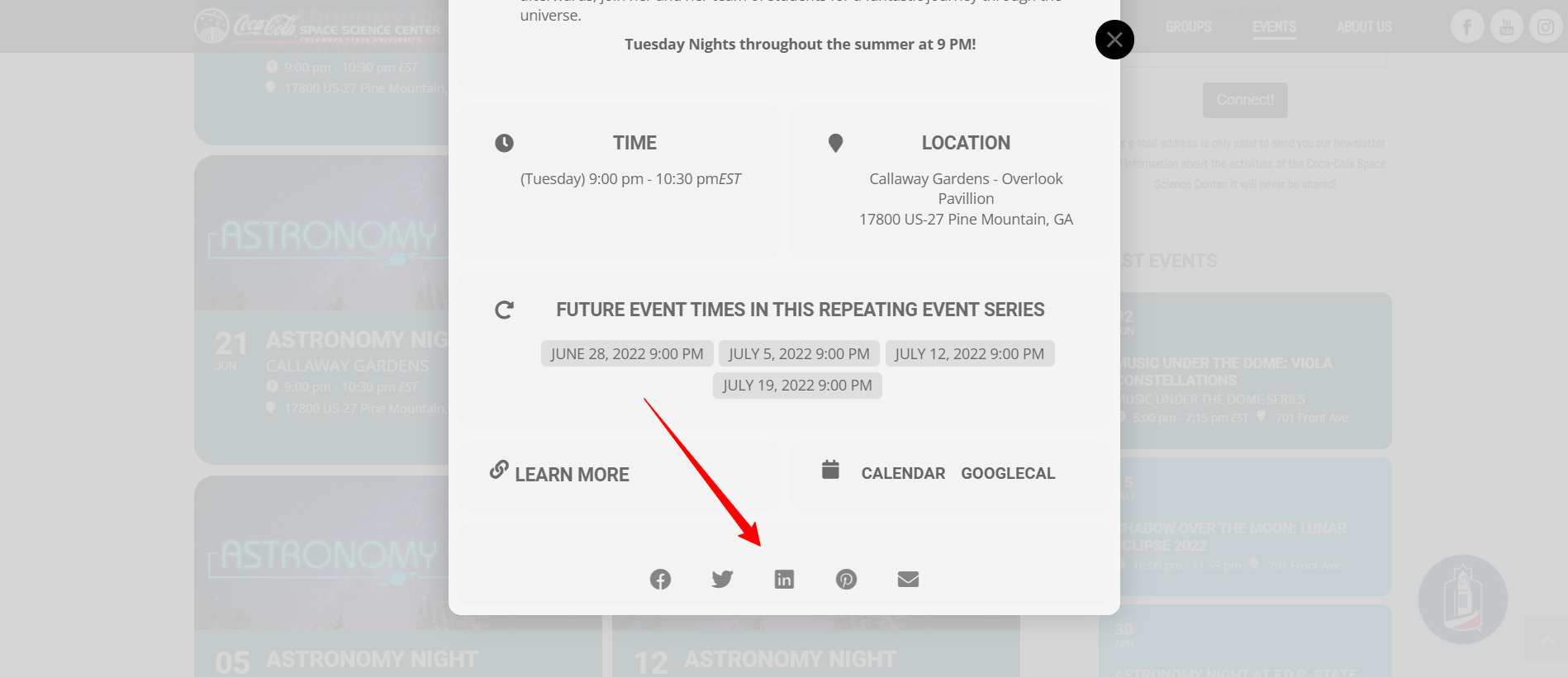
Hey, thank you!! That worked great!
Hello,
In that case, please use the code below:
@media (max-width: 480px){
.ajde_evcal_calendar.boxy .eventon_list_event.hasbgimg, .ajde_evcal_calendar.boxy.boxstyle1 .evo_boxtop, .ajde_evcal_calendar.boxy.boxstyle2 .evo_boxtop{
background-size: 100%;
margin-top: -25%;
margin-bottom: -25%;
}
.evo_lightboxes .evo_pop_body .evcal_desc span.evcal_desc2{
margin-left:0px;
}
}
Let me know if that helps.
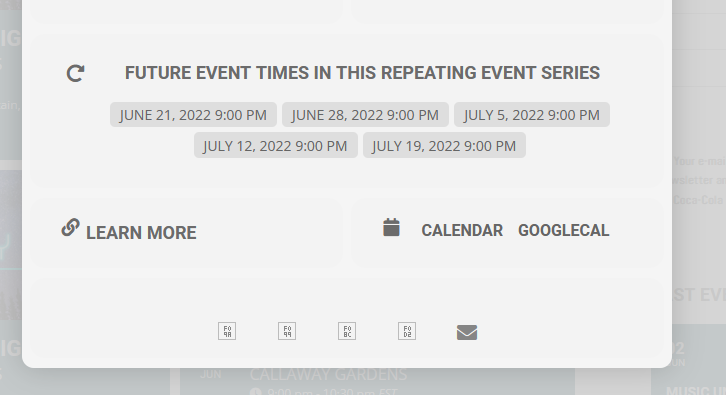
The code did not display correctly in my original post. Just be aware that copying the htaccess code from this site and pasting in a text editor doesn’t translate properly. You’ll need to add the < & > in the proper spots. Also, here is where my icons aren’t showing:
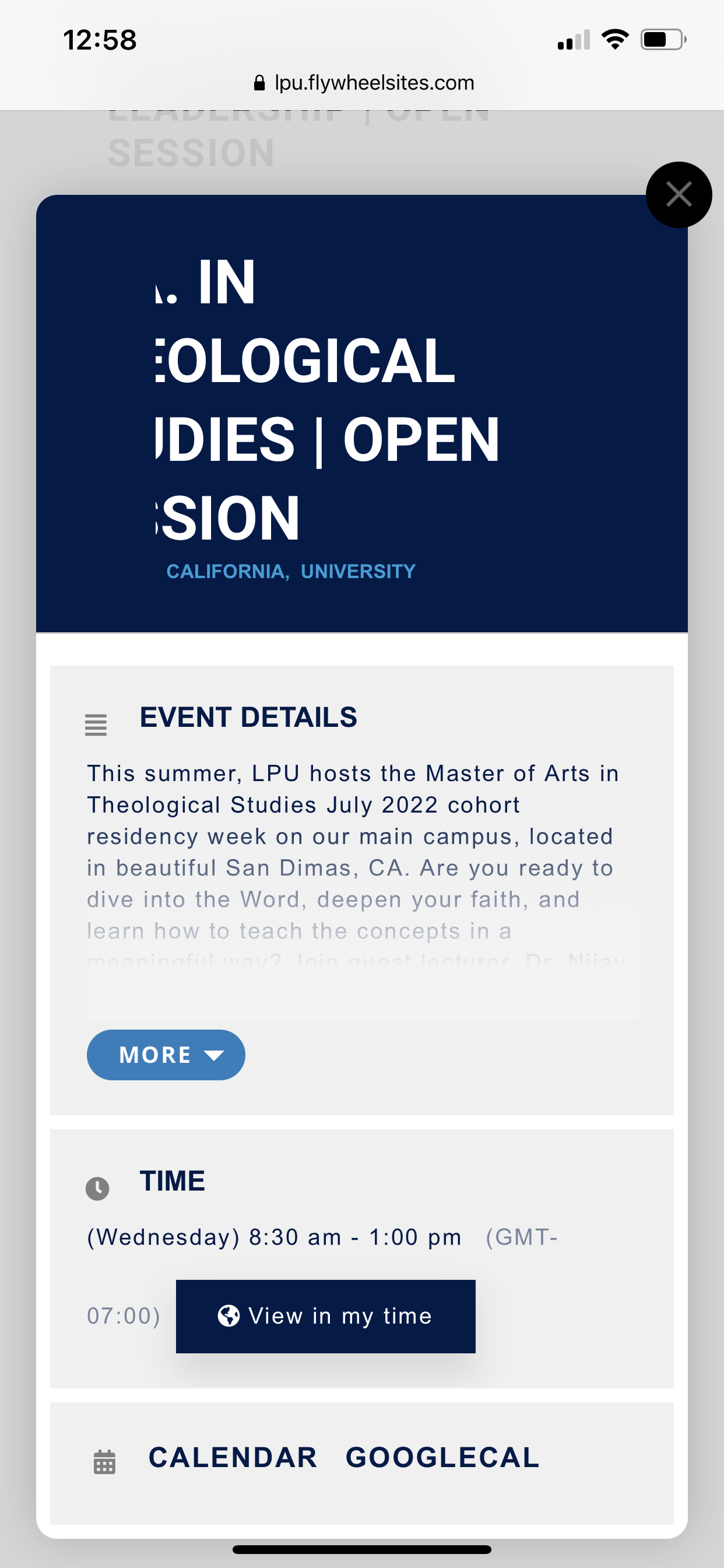
Here’s the lightbox screenshot.