Hello,
Please follow this guide:
https://docs.myeventon.com/documentations/how-to-add-additional-fields-to-download-attendees-csv-file/
Unfortunately, we unable to help with customizations, since it’s against CodeCanyon’s and outs Support Policies.
Replies for tickets on suppota
Hello,
Please follow this guide:
https://docs.myeventon.com/documentations/how-to-add-additional-fields-to-download-attendees-csv-file/
Unfortunately, we unable to help with customizations, since it’s against CodeCanyon’s and outs Support Policies.
Hello,
Could you send us your shortcode?
OR, if possible, please send us wp-admin access to your site as a private message for us to further assist your situation.
Is this simple enough:
https://dev2.myeventon.com/30683-2/
A simple web form for them would work as well
My client isn’s very computer literate and will struggle to use the front end whereas if i tell them to send in an email they will be able to do that.
Front-end event submission is much easier then adding via email. For example, users must know the correct date/time format.
Action User doesn’t require users to login before adding events.
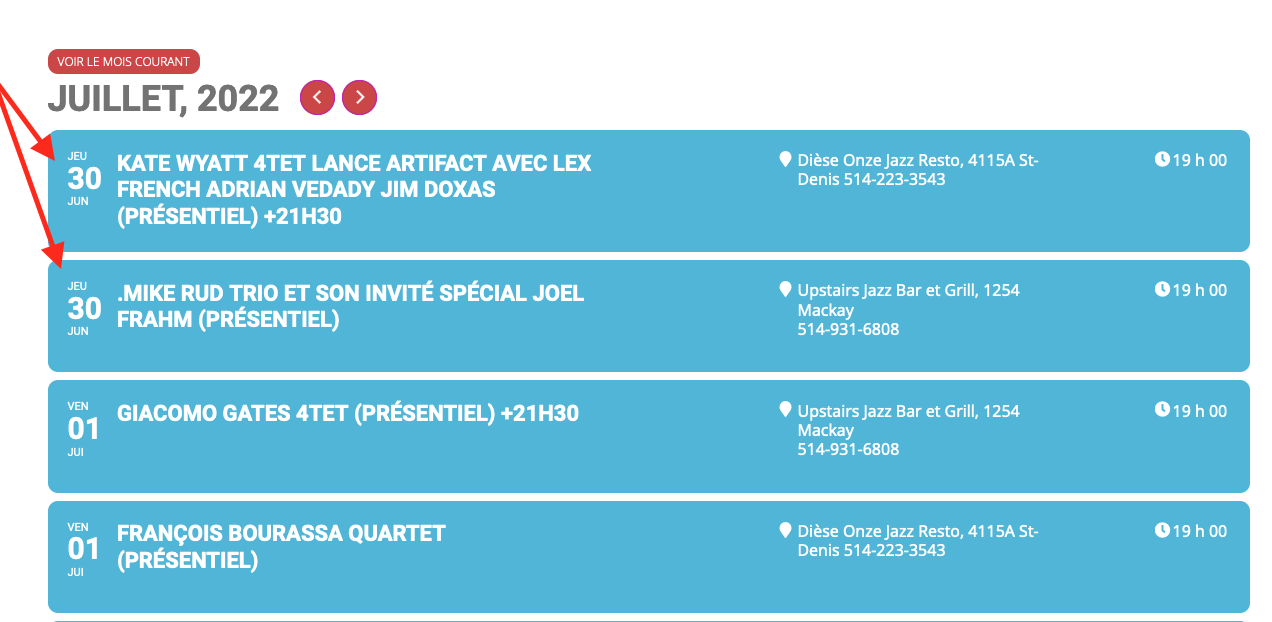
This is the screenshot.
Will those shortcodes only open the main Events page? Or open the individual event listing? We want to open individual event listings. Thanks.
I don’t know what a taxonomy post is. I’m looking for a simple solution to allow my clients to add events without having to login to and learn the wordpress and eventon UIs
The link: https://my-charity.eu/1767-2/