Archives: Replies
Replies for tickets on suppota
Reply to: tickets(277981)
Reply to: tickets(277981)
Many thanks for this video.
I still don’t get it that there is no general css (e.g. I am using Ultimate Member and they provide css usable for every website with their plugin).
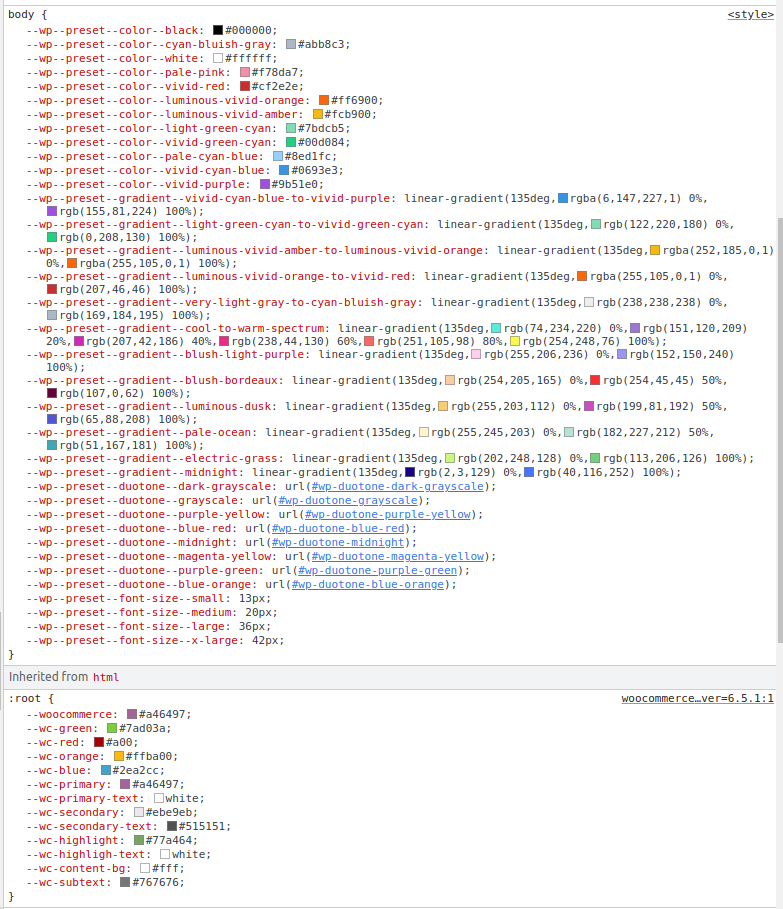
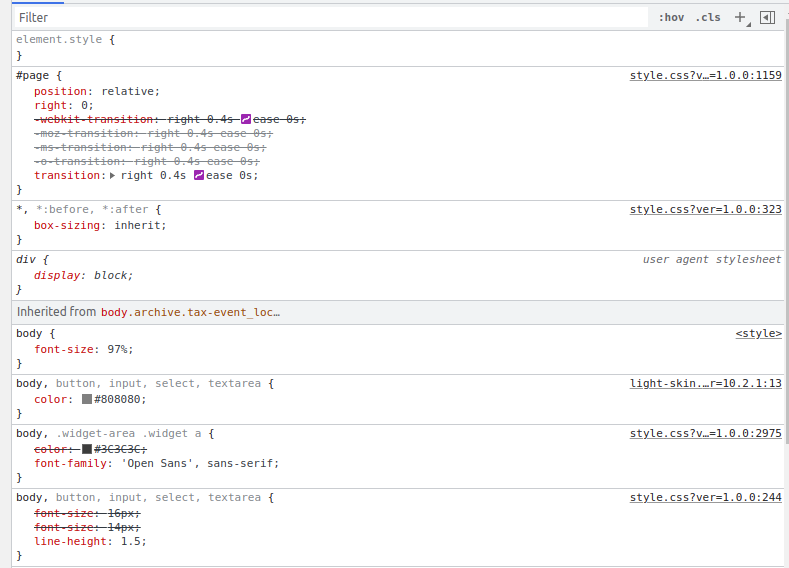
Attached please find the screenshots of the inspect – styles
Reply to: tickets(278107)
Hello,
Please try these two codes (unavailable/reserved):
.evost_seat_selection .evost_section .evost_row .seat.uav, .evost_seat_selection .evost_seat_legends span.uav b, .evost_seat_legends span.uav b { background-color: red !important }
.evost_section .evost_row .seat.res, .evost_seat_selection .evost_seat_legends span.res b, .evost_seat_legends span.res b { background-color: black !important }
Reply to: tickets(278104)
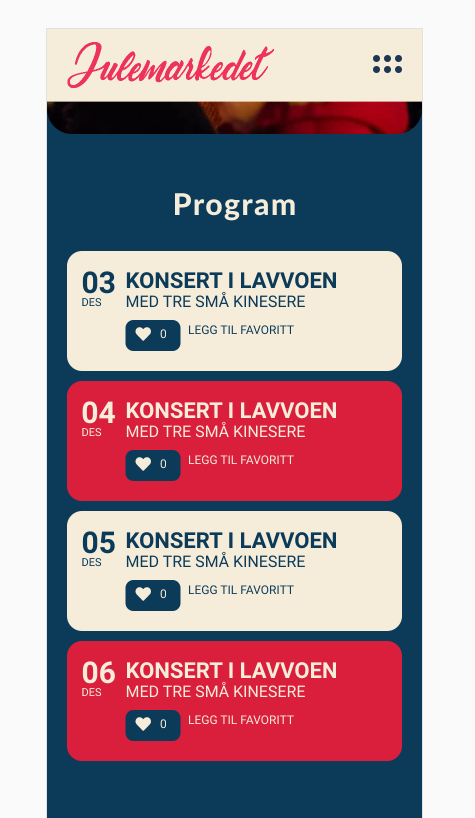
Here is an example of how I want it.
Reply to: tickets(277894)
You are welcome. if you have any other questions, please feel free to create a new ticket.
Reply to: tickets(277981)
Artem had access to the page to view which is how he created the css (the page wasn’t made public)
see video below as to why we need to see the page and not a screenshot of the page
Reply to: tickets(277894)
So I guess is not possible from the settings, only by code.
Thanks so much.
Fer
Reply to: tickets(277981)
Please explain what you will see any different than in my screenshot? Or do you want wp-admin access?
Reply to: tickets(277933)
Hello Iain,
We did not have any difficulty downloading the video.
We will be waiting to hear from you when with the link to the test event.