you are using a very old version of eventon 2.6.13 from 2018
https://docs.myeventon.com/documentations/eventon-changelog/
please update eventon to 4.0.6
To update eventon to latest version: If you are unable to do autoupdate, you can go to codecanyon your account > download and get the latest eventon version as zip file. Then you can go to your website, deactivate old eventon, activate (Do not delete eventon settings & data when EventON is uninstalled) from eventon settings, delete old eventon, install new one and activate. This link will further explain the process it. Also you can follow us on twitter to get real-time announcements on updates!
ful cal to 2.0.3 and events list to .22
To update eventon addons: You can download latest eventon addons from myeventon > my account. Then you can go to your website, deactivate old addon and install new one and activate then delete the old addon. This link will further explain the process. Also you can follow us on twitter to get real-time announcements on updates!
that sync addon we discontinued selling well over a year ago- not sure if it will work with the current version of eventon
thats done (from myeventon>>>>action user theres a text editor toggle I have turned on
phew is the site done?
Thank you Ashan! the patch works 👍
Let’s go with option 2 then
looks like optimize is doing that. hmmm theres 2 ways to do this
1: play around with optimize
2: turn off the editor and just have a basic text box which is what I recommend
as people don’t have to be logged in to submit events – that means they can add malicious code into the event via that editor
looks like white icons on white background- i’ll lokk into it
OK, I created that page [business-directory] and replaced all of the links. I note that listing all still feed off /directory/listing_title so will need to keep that page (although it will remain hidden from navigation.
I cleared the SG cache and it seems to be loading fast
I was digging around and notice the action user shortcode was drawing in this weird table in event details
https://capture.dropbox.com/R3MViwMWevtQXFUv
Any idea what this could be?
I can’t believe I edited a plugin – but it worked! thanks!
No, forget what I said above, this won’t work.
Basically, we need the normal WordPress/Woocommerce users to have the normal fields as is.
On the first event registration (Ticket purchase) through EventON, we need to ask a few questions (5-7 questions) which will eventually be assigned to the user for all future events he/she registers on.
Is this possible with EventOn?
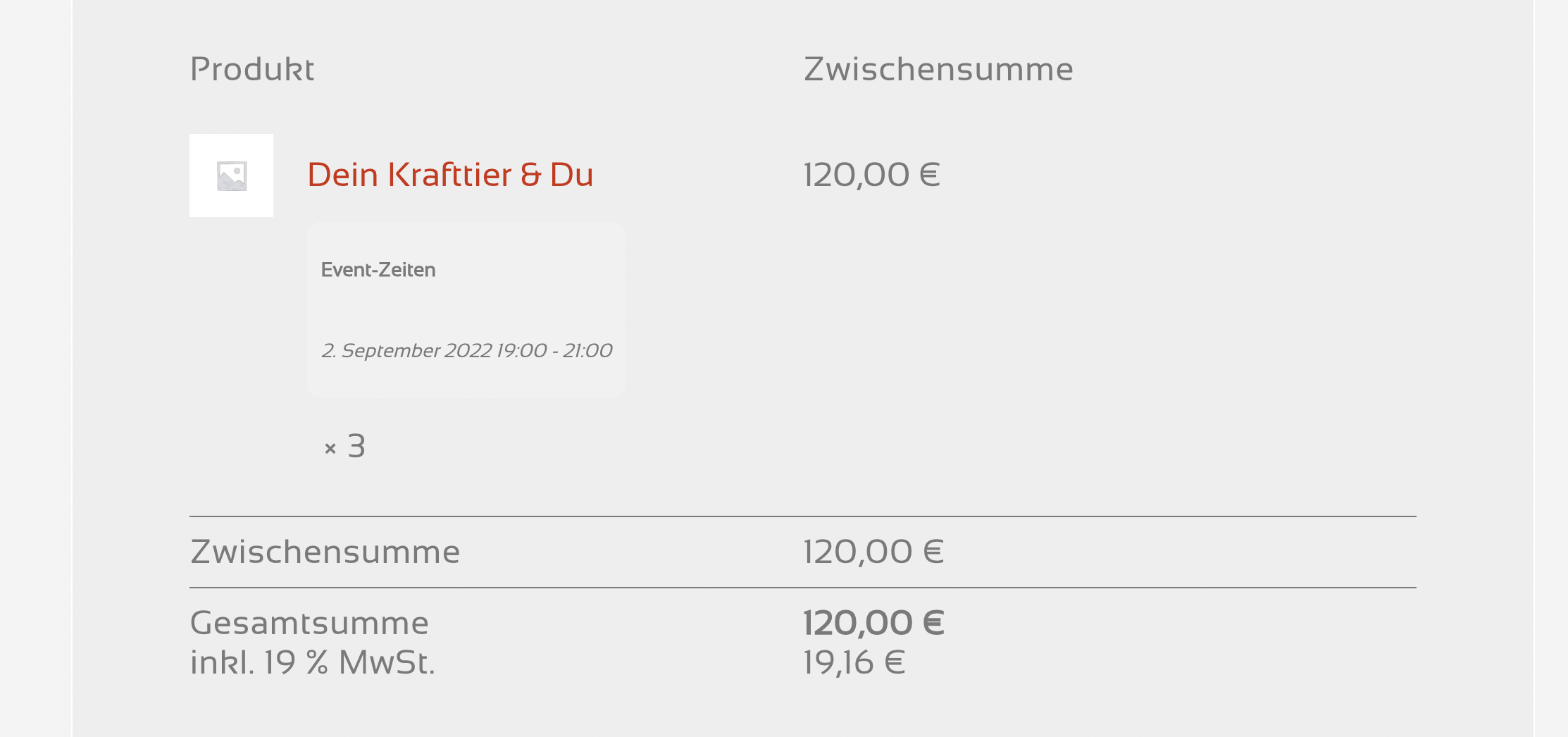
I think I found out what my problem was:
I had added a product picture in the Woo product, not within the eventON event, as you have!
thanks so much, also for the code.
I’ll leave this ticket open for a few more days, while testing that a little more, then close it.
Best regards,
Dan Mor