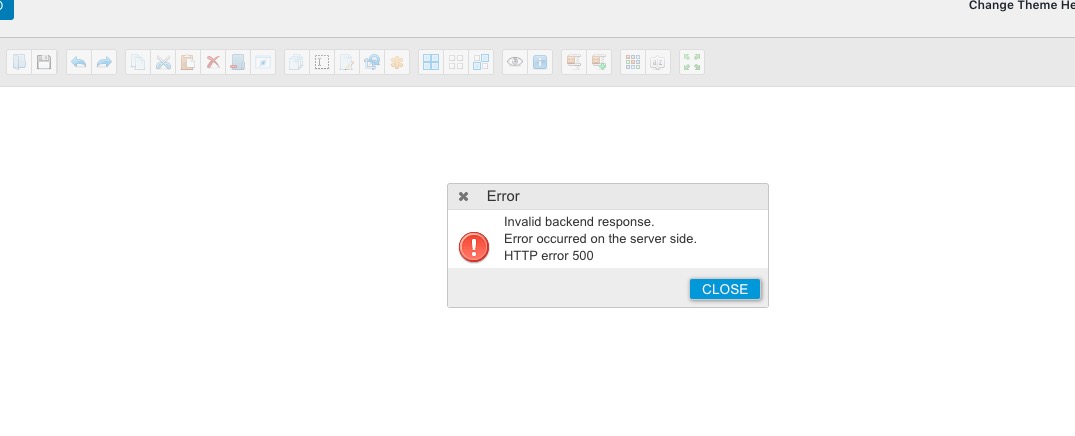
It appears the addon EventOn is causing issues with our wordpress. It won’t activate the plug in as well as it stops me from accessing wordpress themes, says there is an error. We uninstalled the plugin & themes started working again. The site has been updated to PHP 7.3
My husband was playing around with it before, if you’d like to try it again.
Hello,
Thank you for your messages, I am going to assign this ticket to Ashan and he will be able to take it from here and find you a solution. Please allow some time for him to get back to you, we greatly appreciate your patience and thank you for being a eventon customer! Also please disable any IP blocking on your site if there are any.
We have to enter WRONG time to receive correct time in frontend. The date/time picker form is not working correctly, it switches time on entering and on saving. Please fix that as soon as possible.
I tried to re-create the issue on our test server and couldn’t. Can we please try the instructions mentioned in this documentation to make sure your issue is indeed coming from eventon.
I have recognized that 5 days ago another customer had the same issues and asked for a patch fix. I have read this here in helpdesk. Is there anything available by now?
Could you send us a link to the ticket?
Cannot fix this without going through events and EventON Settings.
Could you try going to EventON Settings > Time Settings > enable Use UTC offset time globally on calendars (BETA)? Also make sure that server’s and events timezones are same.
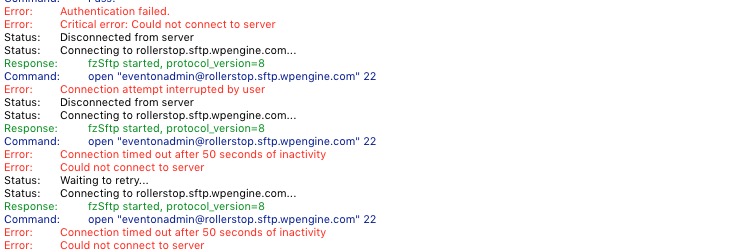
I tried to connect through FTP, but couldn’t: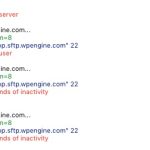
Could you check?
I moved the calendar under the 1st section. Also added ?event_organizer=111.
Also I want the events list centered – these were all things I wasn’t able to do on my own.
Please take a look at how Shopify deals with this.
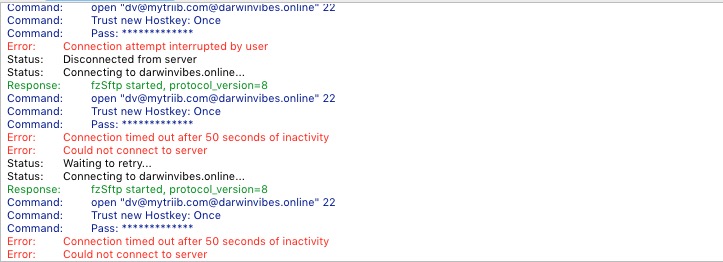
I cannot connect to the server: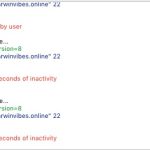
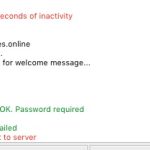
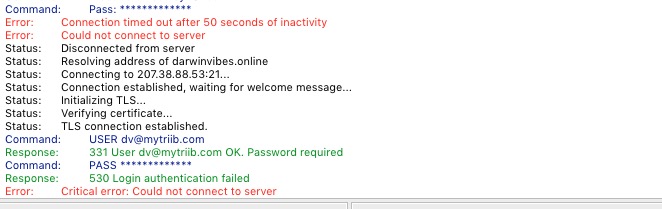
Also tried WP Manager:
https://darwinvibes.online/wp-admin/admin.php?page=wp_file_manager
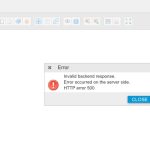
There is something wrong with the server. Could you fix it?
Hi,
We are waiting for response.
Thanks
Hi Margo,
Please navigate to Eventon > Settings > TimeSettings and enable “Use UTC offset time globally on calendars (BETA)”
Check if that fixes your issue.
add this to the shortcode
hide_mult_occur=”yes”
if that doesn’t give you what you are after also add this show_repeats=”yes”
as for the comma
I don’t see that you are using maps- so perhaps you put it all
Leppävirran helluntaiseurakunta Tuikkalantie 10 into the location name field and leave the location address field blank
otherwise you have to stuff around with changing the templates