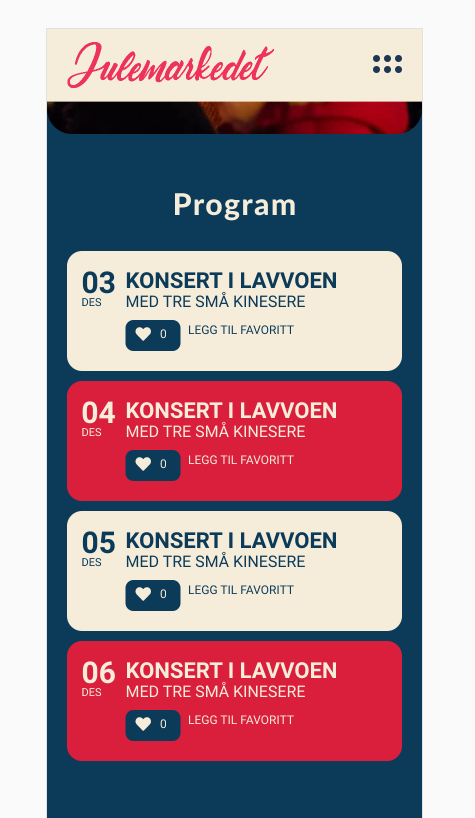
Here is an example of how I want it.
Replies for tickets on suppota
Here is an example of how I want it.
You are welcome. if you have any other questions, please feel free to create a new ticket.
Artem had access to the page to view which is how he created the css (the page wasn’t made public)
see video below as to why we need to see the page and not a screenshot of the page
So I guess is not possible from the settings, only by code.
Thanks so much.
Fer
Please explain what you will see any different than in my screenshot? Or do you want wp-admin access?
Hello Iain,
We did not have any difficulty downloading the video.
We will be waiting to hear from you when with the link to the test event.
Hi Daniela,
We can’t provide custom CSS without seeing the page in question. Kindly deactivate the in construction page temporarily so that we can take a look and advise accordingly.
no I won’t give access to my website
the screenshot I sent is the standard template – as your page is generated by eventon I am unable to change the template from “standard template” to “full width”
maybe you can ask Artem … he created a css without wp-admin access
https://helpdesk.ashanjay.com/ticket/how-to-make-a-single-event-page-in-full-width/
so yeah it can’t be changed withing the eventon settings it would have to be a edit to the files
but instead why not create a new page and use the shortcode generator to create event type or location specific calendars- then you could SEO content the page
we do have a csv import addon but thats a cost just for a 1 off import
if you have a backup on a dev server- instead of downloading a csv you could try downloading the ics instead and using something like
https://wordpress.org/plugins/wp-event-aggregator/ as that does work with eventon