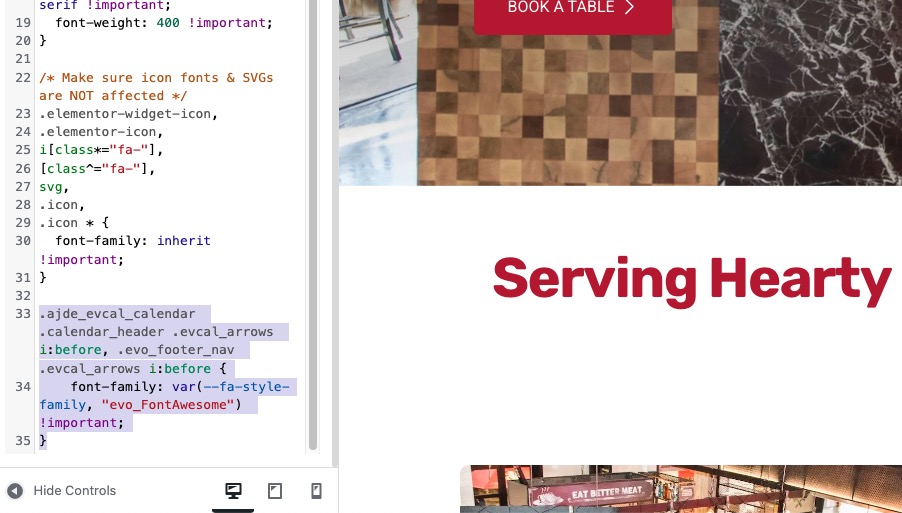
I’ve already tried disabling LiteSpeed completely, but that has no effect, and I don’t have the cache functionality enabled at all for Jetpack.
Clearing the LiteSpeed cache also has no effect.
Archives: Replies
Replies for tickets on suppota
Reply to: tickets(393801)
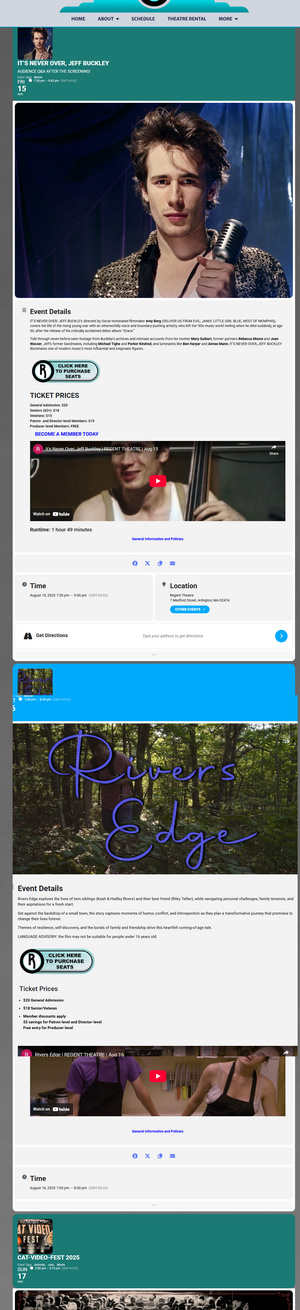
Thanks Artem but I don’t want this above look, I only want the list without the big info block below like this below which is why I thought the Event Lists Extended would work.
Reply to: tickets(393801)
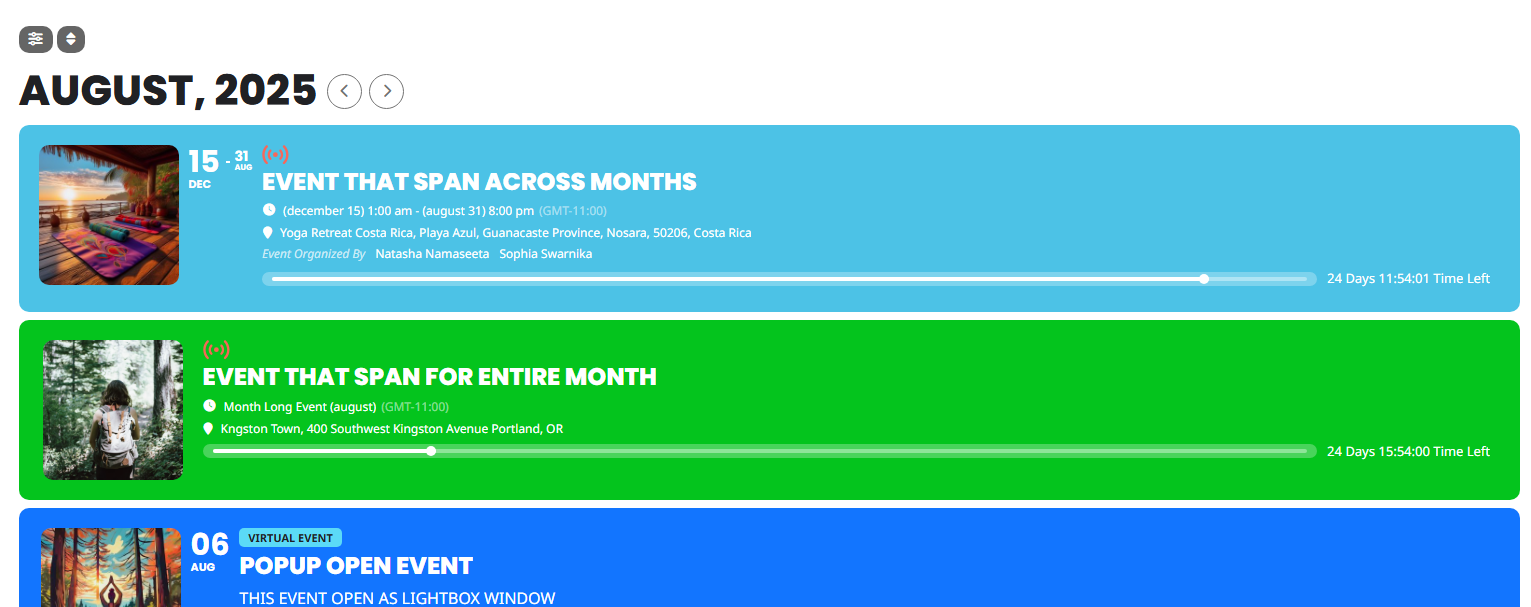
Basic Event Lists should work:
[add_eventon_list event_count=”12″ hide_empty_months=”yes” show_et_ft_img=”yes”]
The page I created with the shortcode above:
https://regenttheatre.com/test-2/
Reply to: tickets(393835)
Unfortunately, I am not familiar with LiteSpeed Cache functionality. so could you ask the developer about this?
Reply to: tickets(394179)
We are glad your issue is resolved, if you have any further questions or concerns please create a new ticket.
Reply to: tickets(394221)
Please try disabling “LiteSpeed Cache” cache plugin. And also Jetpack cache functionality as well, if necessary.
Reply to: tickets(394160)
Seems to be working on my side:
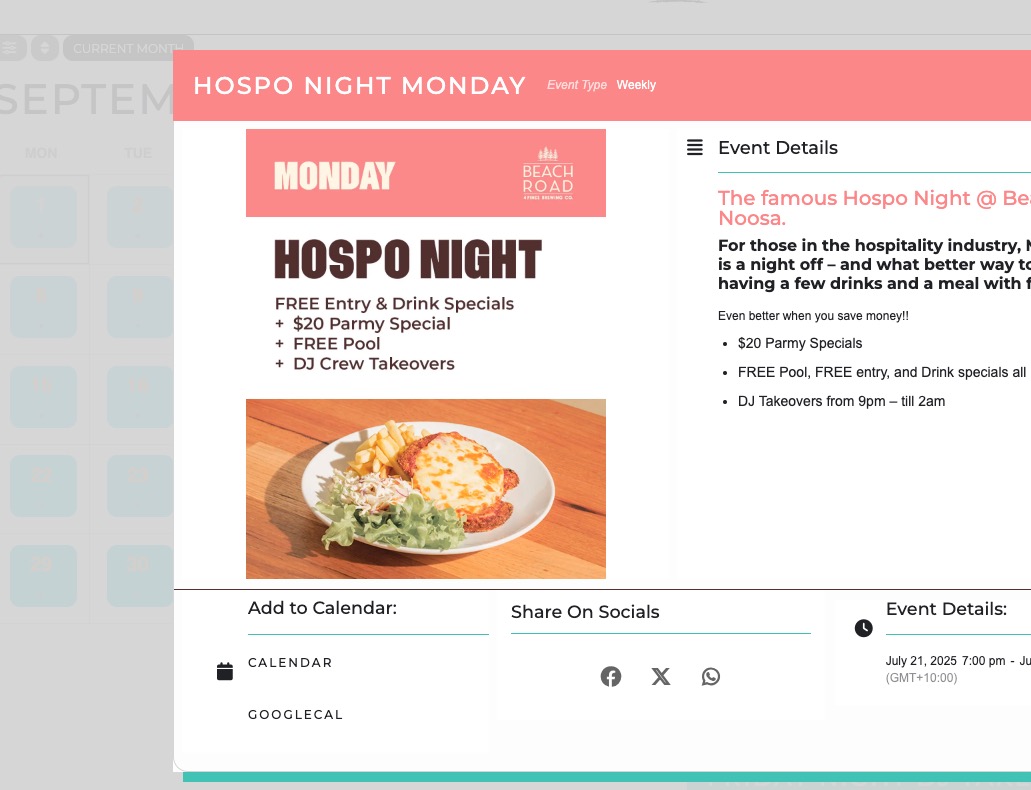
Could you try manually clearing your browser cache?
Reply to: tickets(393483)
Done !
Reply to: tickets(389398)
Spain, 92.191.21.86.
Reply to: tickets(393677)
I added the code to
https://new.cleaverandco.co.nz/wp-admin/customize.php?url=https%3A%2F%2Fnew.cleaverandco.co.nz%2F
So it should work now: