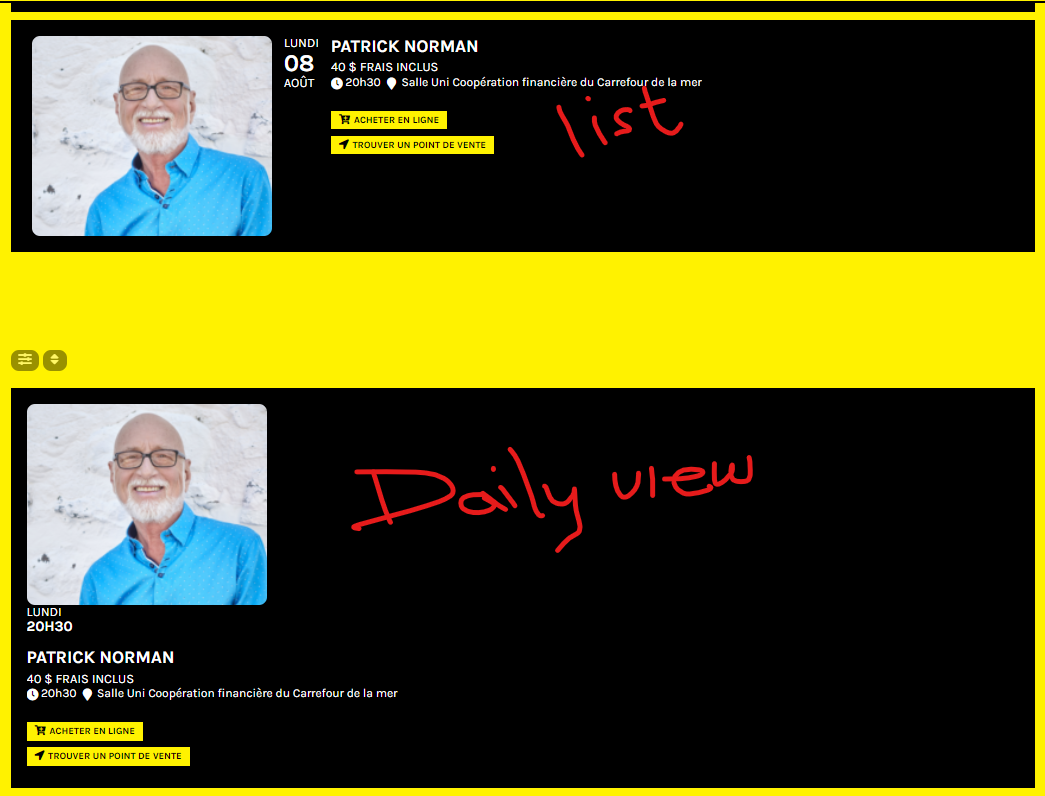
Hello,
Thank you for your messages, I am going to assign this ticket to Ashan and he will be able to take it from here and find you a solution. Please allow some time for him to get back to you, we greatly appreciate your patience and thank you for being a eventon customer! Also please disable any IP blocking on your site if there are any.
Hello,
We are working on the issue. Going to fix it ASAP.
In order to limit the number of events please use the following:
[add_eventon_el number_of_months=”12″ event_count=”4″ event_count_list=”yes”]
Hello,
Please use the default WP functionality:
https://www.wpbeginner.com/beginners-guide/schedule-your-posts-in-wordpress/
Hello,
1. You can set up a max amount of events by adding the below to your shortcode
event_count_limit = “7”
If you want a Load more button, include show_limit = “yes” or show_limit_ajax = “yes”
2. To make eventtop border radius, add the code below to Appearance > Customize > Additional CSS
.ajde_evcal_calendar.sev #evcal_list .eventon_list_event, .ajde_evcal_calendar.cev #evcal_list{border-radius:0px;}
To override background color to every event, ensure that you have set an event color in the single event options
3. To make the border radius for the featured image 0px, add the custom CSS code below:
.evo_metarow_directimg img,.evcal_evdata_row,.evocard_box{border-radius:0px;}
Hi Terry,
You just click on “Save Changes” in Settings > Permalinks and check if that changes the 404 page issue
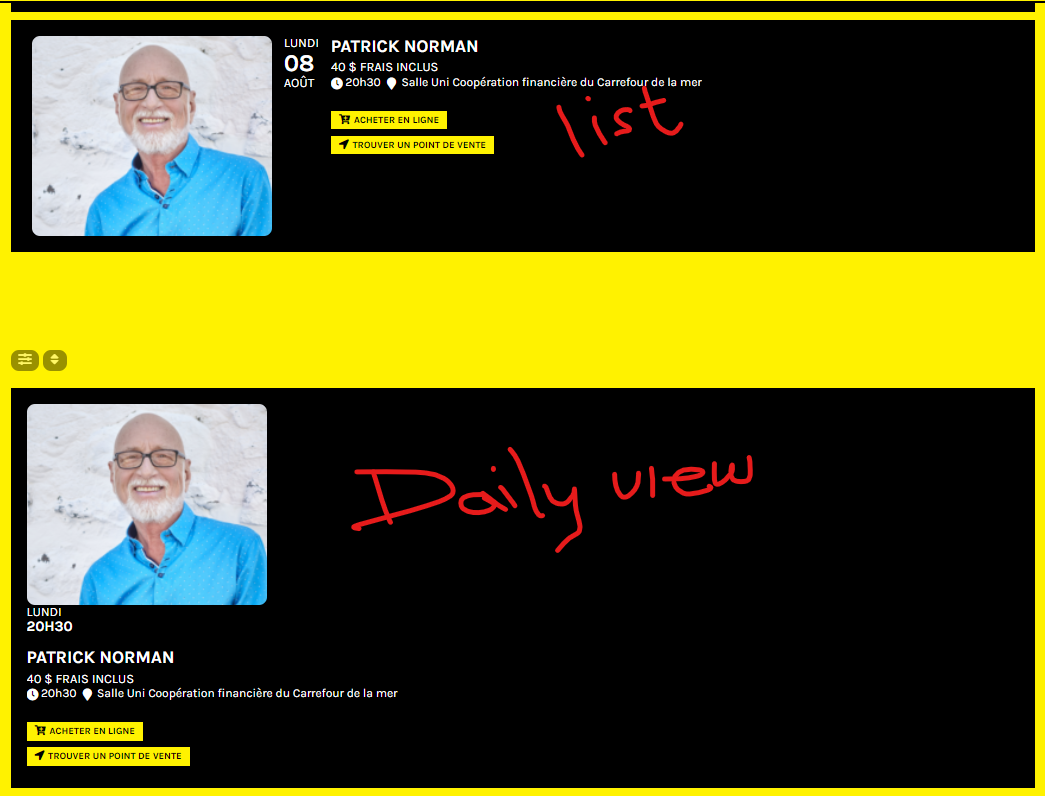
Hello,
I was able to fix the issue by going to wp-content/plugins/eventon-daily-view/assets/dv_styles.css and changed column to row.
Your instructions on visiting permalink don’t explain what to do there to change or fix anything.
Hello, together is 397usd, we agree with partial refund of 350usd. Thank you.
Ok, thank you.
Do you have a page on documentation with all shortcodes for Yearly View Ad-on ? I don’t know how to hide empty months in the yearly view shortcode.