Hello,
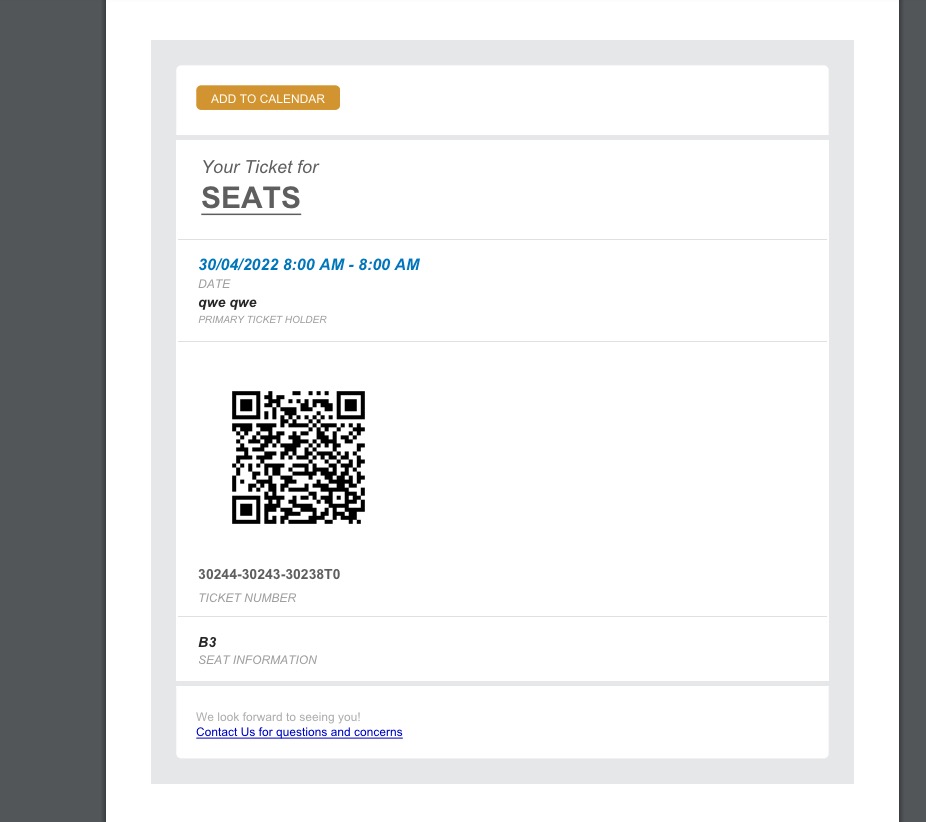
1. When ticket orders are complete, users receive this email from EventON:
Documentation on Event Tickets can be found here:
https://docs.myeventon.com/documentation/addons/event-tickets/
The best is you try it out on our test server:
https://dev.myeventon.com/wp-admin/
2. Please take a look at this guide:
https://docs.myeventon.com/documentations/auto-complete-ticket-order/
hello, please, how it looks? why does it take so long?
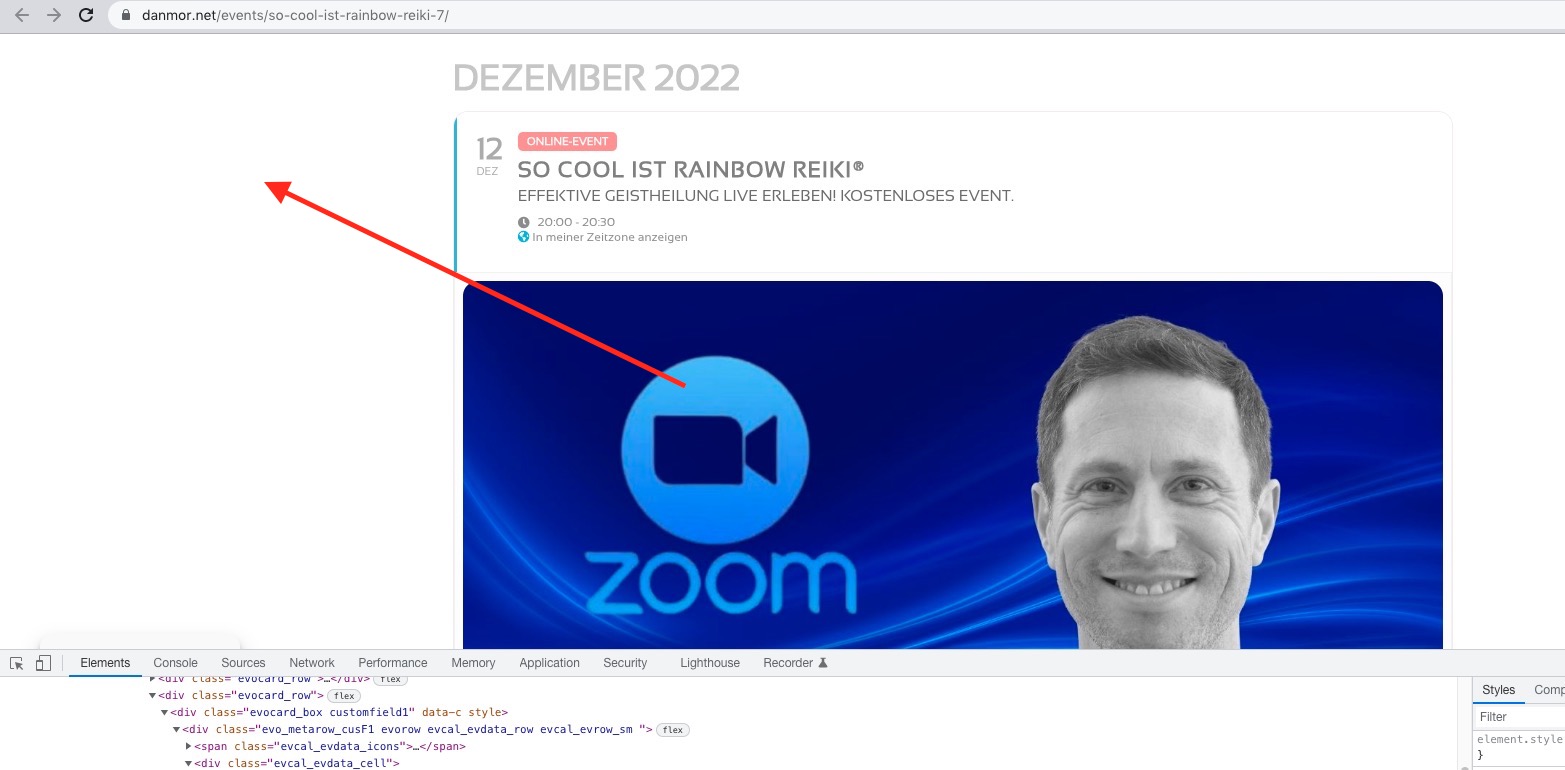
Where do I change background and so on, so it looks the same for all events that are displayed single?
Which background are you referring to? This one:
Please note that your change EventON’s styling from EventON Settings > Appearance. If you don’t see any change, EventON > Scripts & Styling > turn off Write styles to header > save settings > turn on Write styles to header.
Hello,
In add_eventon_list event_count limits the number of events per month and not overall.
You need to use Event Lists: Ext https://www.myeventon.com/addons/event-lists-extended/ with added event_count_list=”yes”:
[add_eventon_el event_count_list=”yes” number_of_months=”12″ event_count=”4″]
Try on https://dev.myeventon.com/wp-admin/
Hello,
1. Please take a look at these guides:
https://docs.myeventon.com/documentations/wpml-eventon-front-end/
https://docs.myeventon.com/documentations/setup-language-corresponding-events/
2. As for Language Corresponding Events, you need to create a separate page for each WPML translation (for example, create two events, one in EN and the other in FR) and select the correct L1, L2, L3,… language from Edit Event.
3. Please take a look at
https://wpml.org/documentation/getting-started-guide/language-setup/language-switcher-options/
Done! Thanks for your help guys!
Thanks, Dave
I think that last code worked for the line spacing on mobile!
Headers and text are kinda proportional on desktop (screenshot),
but this proportionality does not show on mobile – on mobile it’s moreless the same size, only bold and capital letters.
Hello,
Please create your own ticket so that we can be able to respond to your question.
Hi Christy,
I don’t think Artem reinstalled the plugin. However, we are glad to hear it’s working well now, please feel free to create a new ticket if you have any other questions.
Hi Carlos,
In that case, add the custom CSS code below to Appearance > Customize > Additional CSS
.ajde_evcal_calendar.boxy #evcal_list .eventon_list_event .desc_trig.hasFtIMG span.ev_ftImg:before{opacity:0.7;}