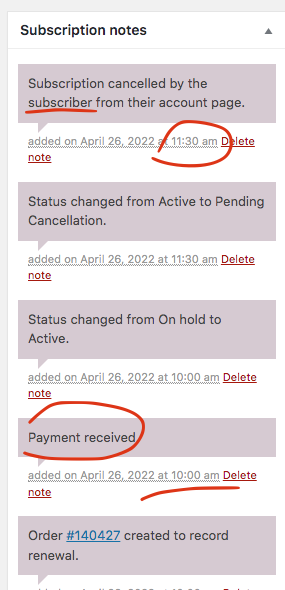
Our system log is showing you have only canceled the subscription ONLY after the system has renewed the order.
Replies for tickets on suppota
Our system log is showing you have only canceled the subscription ONLY after the system has renewed the order.
Hello Luigi thank you for your message as you have mentioned you are outside the 30 day grace period for the refund on the date you requested the refund according to our refund policy. https://docs.myeventon.com/documentations/terms-and-conditions-and-refund-policy/ I am really sorry
Hi Dave,
I did as instructed and cleared website and browser caches, but it doesn’t really translate to my iPhone 12.
::
I have an unrelated question:
When previewed as a single event, events look like this:
https://danmor.net/events/so-cool-ist-rainbow-reiki-7/
Where do I change background and so on, so it looks the same for all events that are displayed single?
I haven’t really understood eventON that way.
Thank you,
Dan
can you tell me your ip address so I can whitelist.
That fixed it!
Hello,
Please add this CSS code to EventON > Styles (If you don’t see any change, EventON > Scripts & Styling > turn off Write styles to header > save settings > turn on Write styles to header):
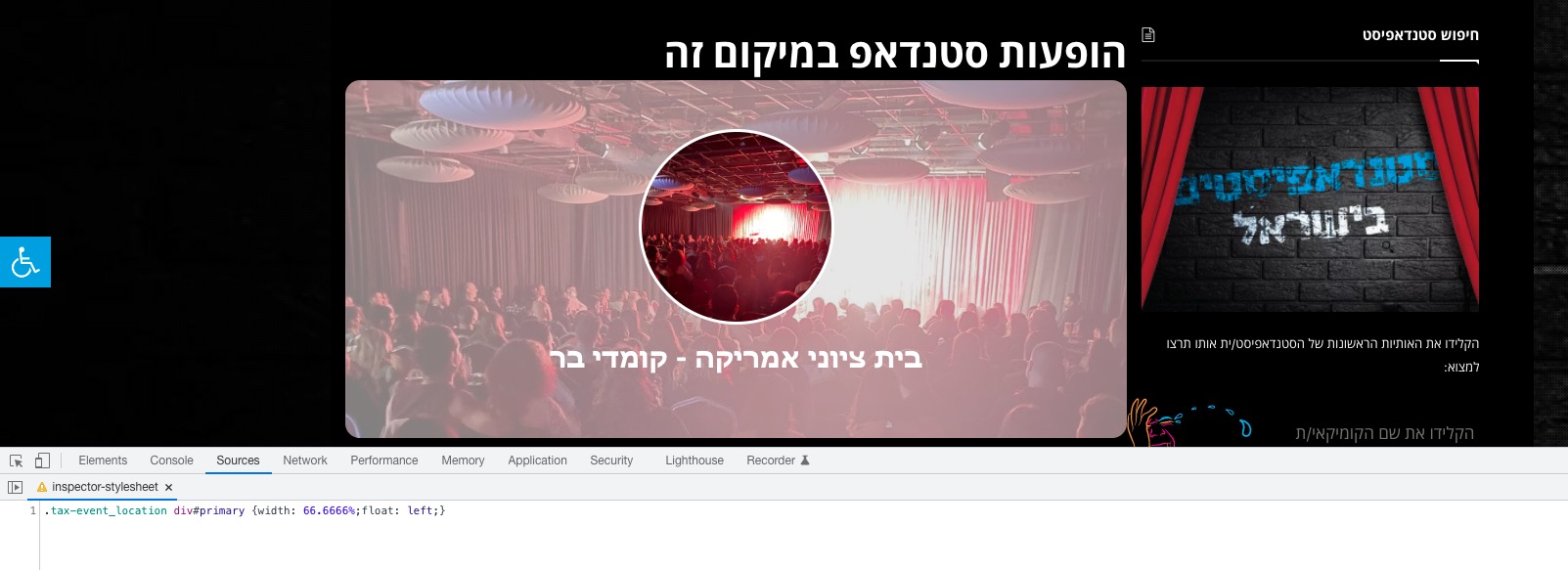
.tax-event_location div#primary {width: 66.6666%;float: left;}
Can you explain me, because I’m a curious person, why I should put the CSS mostly in EventON styles but sometimes in Customizier?
Because of cache, it may not work immediately when you put code to EventON Styles. So you need to follow an additional step, which my be time consuming.
Please use this code:
.color.evo_sin_page .evcal_desc .evcal_desc3 em.evocmd_button, .color.evo_sin_page #evcal_list .evcal_desc .evcal_desc3 em.evocmd_button, .color.evo_sin_page .evcal_desc .evcal_desc3 em.evocmd_button i, .color.evo_sin_page #evcal_list .evcal_desc .evcal_desc3 em.evocmd_button i {color: #720a0a !important;}
its a way to organise your css
however some themes don’t aknowledge the myeventon>>>>styles
so for me its a safe bet to place it in appearance>>>>customize>>>>additional css
now I’d need wp-admin access to change that text to the dark red in your header as I’d have to stuff around with getting the icon the right color as well
but the althernative is to make the background of the button the dark red which is alot easier
.evcal_desc .evcal_desc3 em.evocmd_button, #evcal_list .evcal_desc .evcal_desc3 em.evocmd_button {
background-color: #720a0a;
}
Hello,
I applied patch, so it should work now. Please check and let us know.
Hello,
I cannot access the website because of
Access Denied – Sucuri Website Firewall
Could you check?
Please also update Event Lists: Ext to 0.22.
To update eventon addons: You can download latest eventon addons from myeventon > my account. Then you can go to your website, deactivate old addon and install new one and activate then delete the old addon. This link will further explain the process. Also you can follow us on twitter to get real-time announcements on updates!