It seems to be working with enabled Use UTC offset time globally on calendars (BETA):
https://dev2.myeventon.com/30288-2/

Can we check the wp-admin dashboard for a test?
Replies for tickets on suppota
It seems to be working with enabled Use UTC offset time globally on calendars (BETA):
https://dev2.myeventon.com/30288-2/
Can we check the wp-admin dashboard for a test?
Great! Please keep us updated.
Hello,
Could you go to EventON Settings > try different Select calendar event content filter type?
Hello,
Thank you for your messages, I am going to assign this ticket to Ashan and he will be able to take it from here and find you a solution. Please allow some time for him to get back to you, we greatly appreciate your patience and thank you for being a eventon customer! Also please disable any IP blocking on your site if there are any.
Ashan,
Order 1: https://tickets.dance10studio.com/wp-admin/post.php?post=2123&action=edit
Order 2: https://tickets.dance10studio.com/wp-admin/post.php?post=2108&action=edit
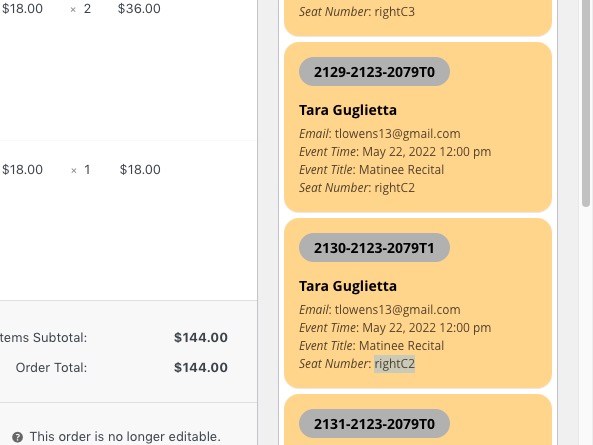
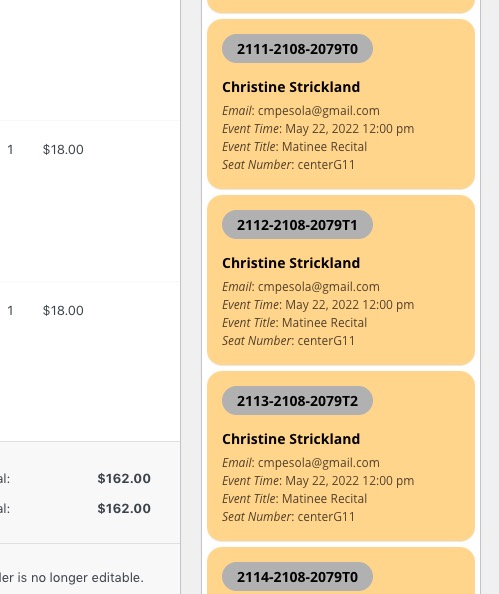
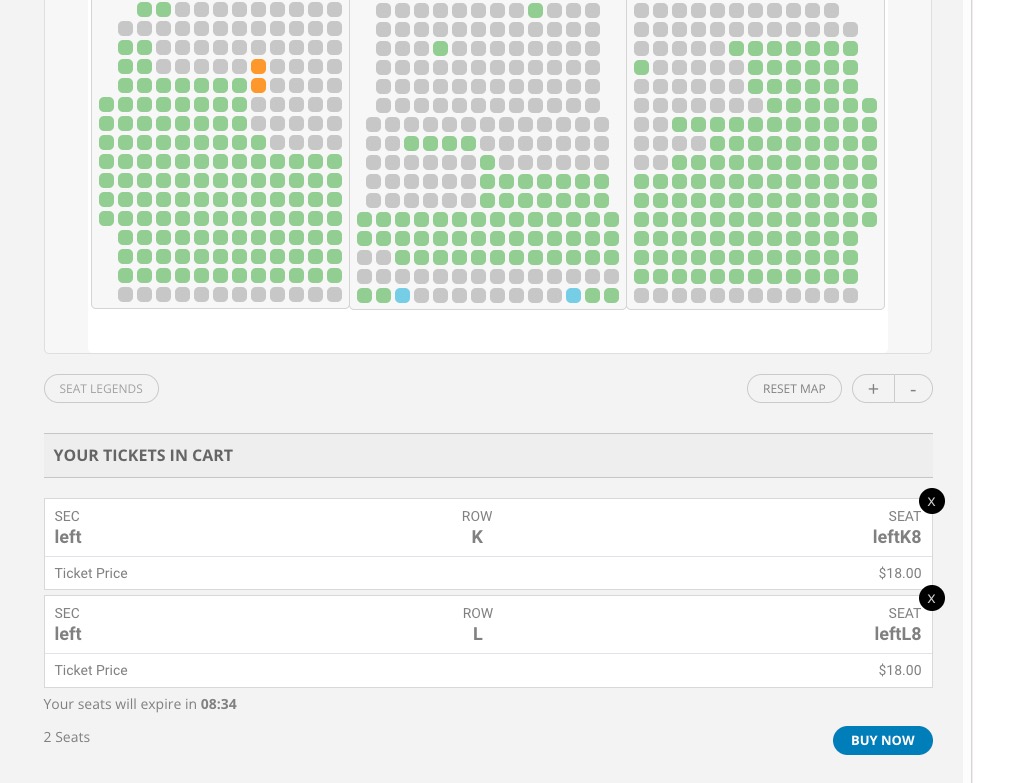
But you just cannot purchase multiple instances of the same seat:
Ashan,
Order IDs:
#125687 completed
Event Tickets – Single Site
#133944 completed
Event Lists: Ext – Single Site
Thank you for your messages, I am going to assign this ticket to Ashan and he will be able to take it from here and find you a solution. Please allow some time for him to get back to you, we greatly appreciate your patience and thank you for being a eventon customer!
Hello,
Could you go to EventON > Time > enable Use UTC offset time globally on calendars (BETA)?
I cannot find the screenshot. Could you resend it?
Hello,
The only way, without customizing the source code, is to hide them with CSS by adding it to /wp-content/plugins/eventON/assets/css/admin/backend_evcal_post.css.
Follow the css customization guide to further edit style changes.
i’ll close this ticket- your solution is on the other ticket