I followed your instruction but not work!
Can I use same MAP API as I do to the map to my contact form?
It did not work anyway but there is a map poping up for 2 seconds then it goes away.
Replies for tickets on suppota
I followed your instruction but not work!
Can I use same MAP API as I do to the map to my contact form?
It did not work anyway but there is a map poping up for 2 seconds then it goes away.
Thanks
Thanks
Hi…
I just went to it : https://mayflowerclub.com/wp-admin/
And I see this (ScreenShot)
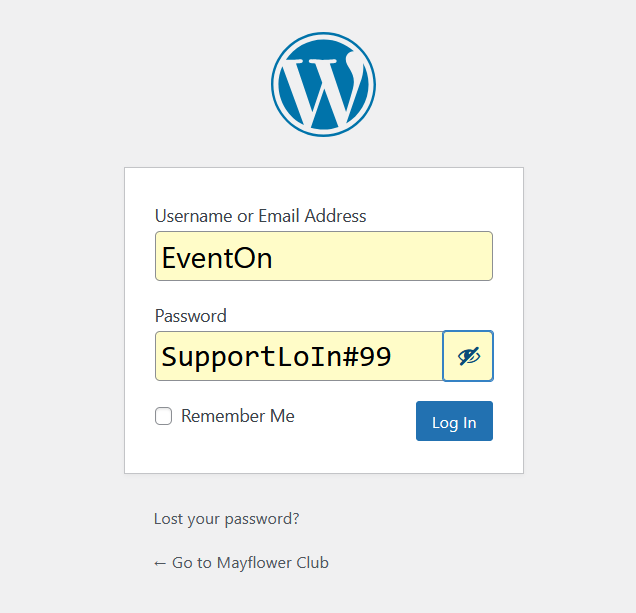
When I click the Blue Log-In Button it logs me in…
Would this be correct?
// Select the element
const element = document.querySelector(‘.evo_lightbox.eventcard.eventon_events_list’);
// Add the attribute if the element exists
if (element) {
element.setAttribute(‘data-lenis-prevent’, ”);
}
Hello,
Your link doesn’t go to an .ics file.
How it should be:
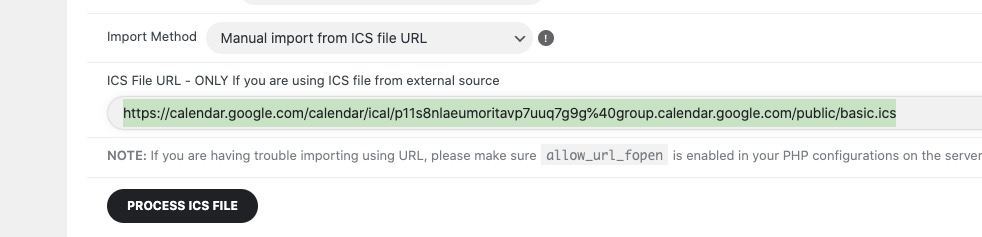
Also when I try to access your .ics link, it tries to open an app. ICS importer must access the .ics file directly.
I cannot access your website:
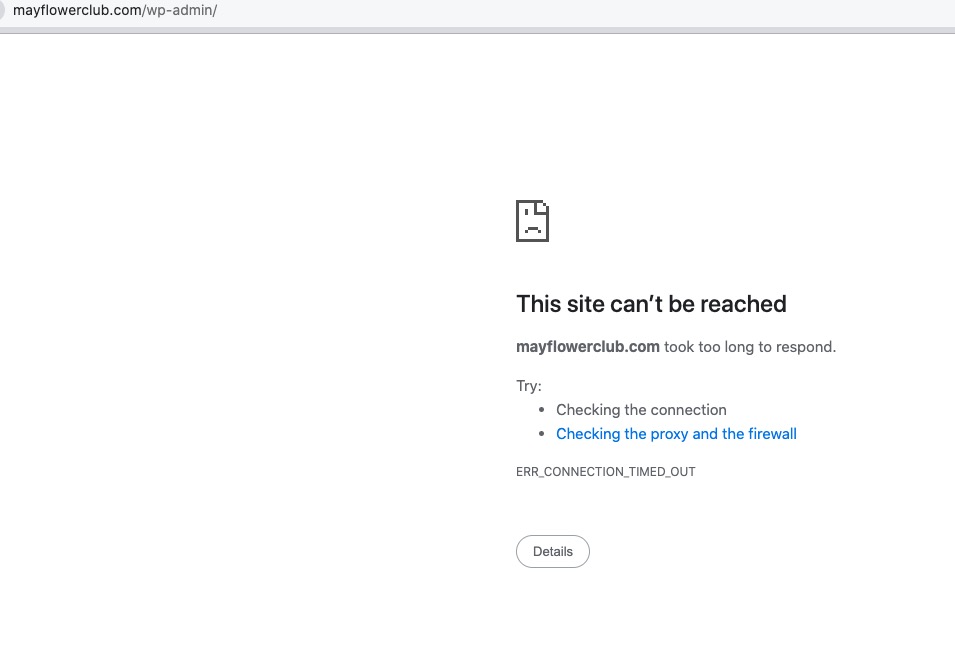
Could you check and let m know?
Hello,
Please go to EventON > Maps API > add Google maps API Key (Required).
More info:
https://docs.myeventon.com/documentations/why-is-location-google-map-grayed-out-or-not-displayed-on-event-card/
Hello,
Please go to EventON > Time Settings > enable Hide past events for default calendar(s).
Hello,
Please enable licensed on your dev site and create/test the website.
When done, install EventON and add-ons on your live website and then deactivate licenses on dev and then activate on live.