1. Does event_id such as 986189905634837 exist and assigned to an event?
2. Both event_start_date & event_end_date must be added in this format: mm/dd/YYYY
Otherwise it may cause issues.
Replies for tickets on suppota
1. Does event_id such as 986189905634837 exist and assigned to an event?
2. Both event_start_date & event_end_date must be added in this format: mm/dd/YYYY
Otherwise it may cause issues.
Hello,
Instead of Tag name please use Event Tag ID you can find here:
http://p79117-730-27964.s730.upress.link/wp-admin/term.php?taxonomy=post_tag&tag_ID=455&post_type=ajde_events&wp_http_referer=%2Fwp-admin%2Fedit-tags.php%3Ftaxonomy%3Dpost_tag%26post_type%3Dajde_events
…tag_ID=455…
Tags:
http://p79117-730-27964.s730.upress.link/wp-admin/edit-tags.php?taxonomy=post_tag&post_type=ajde_events
Hello,
There is some kind of issue on the website. When you logged-in it works, otherwise – doesn’t:
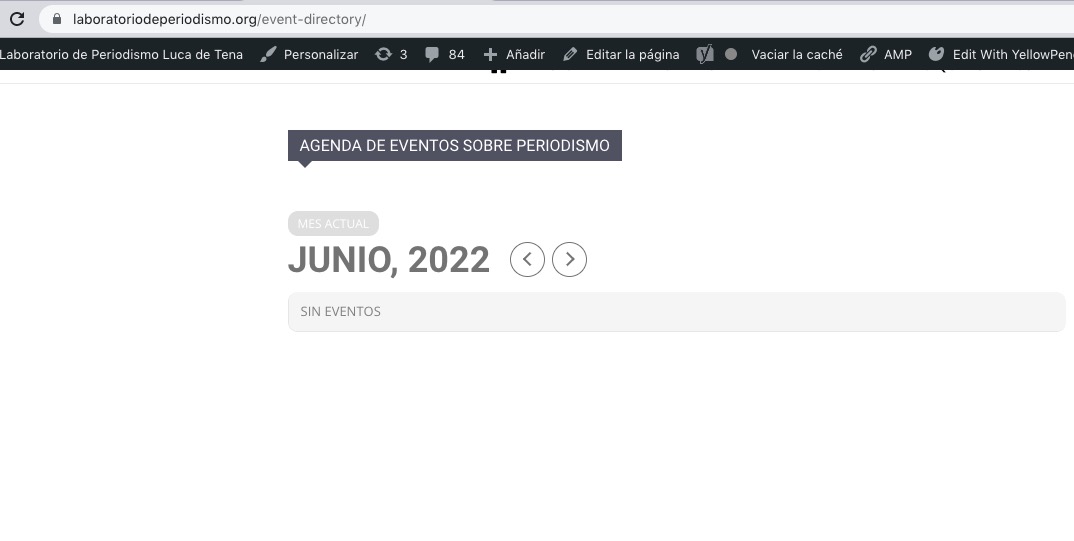
Could you please try the instructions mentioned in this documentation?
Hello,
Thank you for your great suggestion, at the moment it is not supported. However please create a new ticket and select Feature Request as category so others can vote on your idea and get it moved into development faster.
Hello,
Please use this shortcode:
[add_eventon_el number_of_months=”12″ hide_empty_months=”yes” tiles=”yes” tile_bg=”1″]
Check on https://dev.crmnext.us/1208-2/
Please also add this CSS code to EventON > Styles (If you don’t see any change, EventON > Scripts & Styling > turn off Write styles to header > save settings > turn on Write styles to header):
.ajde_evcal_calendar.boxy.boxstyle0 .eventon_events_list .eventon_list_event .evcal_desc {width: 50%;}
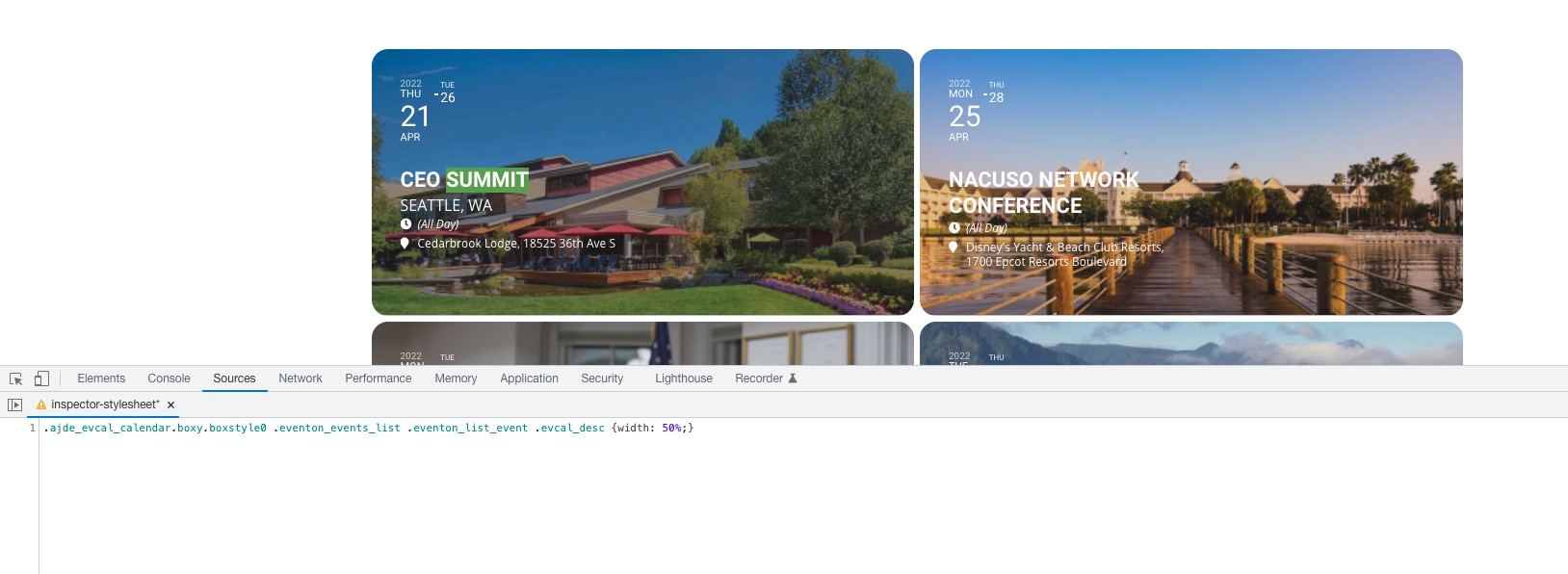
Hello,
The only way is to hide them manually by following:
https://docs.myeventon.com/documentations/change-css-calendar/
Hello,
Unfortunately, you cannot show only one week. However please create a new ticket and select Feature Request as category so others can vote on your idea and get it moved into development faster.
Hello,
Please go to EventON Settings > Time > enable Allow universal event time format on eventCard > add this to Date/Time Format
F j(l) g:ia {Uhr}
Could you try going to EventON > Time Settings > enable Use UTC offset time globally on calendars (BETA)?
Hello,
1. Thank you for your great suggestion, at the moment it is not supported. However please create a new ticket and select Feature Request as category so others can vote on your idea and get it moved into development faster.
2. Try RSVP – User RSVP Manager [evo_rsvp_manager]