That’s not helpful. I am able to develop myself and you could at least tell me the phps where I can find the relevant parts.
Archives: Replies
Replies for tickets on suppota
Reply to: tickets(271250)
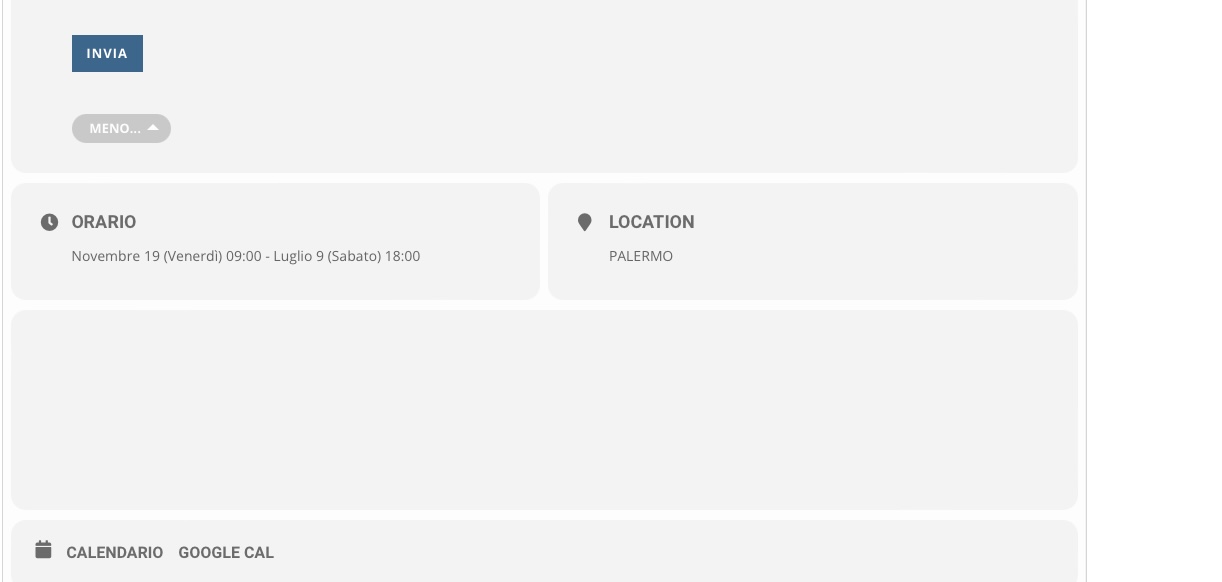
How to have that behavior here and in the other page like this . https://congressiconvegni.it/archivio-eventi-2022/
This is the code that we are using
[add_eventon_list number_of_months=”12″ fixed_month=”1″ fixed_year=”2022″ hide_empty_months=”yes” show_year=”yes” show_et_ft_img=”yes”]
How to see the event page without, read more, show more, at the end of the content page?
Thanks
Reply to: tickets(273985)
You can find developers on upwork.com or studio.envato.com.
Reply to: tickets(273985)
Okay. And how do I do the customization?
Reply to: tickets(274037)
Hello,
1. There are only two events on March 31st 2025:
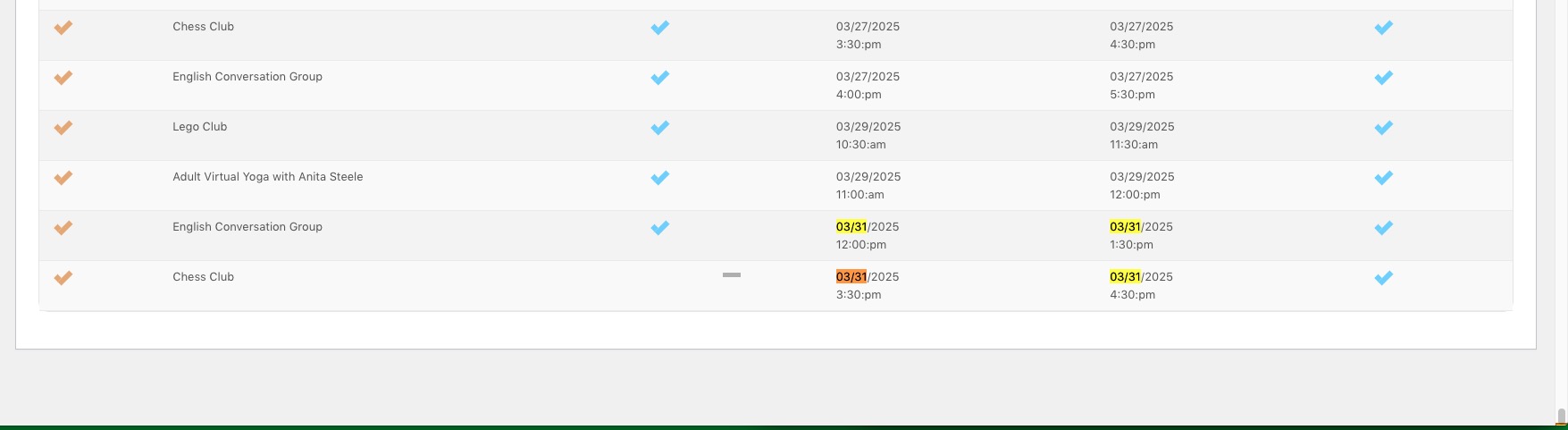
Could you try going to EventON > ICS Import > enable Import past events as well from ICS file? Also make sure that the file has events you want to import.
2. Please take a look at
https://docs.myeventon.com/documentations/add-support-additional-ics-fields/
3. & 4. You need to use Event Lists: Ext add-on for this
https://www.myeventon.com/addons/event-lists-extended/
[add_eventon_el number_of_months=”12″ event_count=”5″ event_count_list=”yes” show_limit=”yes” show_limit_ajax=”yes”]
Try on https://dev.myeventon.com/wp-admin/
Reply to: tickets(273985)
Hello,
None of these are possible without customizations, unfortunately.
Reply to: tickets(274044)
Yes, perfect. No IP blocking. Thank you in advance!
Reply to: tickets(273973)
Hello,
Could you send us a link to the .csv file?
Reply to: tickets(274119)
Hello,
One of your plugins or the theme replaces <i> with <svg>:
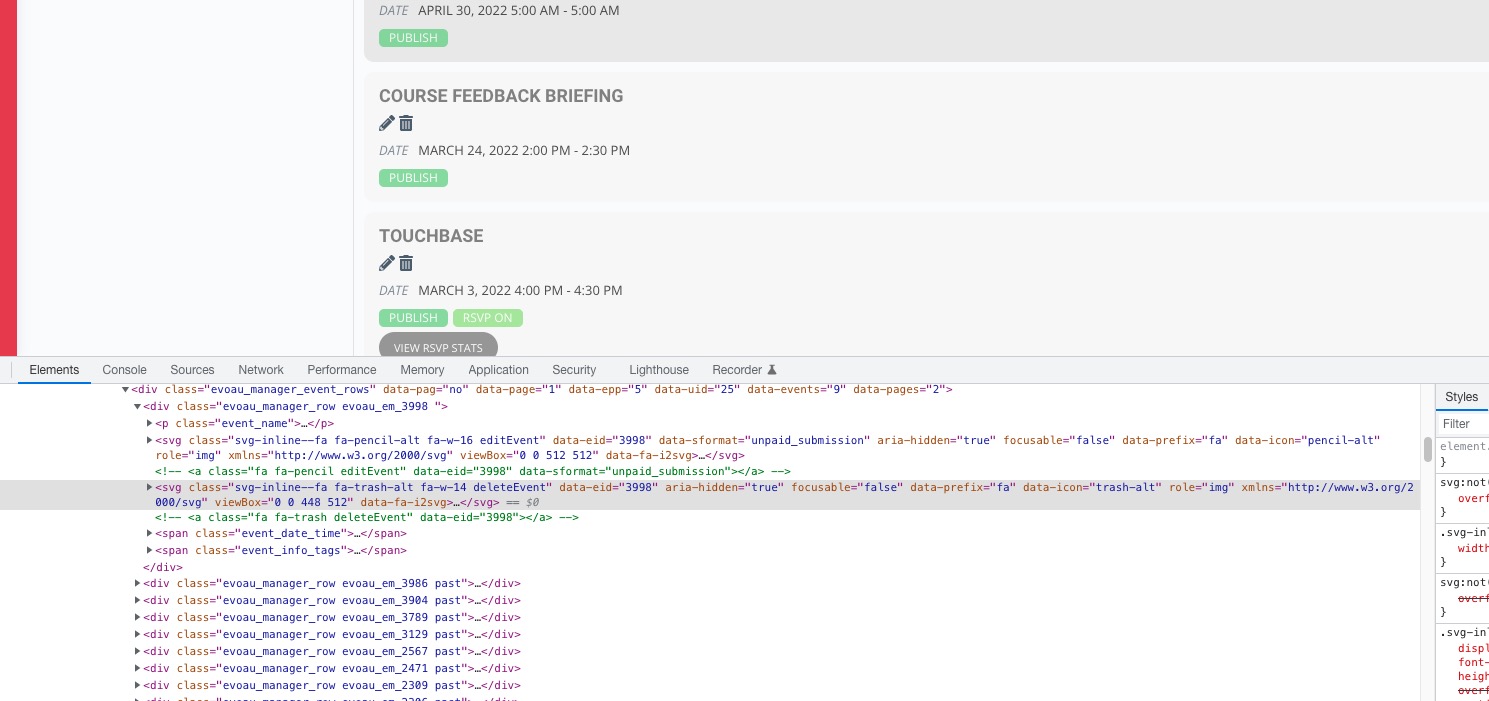
Please disable the functionality to fix this.
Reply to: tickets(274119)
can you try to clear your cache
https://wpengine.com/support/cache/
its possible its trying to load the older version