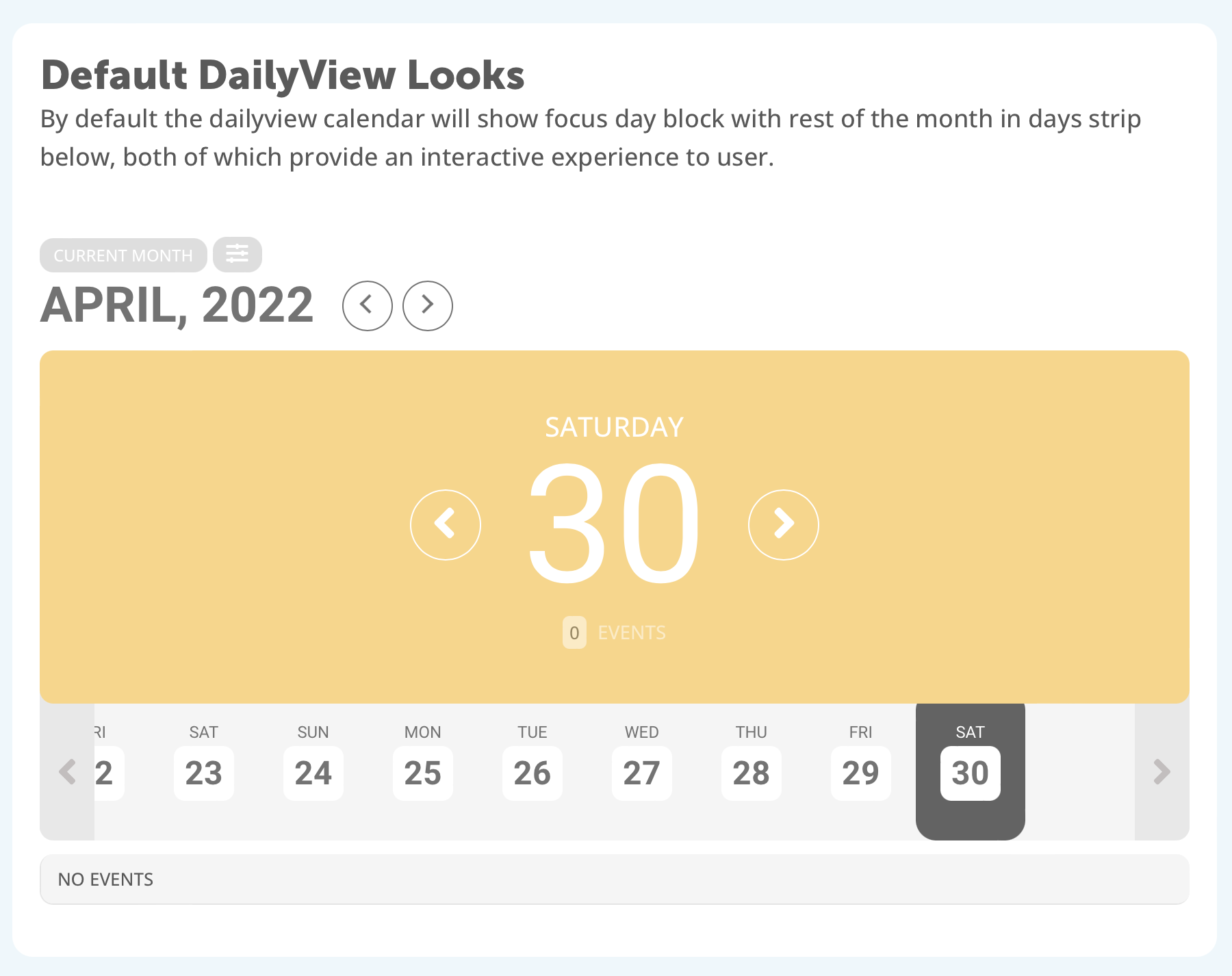
This is what I see after I click. April 30.
I tried mo1st=”yes” and it doesn’t work, feel free to try it on my staging.
Replies for tickets on suppota
This is what I see after I click. April 30.
I tried mo1st=”yes” and it doesn’t work, feel free to try it on my staging.
Do you know of a way to fix that? I’ll be glad to go in and do it but I don’t know how to do that.
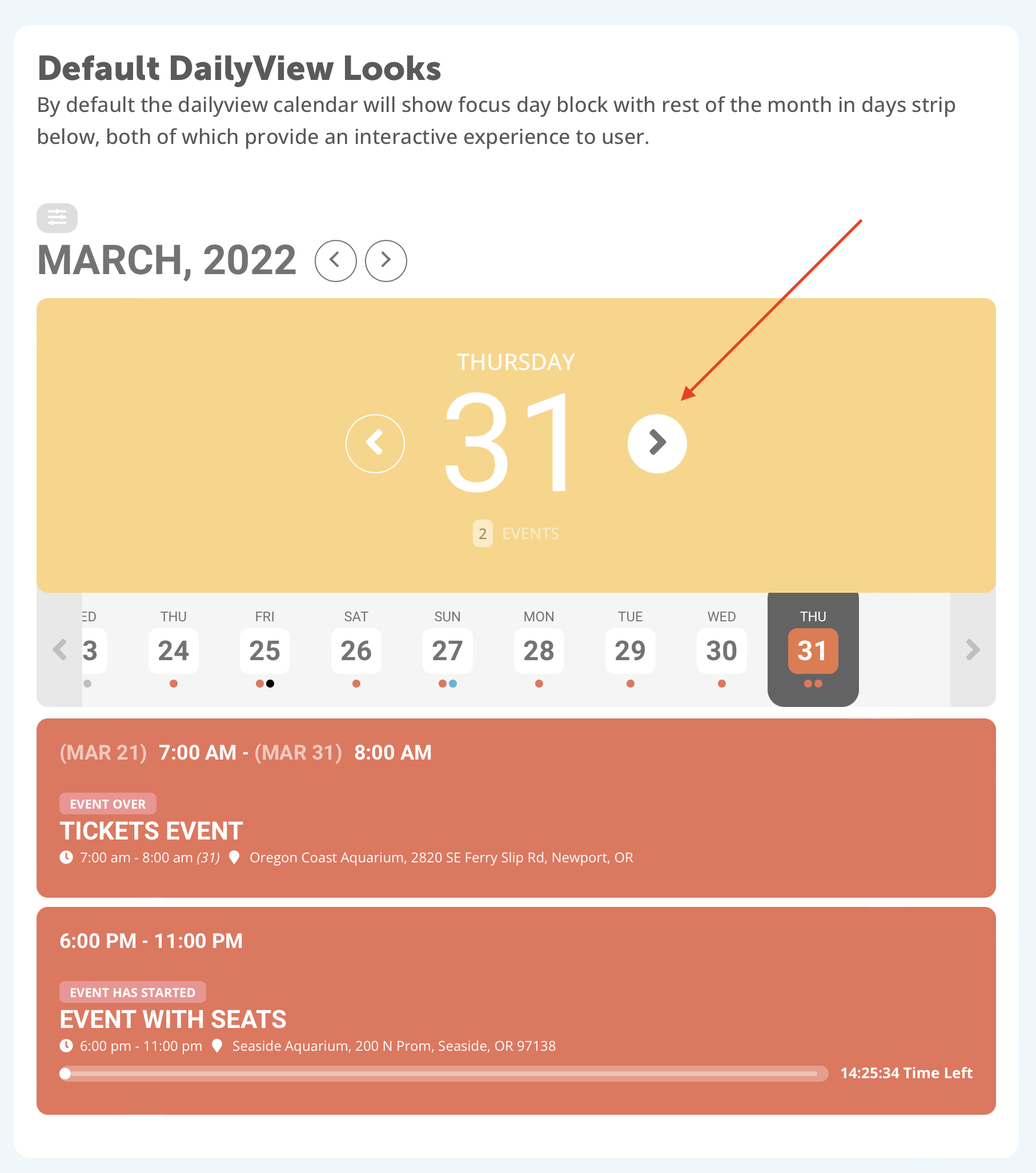
This one, from your demo:
that seemed to work. thank you
I turned that setting on (Use UTC offset time globally on calendars (BETA)) just now and it made no difference.
We are glad your issue is resolved, if you have any further questions or concerns please create a new ticket.
If you have a moment, we would greatly appreciate if you could kindly leave us a review at codecanyon! from your account > downloads. Cheers!
Hello,
Thank you for your messages, I am going to assign this ticket to Ashan and he will be able to take it from here and find you a solution. Please allow some time for him to get back to you, we greatly appreciate your patience and thank you for being a eventon customer!
Could you also try EventON > Time Settings > enable Use UTC offset time globally on calendars (BETA)?
Something replaces icons <i> with <svg>, which makes everything much slower, so I cannot check the page: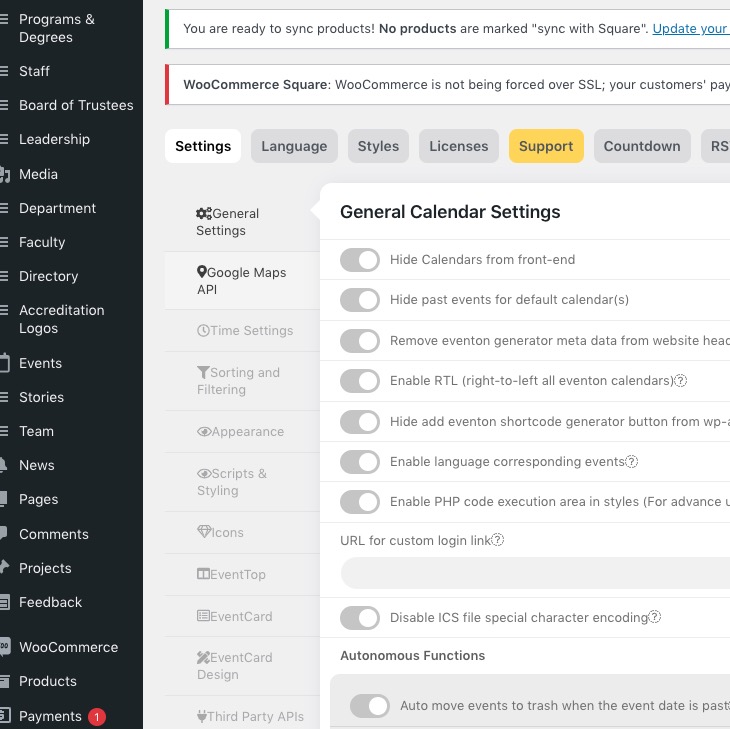
there is a ? in a circle instead of a checkbox.
This is because of <svg>.
Thanks Artem!!