Thank you so much! It worked for testing and the next rsvp even is next week so we will see then for sure.
Archives: Replies
Replies for tickets on suppota
Reply to: tickets(275232)
Many thanks!
Reply to: tickets(275315)
Hello Antonio,
Unfortunately, we don’t have a method for making the event repeat indefinitely
You could take your master event set up to repeat for the year, then duplicate it to change the initial date and choose a different day in the repeat mode section. That is about all you can do.
Reply to: tickets(275177)
Your file format doesn’t seem to be correct: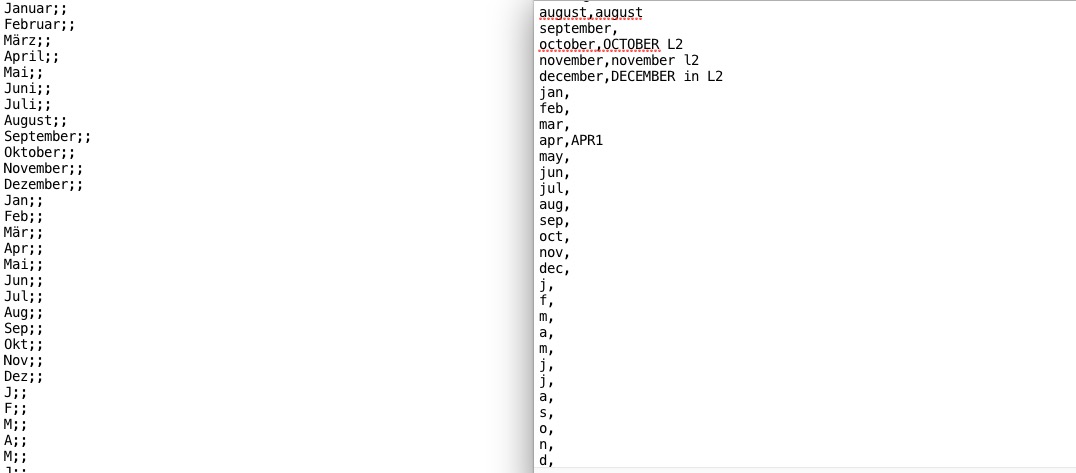
Could you tell us which EventON version you downloaded it from?
Reply to: tickets(275153)
WooCommerce supports you with one: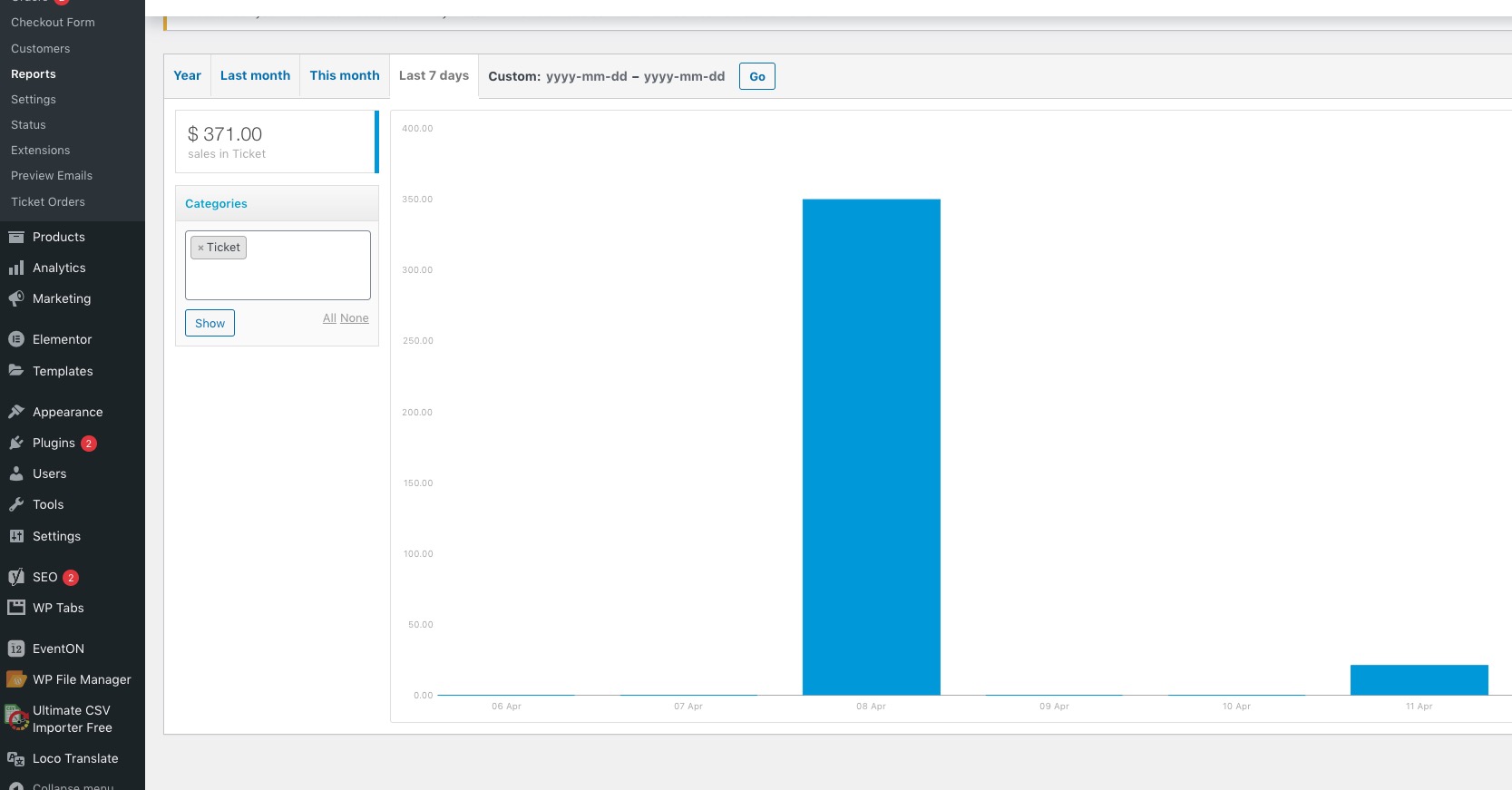
Reply to: tickets(275277)
Ashan,
Could you check https://dev2.myeventon.com/wp-admin/post.php?post=30203&action=edit
The file date format is correct, plus they use all_day=yes.
Reply to: tickets(275277)
Thank you for your messages, I am going to assign this ticket to Ashan and he will be able to take it from here and find you a solution. Please allow some time for him to get back to you, we greatly appreciate your patience and thank you for being a eventon customer! Also please disable any IP blocking on your site if there are any.
Reply to: tickets(275295)
Hello Fernando,
Could you please try the instructions mentioned in this documentation to make sure your issue is indeed coming from eventon.
Reply to: tickets(275118)
Hello,
1. Do you mean you want the featured image to show in the event top? If that is the case, include this to the shortcode show_et_ft_img=’yes’
2. You can move the buttons by going to Eventon > Settings > Event Card Design and rearranging the design to fit your requirements.
3. I have added the code [add_eventon_wv] to the page below, please take a look below:
https://socialcrowdmedia.com/calendar-of-events/
Reply to: tickets(274766)
Why isn’t the “custom eventon only time offset value (in minutes)” not working?
This is for Calendar GoogleCal on Even Card.
