i think the pass you shared is encoded. might need un-encoded pass.
Archives: Replies
Replies for tickets on suppota
Reply to: tickets(261876)
image again
Reply to: tickets(261876)
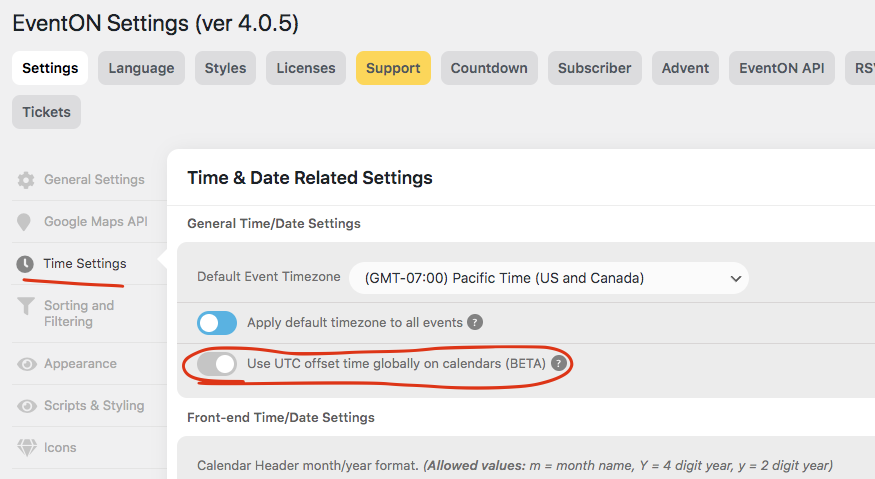
Kindly also try UTC offset time option in settings.
We were not quite able to identify the issue. But we are still working on this. Much appreciate your patient!!!
BTW what is your WordPress timezone set to and what is the event timezone set to?
Reply to: tickets(271256)
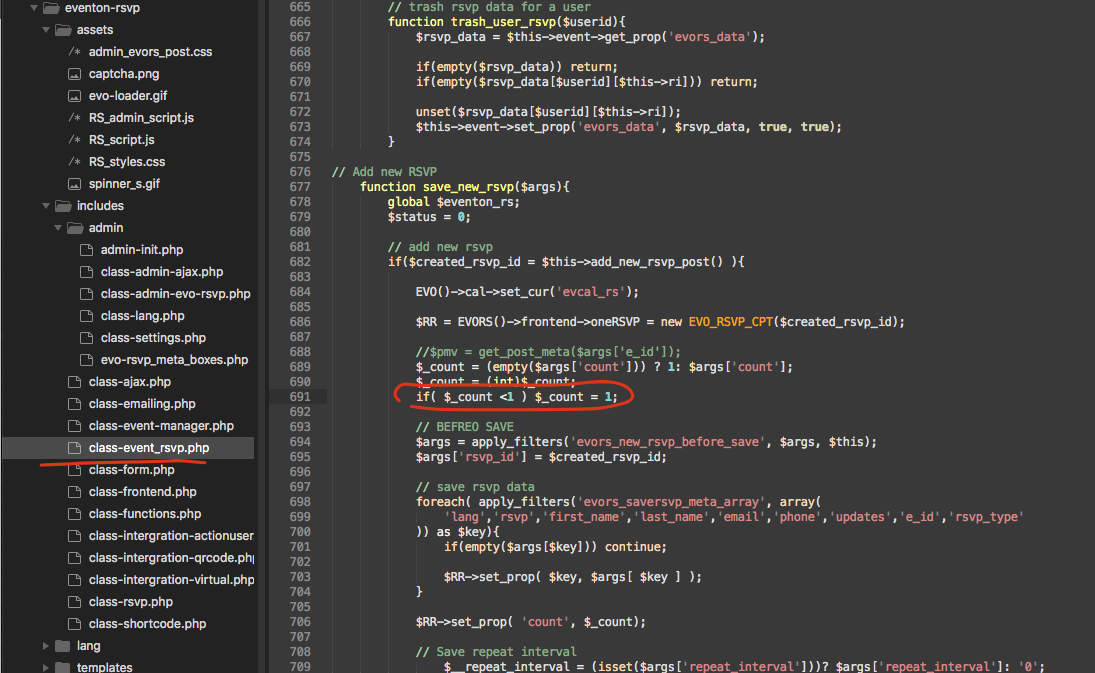
Wow that is just crazy. Is it possible to contact the customer and ask? I tried on our end submitting the rsvp from dif browsers at the same time. but our algorithm stops one. Here is a fix to modify to stop allowing 0 guest count.
Reply to: tickets(272376)
Here you go:
[add_eventon_fc show_et_ft_img=”yes” grid_ux=”2″ heat=”no” style=”names” evc_open=”no” nexttogrid=”no” event_order=”ASC”]
Reply to: tickets(267246)
Thank you david. If you check in this URL https://www.rossevip.club/wp-admin/post.php?post=18757&action=edit&debug=true
you can see the QR code with correct URL. We are using a PDFDOM library which is suppose to convert everything HTML into pdf even the images and it works fine on our end…
To be honest I am not sure whats going on. We can not replicate this on our side…
Did this work for you before an update?
Reply to: tickets(271903)
Would you mind send me a link to see this? also the translation issue I believe I replied to you.
Reply to: tickets(270758)
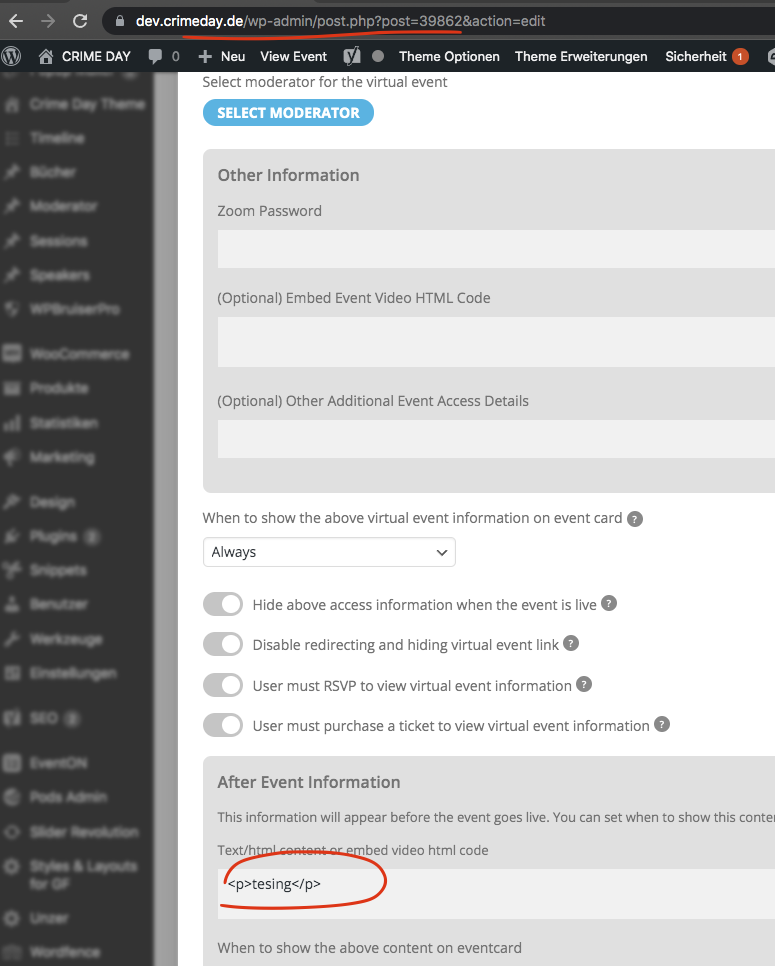
I see the issue your quotation marks are actually special characters 🙂 with that correct on your site, I am able to save HTML content now. You should be good to go now 🙂
Reply to: tickets(268078)
Great news I was able to achieve both those tasks. Will need some more testing before releasing 🙂
Reply to: tickets(270754)
this page had eventon turned off
https://www.todayswillsandprobate.co.uk/wp-admin/admin.php?page=PO_global_plugins
I turned it on- check now