yes…big time. as soon as i change the domain to serve up php 8, then we get a critical error on your website and nothing loads. I set php back to 7.4 and it loads fine. Are there specific php modules in 8 that perhaps need to be enabled that are different than php 7.4??
Archives: Replies
Replies for tickets on suppota
Reply to: tickets(271256)
Hi Ashan,
Thanks for fixing. Do you have an ETA on the next RSVP update? Just so we know when we can roll it out on the live site.
Thanks
Reply to: tickets(273218)
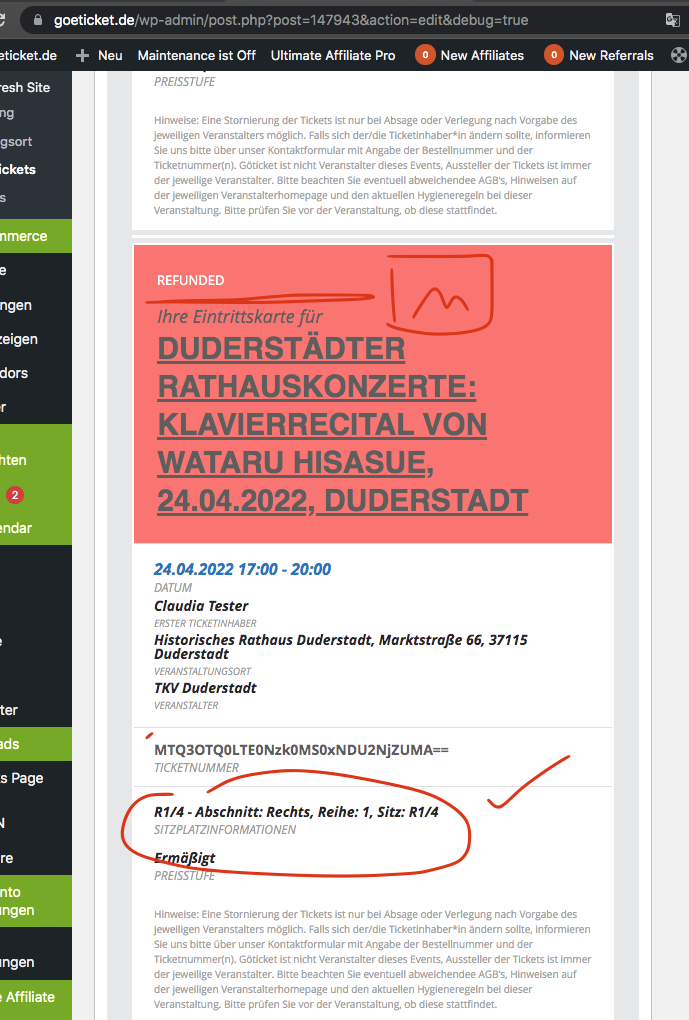
Hello there, I have editted yoru site. should be fix the issues. The image should now appear in a new line instead of a same line. that will resolve the image issue.
So the PDF generated using the ticket confirmation email. You can edit this file and remove the add to calendar if you desire.
https://www.goeticket.de/wp-admin/plugin-editor.php?file=eventon-tickets%2Ftemplates%2Femail%2Fticket_confirmation_email.php&plugin=eventon-tickets%2Feventon-tickets.php
Reply to: tickets(271256)
I was able to find the issue and get it fixed. Will include this in the next update to RSVP addon. But your site is good now. 🙂
Reply to: tickets(268013)
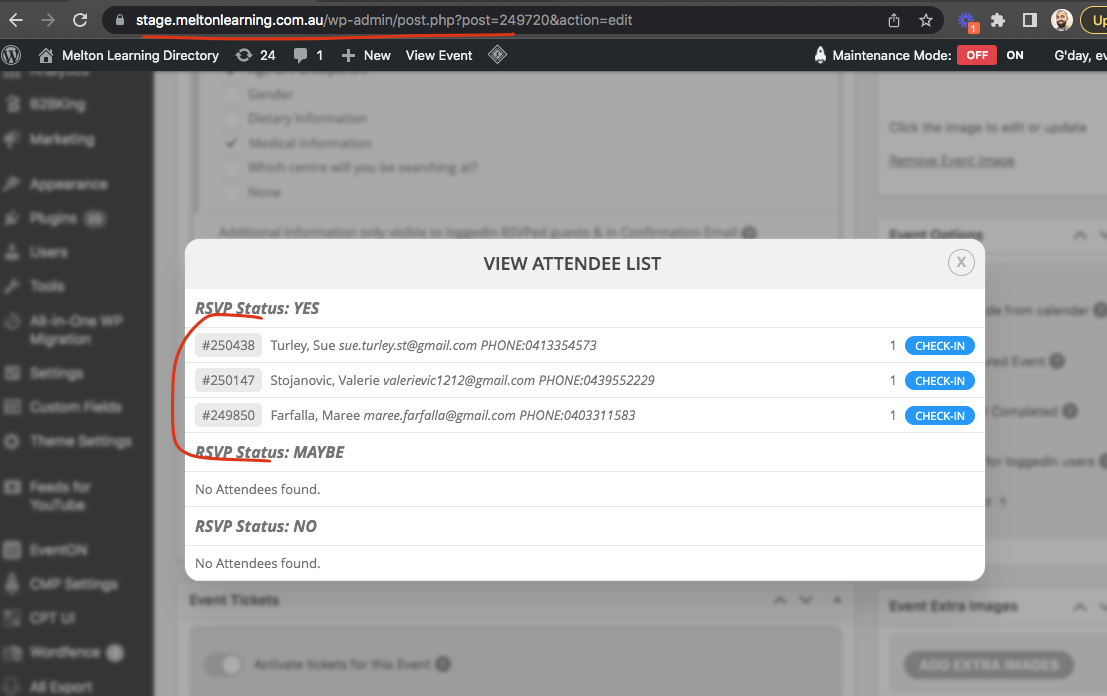
From the screenshot. I can see the end time/date is not the same. So the system thinks this is another new instance of the repeat.
It is always best to verify custom repeat instances after save. I hope you are able to delete the unwanted repeat dates are continue your operations 🙂
Reply to: tickets(270880)
Thank you for the kind words Roger!!
Just need to do few more things in actionUser new update and then will be able to get this out of the door 🙂
Much appreciate your patient!
Reply to: tickets(267246)
Interesting. Are you running an older event ticket version? because that function is suppose to get an encrypted ticket number as the first param.

Reply to: tickets(271993)
I just created an account for you with that email you recommended dummy@eventon.com and this password
0NpgI!tmsTb&bWqBn!a@)hut
If you go to my Events page you’ll see this event scheduled for 3 hours from now does not appear?
EVENT: https://turnthetide.buzz/events/brave-meeting/
EVENT PAGE where this event does not appear: https://turnthetide.buzz/event-calendar/
Reply to: tickets(273312)
If you want to stop duplicating the already uploaded image. You can edit the CSV and instead of image URL put image attachment ID from WordPress.
Reply to: tickets(273711)
We have been testing all the addons and eventON on PHP 8.0.8 with no issues. Are you seeing any issues on this?