Hello,
/event can be changed from EventON > Events Paging > EventOn Event Post Slug:
https://docs.myeventon.com/documentations/change-events-slug/
Replies for tickets on suppota
Hello,
/event can be changed from EventON > Events Paging > EventOn Event Post Slug:
https://docs.myeventon.com/documentations/change-events-slug/
Hello,
No sign of EventON on the server:
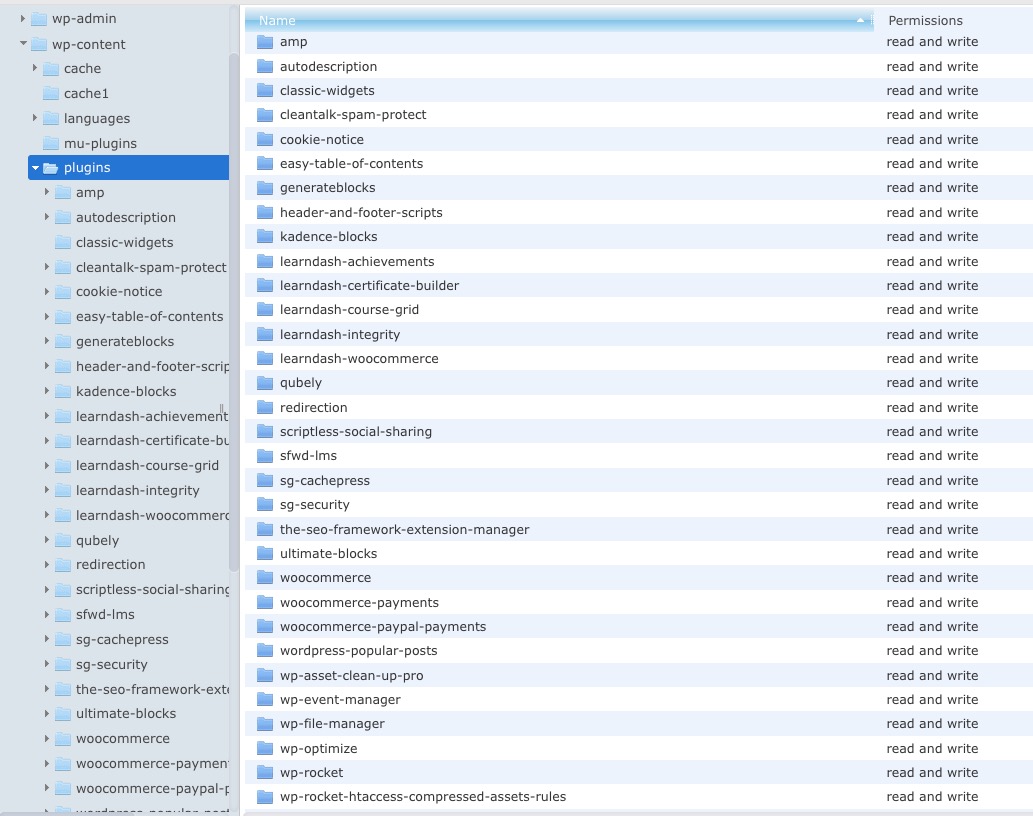
Could you try cleaning your cache plugins?
Hello,
The only way of customizing it is to apply a custom CSS code:
https://docs.myeventon.com/documentations/change-css-calendar/
yes there would be a compadability issue in the main description so check the page out now and see video below on how I achieved it
I changed the form to something much larger- seems to work
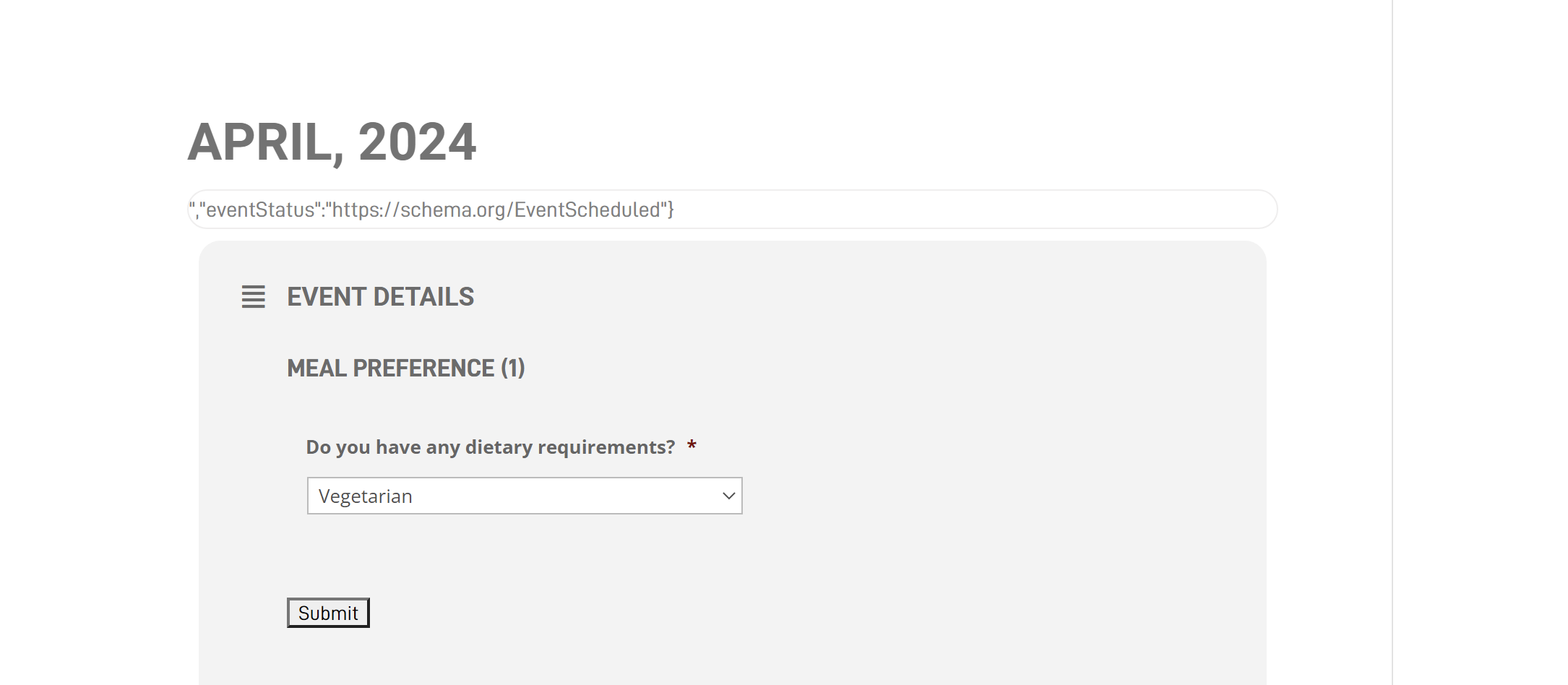
Yes this is a Gravity Form but as you can see on the front end it does not display correctly – at the top.
We had used Gravity Forms originally with EventOn and had no issues at all. Now there appears to be a compatibility issue.
Hallo an many thanks for your fast replay,
here are my the domain-changing-tasks:
I hope, thats more clarifying. Can you fix it?
Kindly regards,
David
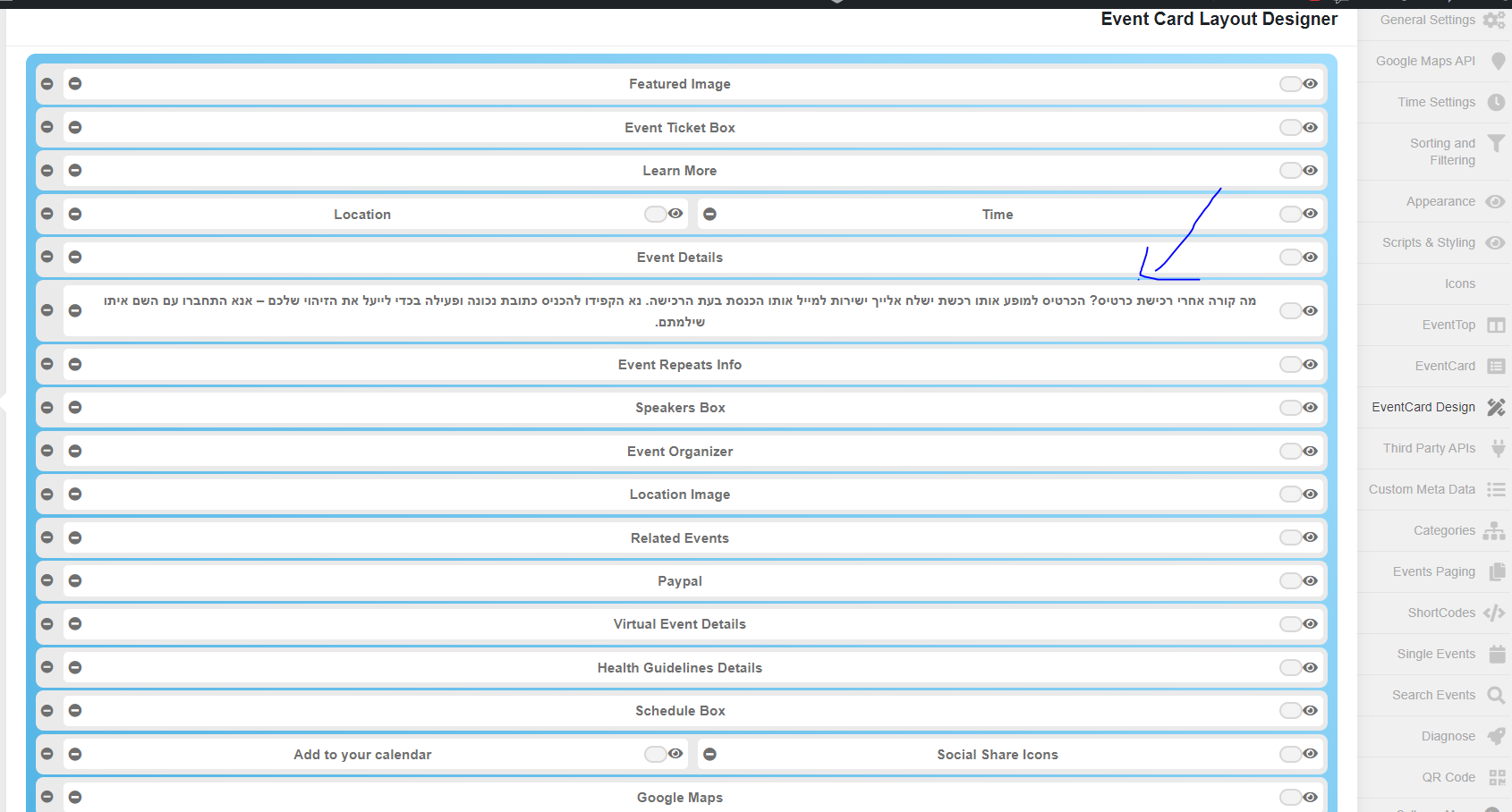
Hi
As you can see in my screenshot yes i did it and its still not working well 🙁
Nitzan
Bonjour,
There is only 1 probleme. I never received the answer on (Ticket #248145) this subject, hence my reminders. And so to finally know if you have made these updates! Today I no longer have the time, nor the means to call everything into question!
Hi, sorry for my late reply. Here are the login access … Thank you!
https://tangocho.promohero.pro/wp-admin/
gprx_adm-prj108
ux9dR$6Y2eUanmymqw
Hi Frank,
I was able to load the page but only after deactivating the Imagify plugin. The issue does not seem to be plugin or theme related, so I will ask Ashan to take a look again.