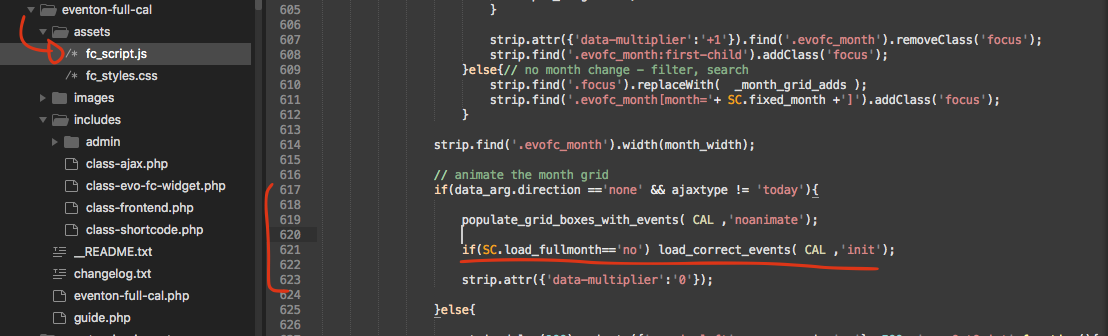
kindly apply this patch fix.
Replies for tickets on suppota
kindly apply this patch fix.
Good news I was able to resolve your issue. We will be releasing a new update to include anything addon which will also have the fixed code in it.
 If you have a moment, we would greatly appreciate if you could kindly leave us a review at codecanyon! from your account > downloads. Cheers!
Hello,
Please add this to your shortcodes:
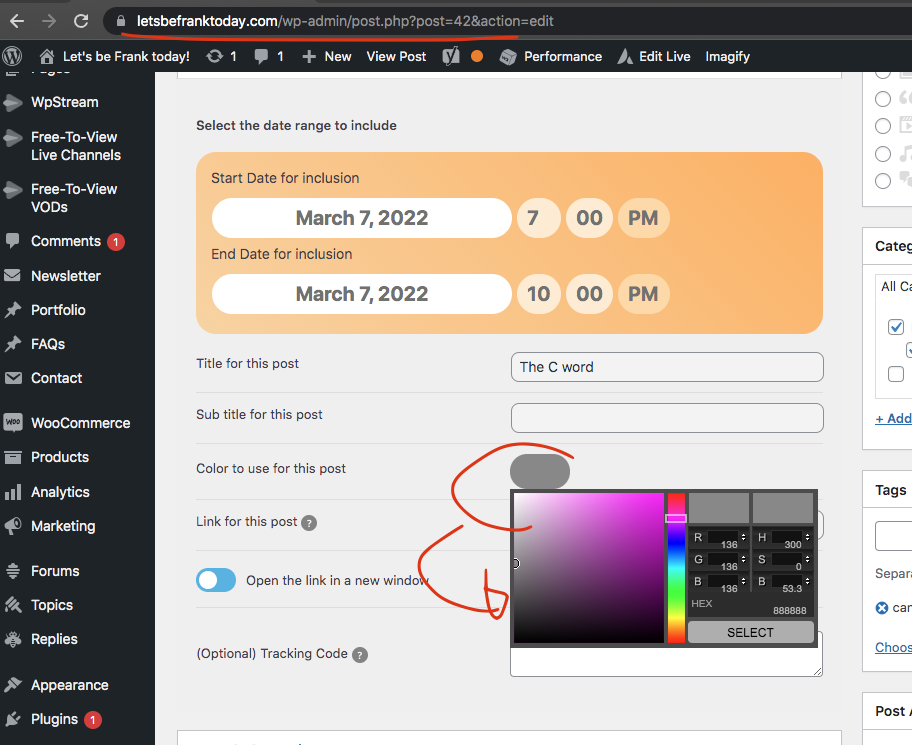
etc_override=”yes”
Selecting this option overrides event colors with event type colors, if they exists.
Sorry frank we are a small team. Appreciate your patient! I am looking into this now.
Hello,
Please take a look at this event. It seems to be working correctly:
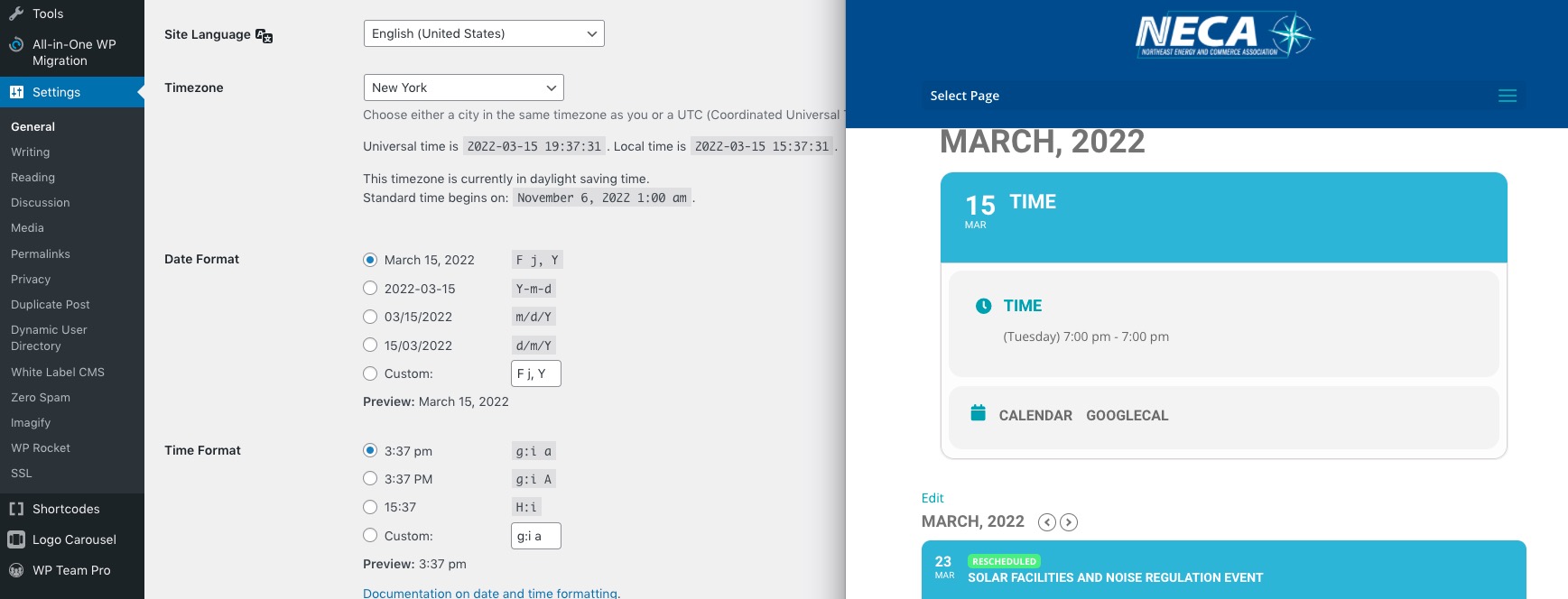
Could you create a similar event with different time and send us a screenshot with the issue?
Could you go to Edit Event https://nhkmizmir.org/wp-admin/post.php?post=20349&action=edit&classic-editor and make sure that “Etkinlik Saat Dilimi” is correct. It should be Istanbul as well.
Also, go to https://nhkmizmir.org/wp-admin/admin.php?page=eventon#evcal_001b and enable “Varsayılan zaman dilimini bütün etkinliklere uygula”.
Hello,
1. Please add this CSS code to EventON > Styles (If you don’t see any change, EventON > Scripts & Styling > turn off Write styles to header > save settings > turn on Write styles to header):
.olympus-theme .woocommerce table.cart .product-thumbnail .cart-product__item img, .olympus-theme.woocommerce-page #content table.cart .product-thumbnail .cart-product__item img, .olympus-theme.woocommerce-page table.cart .product-thumbnail .cart-product__item img { margin-right: 100px; }
1B. Use this code:
.shop_table .cart_item.evo_event_ticket_item .variation:last-child { display: none !important; }
2. Please contact the theme developer, since we cannot help with this, unfortunately.
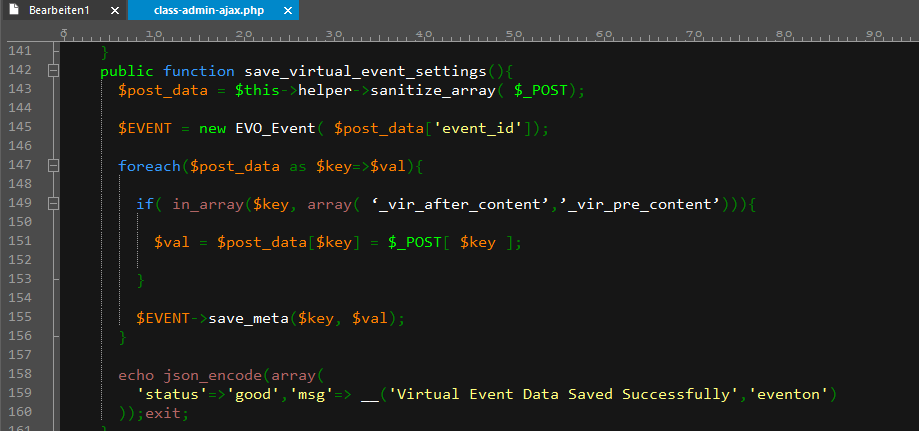
Unfortunately this does not work at all 🙁
I have added the code (see screen shot), but I still can’t embed any code (See this video: https://cloud.deinhardt.com/s/xQDR8SHepnbtWSe )
All wee need is to show an iFrame with the stream on the event page. We don’t want to redirect the visitor anywhere, so we don’t need to fill in the “Live Event URL”. But neither adding the Video code nor leaving the “Live Event URL” empty works.
Please help.
I do not have an update sorry. As I replied in your other ticket, kindly use custom CSS to resolve the issues according to your needs.
I am really sorry Nitzan, tehre are lot of moving parts and we are working to improve the RTL as we make progress on things. Appreciate your patient.
In the mean time you can always use CUSTOM CSS to override the calendar styles and alter the looks. This is also a guide on that https://docs.myeventon.com/documentations/change-css-calendar/