Hello,
Could you send us an example of such event, so we can re-create this?
Replies for tickets on suppota
Hello,
Could you send us an example of such event, so we can re-create this?
Hello,
Could you send us a link to an example event?
Here’s my test event, which seems to be working:
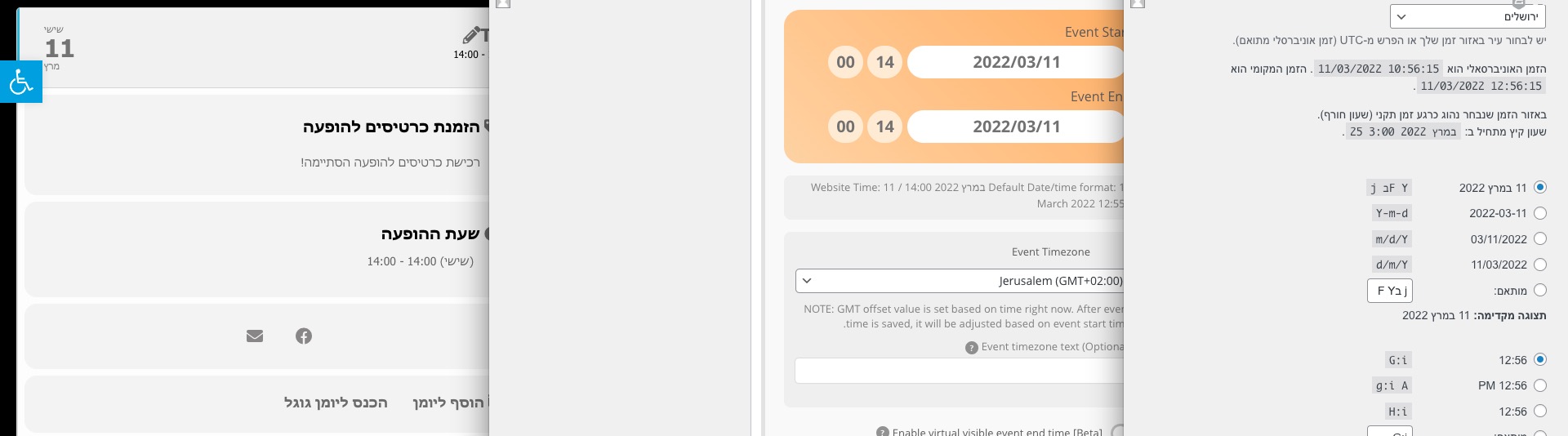
thats a very very old version of eventon 2.6.5 from 2017
we are up to 4.0.5 now
To update eventon to latest version: If you are unable to do autoupdate, you can go to codecanyon your account > download and get the latest eventon version as zip file. Then you can go to your website, deactivate old eventon, activate (Do not delete eventon settings & data when EventON is uninstalled) from eventon settings, delete old eventon, install new one and activate. This link will further explain the process it. Also you can follow us on twitter to get real-time announcements on updates!
see https://docs.myeventon.com/documentations/eventon-changelog/
we have added ALOT of more features
Hello,
Please follow this guide on how to upgrade your license:
https://docs.myeventon.com/documentations/how-to-upgrade-a-eventon-addon-license/
sorry did you mean this is no longer an issue and we can close the ticket?
OK so in appearance>>>>>customizer>>>>additonal css
I have added the css- you’ll have to pick the color of your choice to add so change the bit in bold to your color
.evcal_desc .evcal_desc3 em i { color: #ffff66 !important; }
the icons are there- if you roll your mouse pointer over the area- it changes to a hand and then click the mouse and the icons picker appears
I have added 2 icons – you can change them to what you are after
Hello,
1. Unfortunately, only by adding this as a customization.
2. Add this to the shortcode:
event_count=”5″ event_count_list=”yes” show_limit=”yes” show_limit_ajax=”yes”
3. Please follow
https://docs.myeventon.com/documentations/how-to-use-event-types-to-do-more/
4. Could you elaborate more?
5. Please see 1.
6. Please see 1.
We are glad your issue is resolved, if you have any further questions or concerns please create a new ticket.
If you have a moment, we would greatly appreciate if you could kindly leave us a review at codecanyon! from your account > downloads. Cheers!
I think that this two page crash for a memory problem
The problem is that it crashes the browser itself.
Or there are some pdf attached, i don’t know the reason
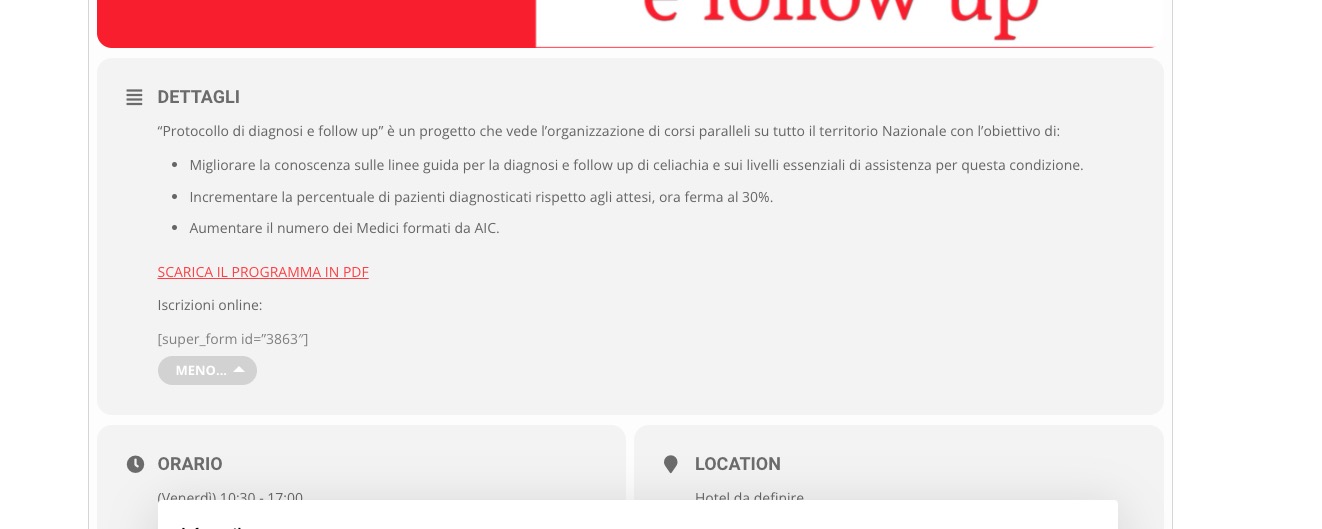
Because you put the form into Event Details, it loads many times, breaking the page:
Ok, perfect! No problem. It’s ok =)
Thanks