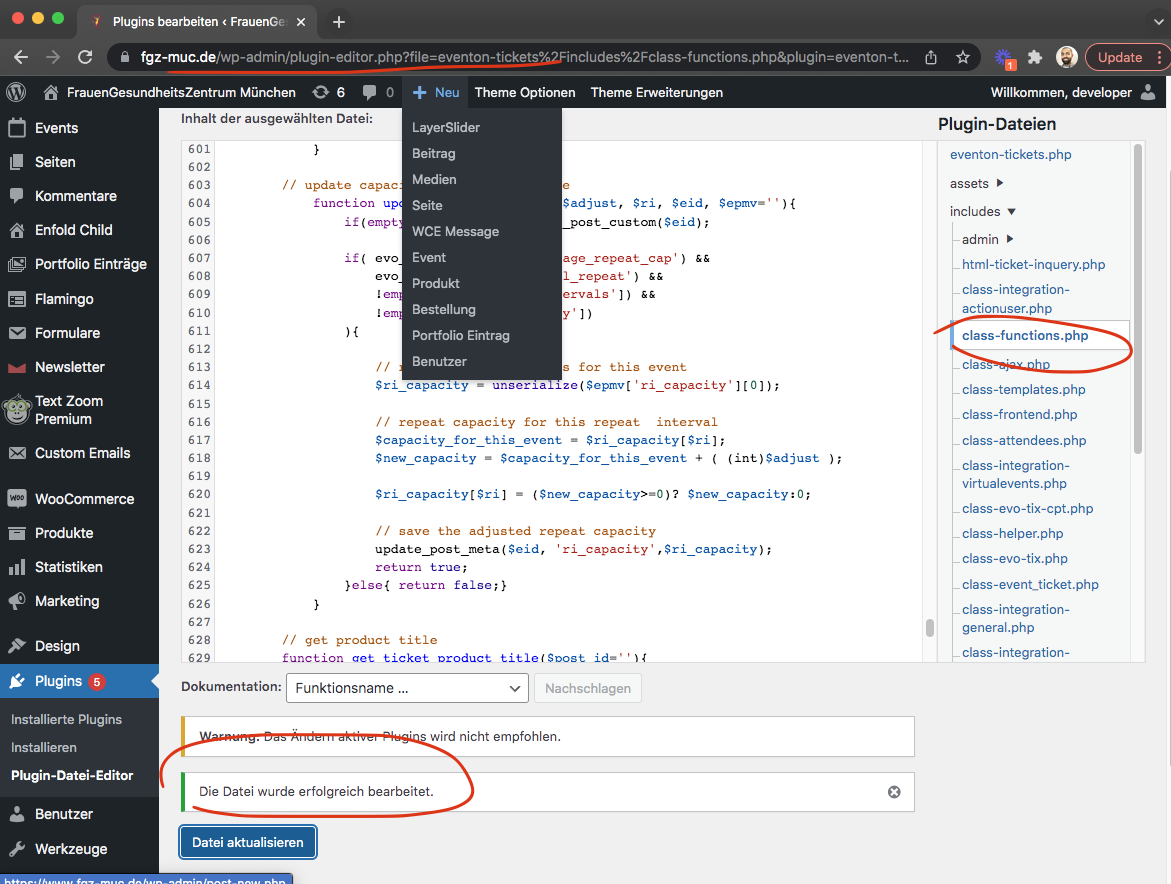
I thank you again, Ashan… I have updated the plugin and all seems to be working properly. I wish I could see that screen shot, but when I tried to save it, I still couldn’t see it – it displays as 150 px sq. I don’t have an event going on right now, so cannot check if it’s still doing that weird time thing on the front end, if that is what the screen shot refers to, but I will check it tomorrow when there is an actual event – again at noon. 🙂 Thanks so much.
Archives: Replies
Replies for tickets on suppota
Reply to: tickets(270356)
Sorry, spoke to soon. Quick edit of AM -> PM has not worked. And I did clear the cache.
Reply to: tickets(269289)
Hello My friend, As artem has kindly debug the issue, it is important to identify why its happening to solve it.
Additional ticket holder information is collected at woocommerce checkout page. If you are using a custom checkout method these fields will not be properly set as needed for the code. I am not sure how it used to work before.
Perhaps you can go back to the old version of tickets addon. Do you remember when you updated, what was the old version?
Reply to: tickets(270356)
Hi. Cleared the cache, and now quick edit is working. Cheers.
Reply to: tickets(267615)
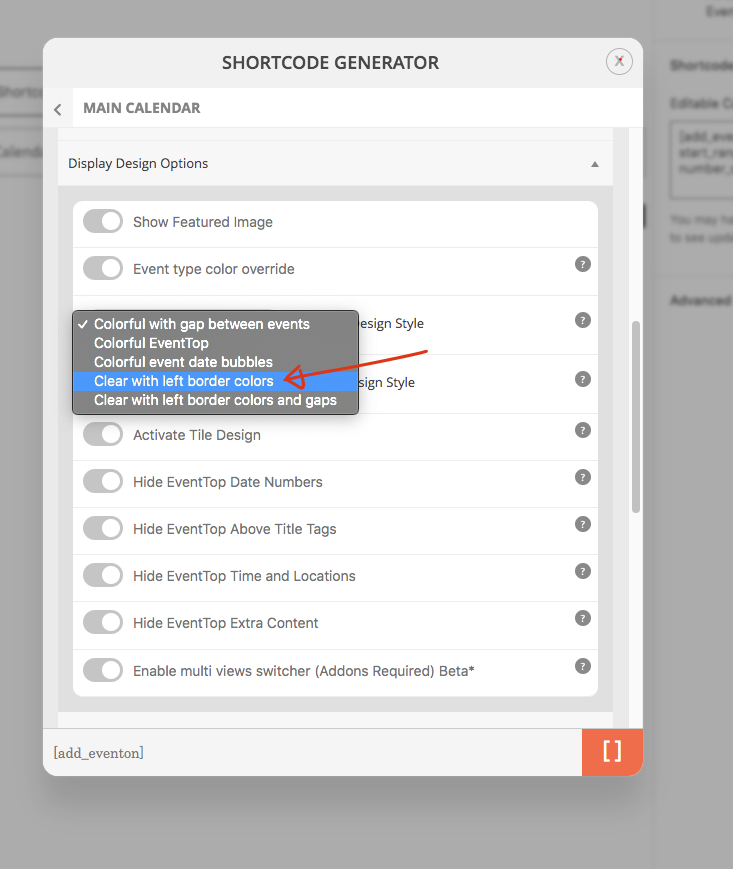
Oh I am sorry we were discussing the duplication, was not aware we switched to styles. easiest option would be add custom styles to your desire and override the calendar styles. https://docs.myeventon.com/documentations/change-css-calendar/
The reason the title color is white >> because you are using colorful eventtop and your events are white. I would suggest this.
Reply to: tickets(269545)
The Ticket section in the event should say “tickets are not available for sale”
Sold Out tag > to Event Over — when the event is completed. If the event is completed should not matter if tickets are sold out or not, am I right?
Perhaps there is a different directive you guys are looking at the implementation of this?
Reply to: tickets(256231)
David kindly update variations and options to version 1.0.2 and QR code addon version 2.0
that should allow you the ability to see the variations details in the check-in page.
Reply to: tickets(268078)
The order completion is a process handled via woocommerce. How ever you can hijack the process and auto complete order with a code like this https://docs.myeventon.com/documentations/auto-complete-ticket-order/
How are the order items (which are event tickets) cancelled before the order was completed? Woocommerce by default does not allow this.
Reply to: tickets(270330)
I have done that but to get it to show we have to extend the time until after midnight for it to work. It’s very frustrating to have to do that for every show however. How can we get Eventon to properly work? Same day tickets are the backbone of our business and one of the reasons we went with Eventon in the first place. Any further help to get this taken care of would be great.
Reply to: tickets(267339)
just updated your site code. should fix this issue now when you duplicate a variable ticket event.