Add ml_priority=”yes” to the shortcode to move month long events to top.
Archives: Replies
Replies for tickets on suppota
Reply to: tickets(269639)
Add advent_events=”yes” to any shortcode to show only Advent Events.
Reply to: tickets(270032)
Hello,
Please go to EventON > Language > ADDON: Event Tickets > Event Title:
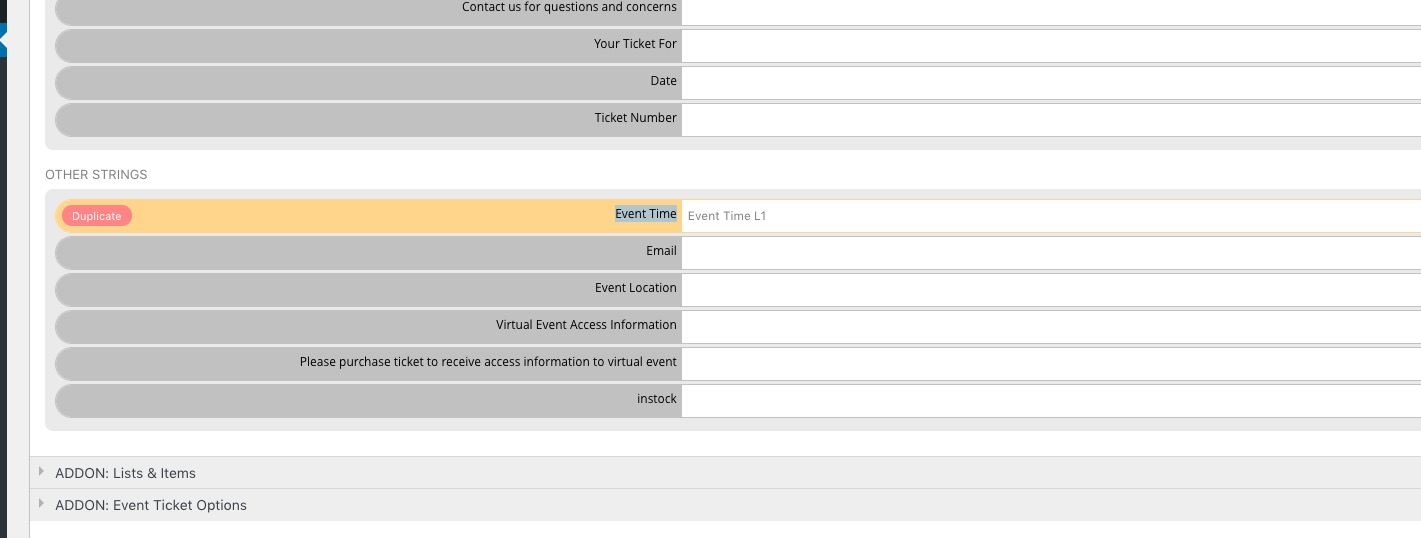
Reply to: tickets(270042)
But if I do this, the events that have a date will be displayed in a descending order, right? What I want is that the order remains as it is, and the undated events are shown last.
Reply to: tickets(269807)
It seems that you should be able to exclude a certain page from the cache: https://docs.wp-rocket.me/article/54-exclude-pages-from-the-cache
Reply to: tickets(270042)
Hello,
The only available option is Edit Event > “Month Long Event – Show this event for the entire start event Month”.
And as for the events order, please try adding event_order=”DESC” to the shortcode.
Reply to: tickets(270016)
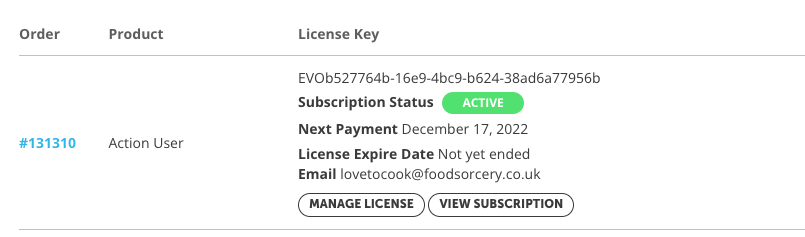
Hi,
Here are the details
| Order | Product | License Key |
|---|---|---|
| #131310 | Action User |
EVOb527764b-16e9-4bc9-b624-38ad6a77956b
Subscription Status ACTIVENext Payment December 17, 2022License Expire Date Not yet endedEmail lovetocook@foodsorcery.co.uk |
Reply to: tickets(270042)
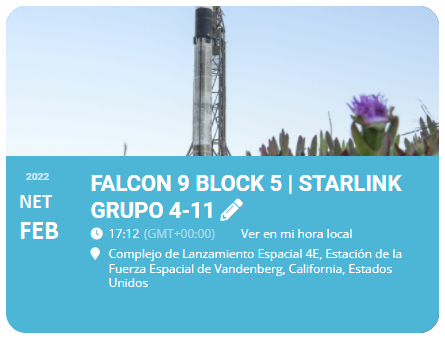
This is an edition of what I would like to see this type of event look like.
Reply to: tickets(269807)
Because the website is live and running we can’t use any cache plugin.
I have set up a page where the cache plugin is set to working.
It dos’t mater if the minify css or js is on. When you activate cache in both WP Rocket, W3 Total Cache or WP Fastes Cache you see the problem. The only plugin where you can set a entire page to not cache is in WP Fastes Cache.
Demo of the error
https://toppstugansundbyberg.se/myeventon/
You cant login to the Admin page if you do so the page is not cached.
Reply to: tickets(269661)
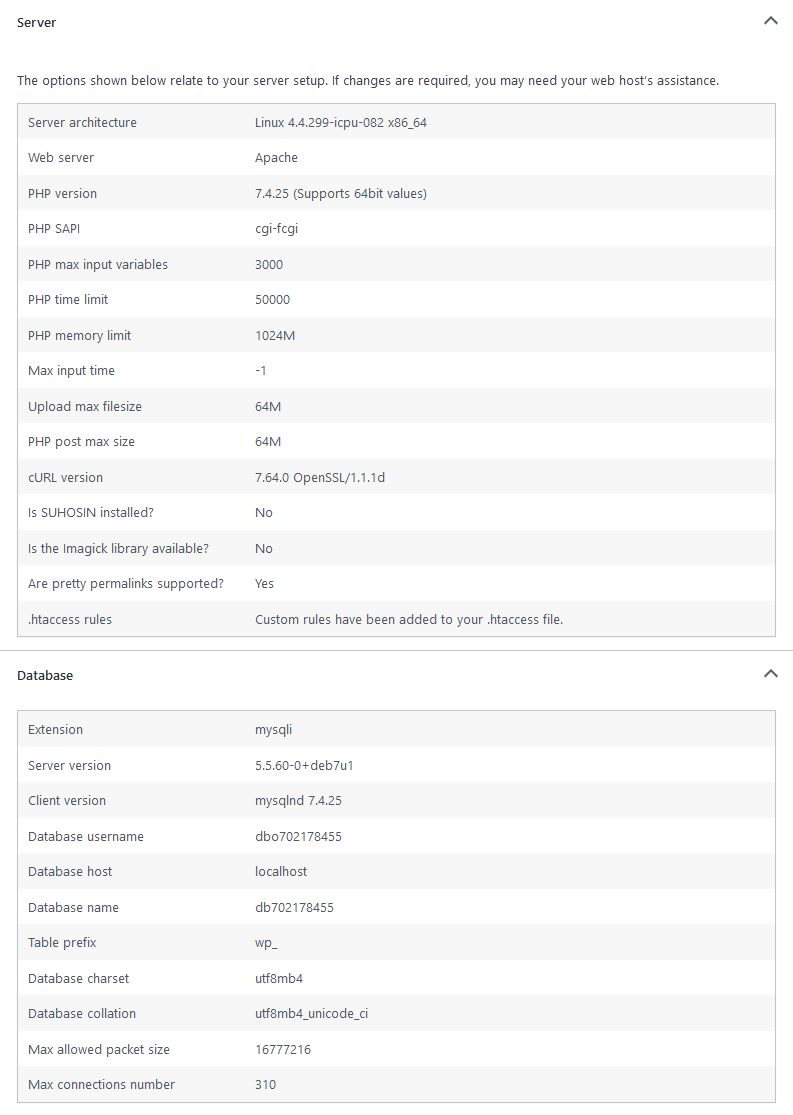
70 of 670 GB is being used of the physical server memory.
The memory of the website is as you can see on the screenshot.
If you could please reply to my previous post concerning the CSV export, that would be nice. Too many resources have been put into trying to fix the memory issue so we’d rather resort to reinstalling for now. But We need a way to save our events before reinstalling eventon.