…the buy button to be for the for submission.
I cannot really test this out on archive.org, so not sure what do you mean.
We are going to fix the issue ASAP on dev (thank you for letting us know), so you can test this.
Replies for tickets on suppota
…the buy button to be for the for submission.
I cannot really test this out on archive.org, so not sure what do you mean.
We are going to fix the issue ASAP on dev (thank you for letting us know), so you can test this.
Hi Marco,
I am glad to hear that the solution worked. We will really appreciate the great review 🙂
If you have any other questions, please feel free to create a new ticket.
Best regards,
Please use the shortcode below instead:
[add_eventon tiles=”yes” tile_bg=”1″ tile_count=”4″ tile_height=”100″ tile_bg_size=”full” ux_val=”3″]
I’ve switched it, but it’s still the same. Can we switch the theme and disable plugins for a minute or so?
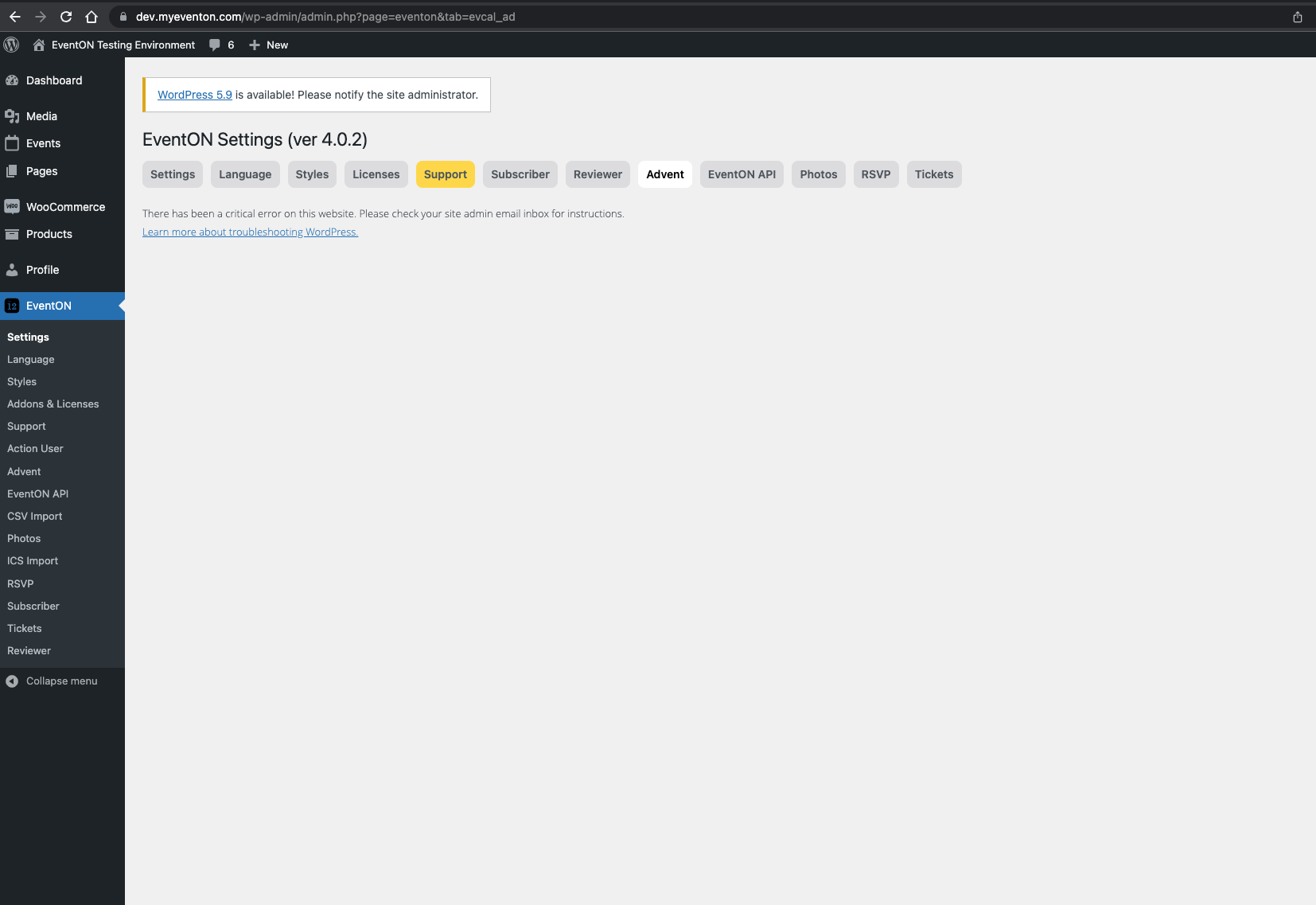
The thing is that I want the buy button to be for the for submission. if that makes sense. Also getting an error on the test environment
Hello Henrik,
You can use the custom CSS code below:
.ajde_evcal_calendar.boxy.boxstyle1 #evcal_list .eventon_list_event .desc_trig{border-radius:5px;}
Hello,
Should have been sent to the email which was used to order the addon. This email you are using was not the one used to order so we cannot be able to tell which email was indeed used without you giving us an order ID.
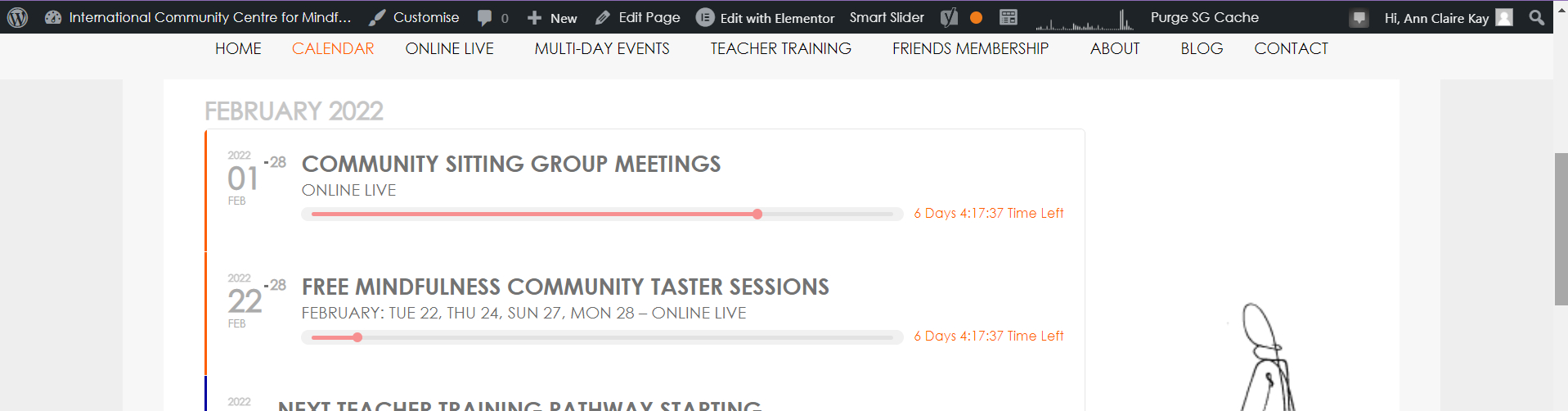
This is the image showing on some events
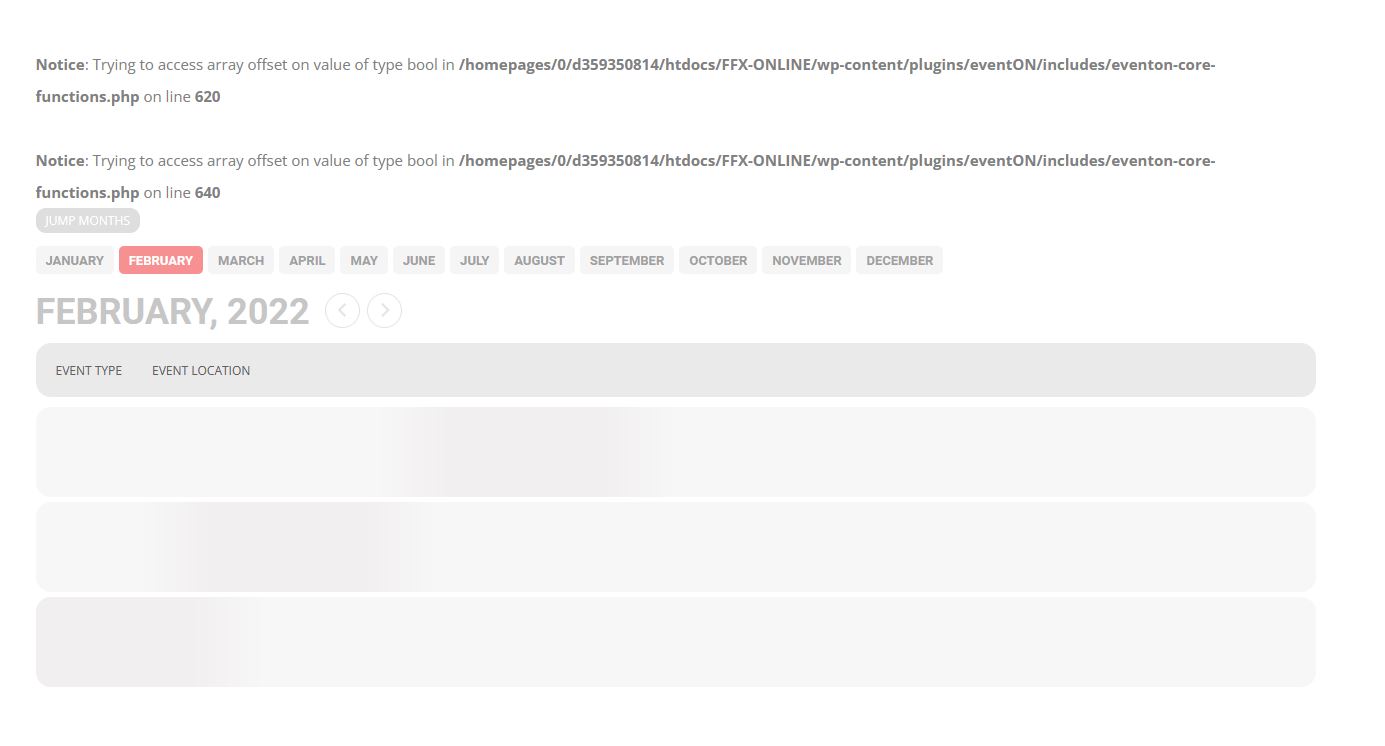
I enabled wp_debug for a moment but had to disable it shortly after in case of user traffic.
If this log message helps you further understand what is going on…
[add_eventon show_et_ft_img=”yes” tiles=”yes” tile_count=”4″ tile_height=”100″ tile_style=”0″ tile_bg_size=”full” tile_bg=”0″ ux_val=”3″]