Image…
Replies for tickets on suppota
Image…
I think I figured out the ics sync!
Ashan
when a sold out event ends- it stops saying sold out and says event ended
clients wants to know how they can get the sold out to stay
Thats how it appears to work on our dev site so I’ll alert Ashan to this to see if thats a Bug/oversite or how its supposed to be
Hello,
That will turn every single event to sold out, after the day of the event. I just want the events that actually were sold out, to have the tag sold out, after the day of the event. And not the events that weren’t sold out.
What is happening is that every sold out event that we have, after the event hour, the sold out tag disappears. For example if we have tomorrow a workshop that’s sold out, after the hour of the workshop, the tag SOLD OUT disappears.
Thank you,
In myeventon>>>>language>>>>>>tickets
you can change Event Over
to Sold Out
that will make all past ticketed events sold out
probably I think I’ll need to create a fake event and test it to be honest
and with that in mind probably best to do it when no bodys on because I’d need to turn on cash on delivery to pay for example so I can go through checkout several times to see if I can buy more tickets available, and test out what happens if the extra tickets in the grand total effects the ticket sales.
I could set this up on the dev site but they are not running with all your plugins or set up (best to test on the enrionment having the issues)

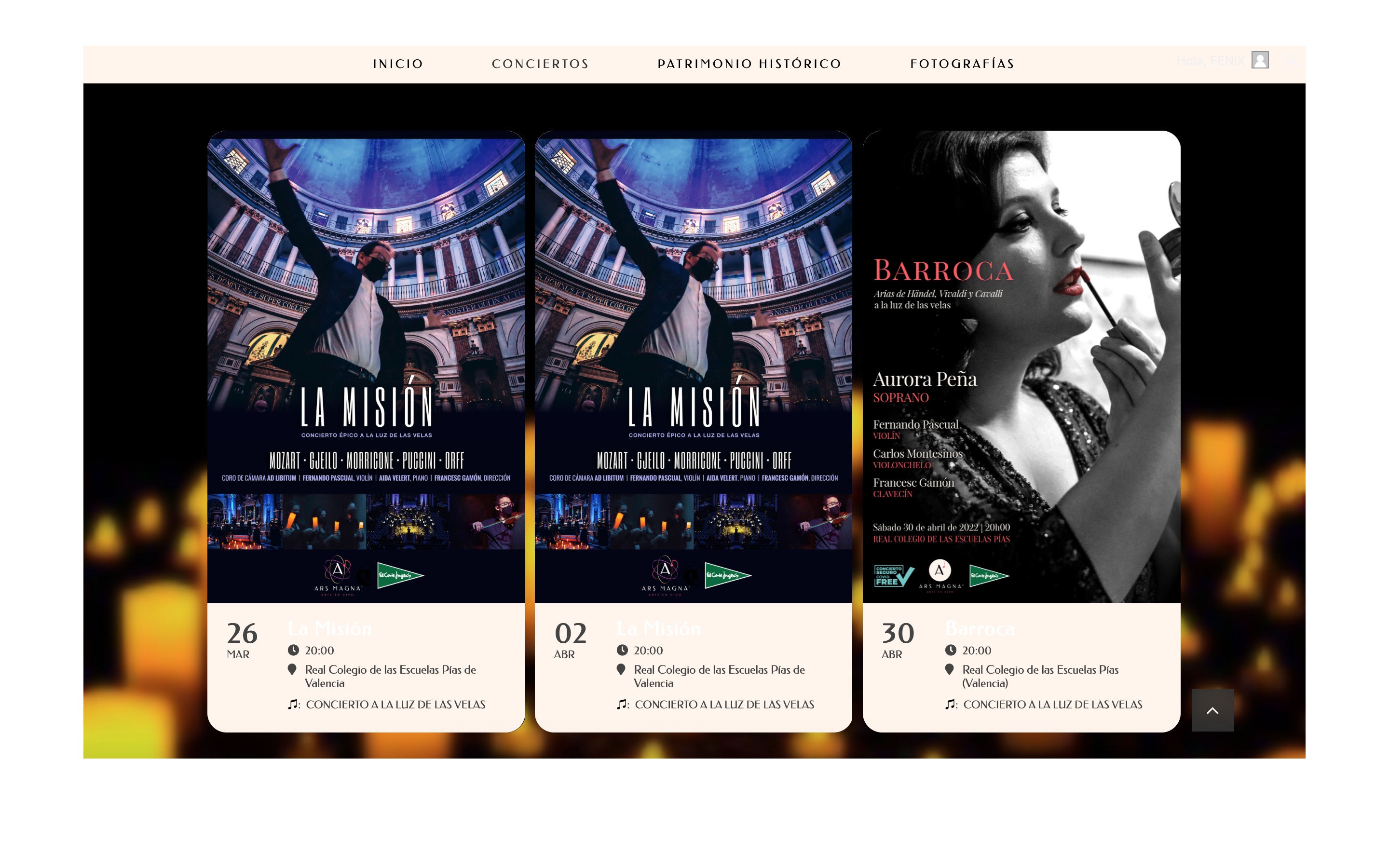
‘What do you mean you can not put the titles back? screenshot ?’ >> The text ‘La Misión’ is in theory setted as black in the options panel also in the css preferences. Please find attached the screenshots.
‘I see what you mean about empty seats. Please allow me sometime to find a solution for that. It is weekend so I wont be on here, may be in monday.’ >> Ok Ashan, take your time but please solve it.
Thank you
It’s true that the plugin is enabled and works fast. The client needed a quick solution and so I further looked into the problem and tried to fix it.
The only thing I did now is to comment out line 35 in class-cron.php. “$this->delete_cron($cron_hook);”
If this line isn’t active everything works fine and I tested everything from creating, deleting and running the reminders.
I couldn’t find out what the line is for but it seems like a solution for us.
Could you tell us what this line is for? Will we run into problems if this line isn’t active?