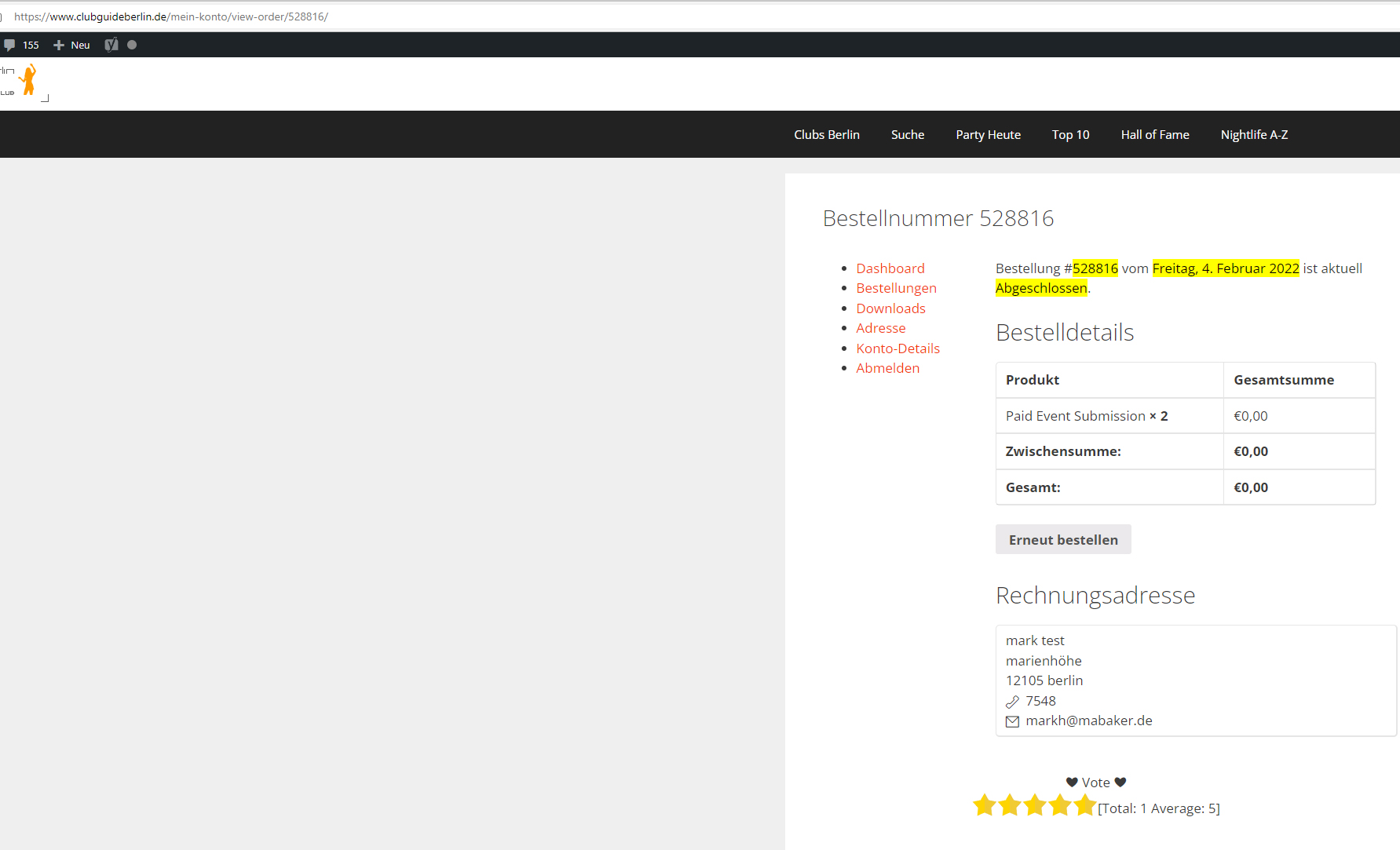
I have now noticed another error after the update.
if the customer has bought a new event he can no longer submit an event
and in the display of the orders is also missing the submit event button
Replies for tickets on suppota
I have now noticed another error after the update.
if the customer has bought a new event he can no longer submit an event
and in the display of the orders is also missing the submit event button
I am within the 30 days, please cancel and refund ASAP
We are glad your issue is resolved, if you have any further questions or concerns please create a new ticket.
If you have a moment, we would greatly appreciate if you could kindly leave us a review at codecanyon! from your account > downloads. Cheers!
We are glad your issue is resolved, if you have any further questions or concerns please create a new ticket.
If you have a moment, we would greatly appreciate if you could kindly leave us a review at codecanyon! from your account > downloads. Cheers!
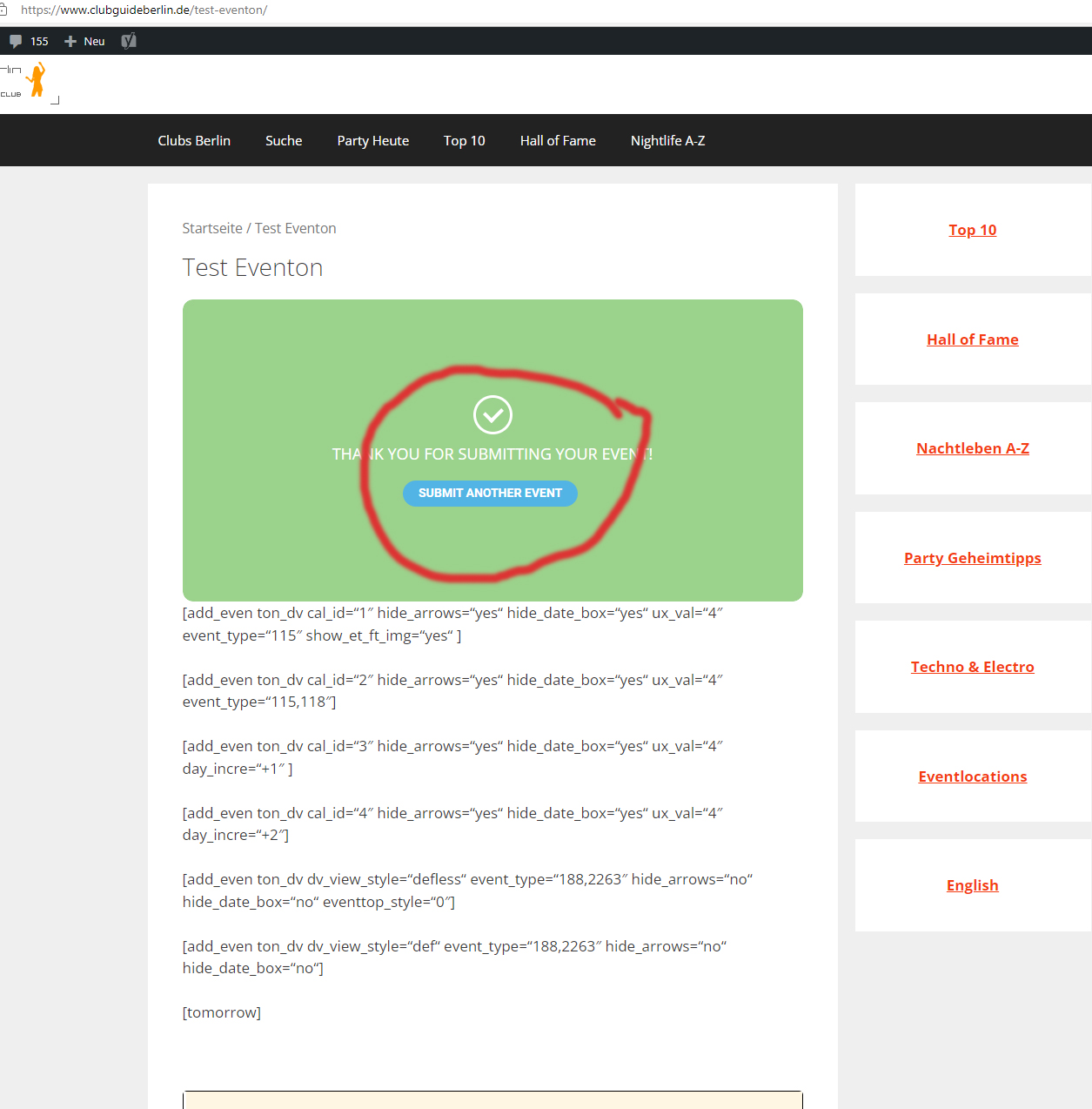
Hello
the display (“You have used all your paid submissions”) now appears.
but the customer mark.test can still submit more than 2 events.
after submitting the second event and the message (“THANK YOU FOR SUBMITTING YOUR EVENT!”)
he only needs to click “SUBMIT ANOTHER EVENT” and he can continue to create unlimited events,
Ah perfect! Thankyou!!
WooCommerce only supports 0.00, so please change zeros to 0.00
Sorry, wrong adress
https://events.voresfamilie.dk/blog/wp-admin/
I follow the tutorial you link to.
It’s not quite update to the new interface, but at least it seem to work 🙂
Maybe you need to create a help document in your support forum with updated info
thanks for the help and your patience with me 🙂
Lars
Denmark
Hi
This is the event i test the seat and its not full RTL and not working well:
https://standupist.co.il/wp-admin/post.php?post=24383&action=edit
User: EventON
Pass: q^E)VWGARpamBdthDjG28CNU
Do not make changes please without updating me on anything else !!!!
Please advice
Hi
I have updated the Seats addon. Please remember to activate the installed Maintenance plugin before working on the website.
Thank you very much.