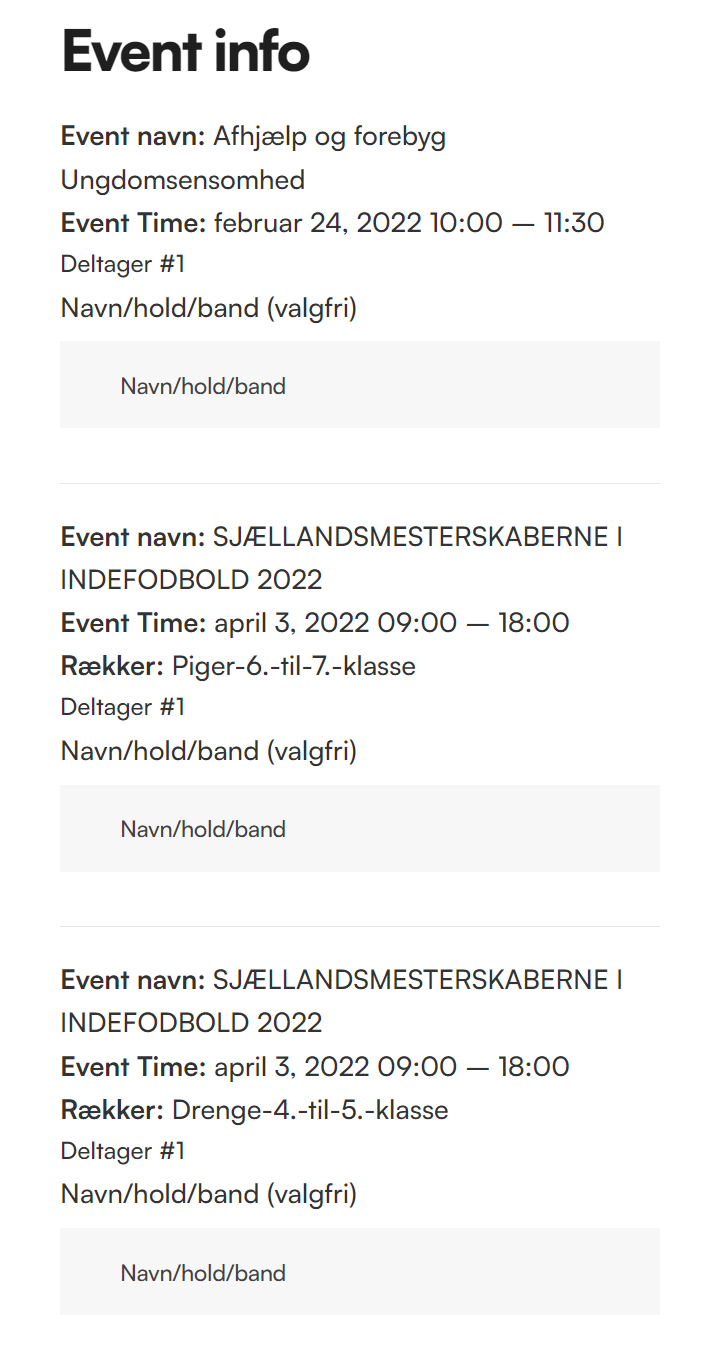
So that current version of event tickets you are using is 1.7.7 which is from 2019 – it wont be compadible with woocommerce 6 and above
even if you had access to the old email address you wouldn’t be able to download the latest version as the addons are a yearly subscription (and yours is from 2019) so its best just to buy the tickets again and create an account as you go through checkout
https://www.myeventon.com/addons/event-tickets/
1: I added some css to the plugin itself– so what you need to do is clear your browser cache and wordpress cache and then the pop up shortcode generator should now actually pop up over
2: I see loads of events in Feb so you are going to need to tell us – what event type (1,2 or 3) and what individual event type it is- n fact send a link to the single event in questions so we can check it out and compare that to the shortcode used – we are talking about the widget right?
3: again not sure I understand- are we taling about the category selector on the event itself (its been like that for 50K sales with no complaints) or is it something else?
Hello Ashan,
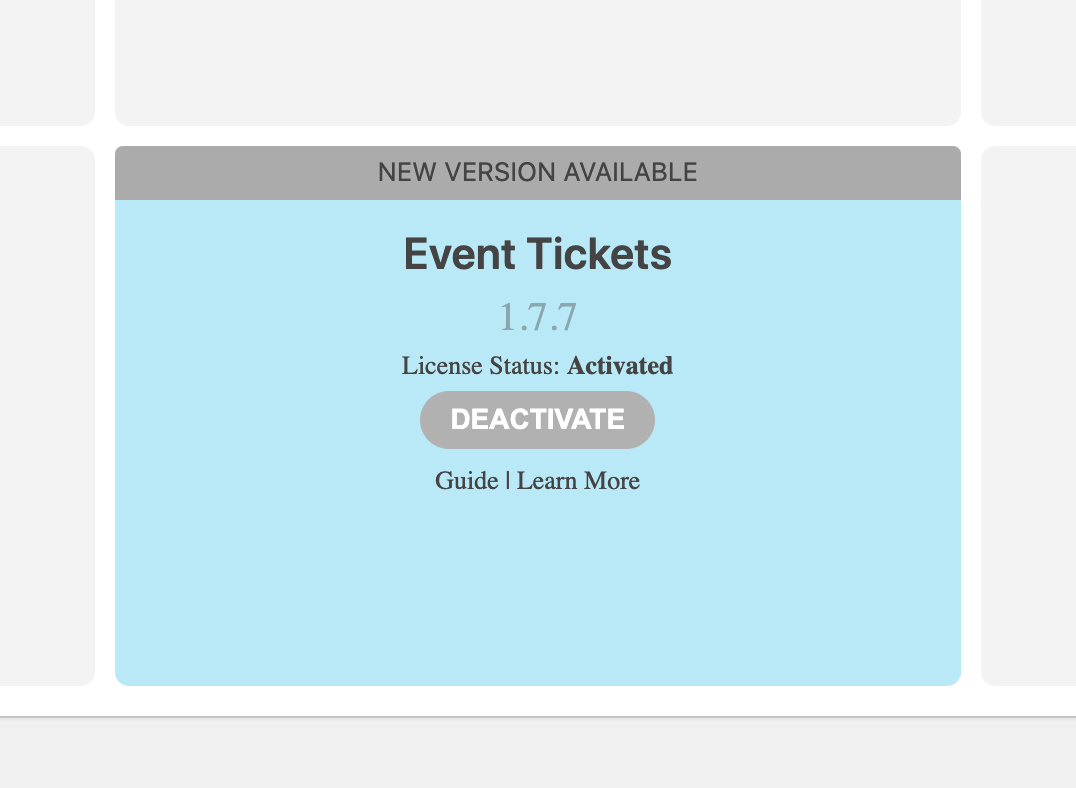
We already solved the problem with CodeCanyon, they were really helpfull. We had the registration with the old company e-mail hello@volta-oc.pt and they change it for the new one hello@fica-oc.pt, so the uptade of the main plugin is solved. But now we can’t update the addon Event Tickets because we can’t enter your website nor register, but we do have the addon running (see image attached). So please let me know how to register to https://www.myeventon.com/ or register us or send us the file to update.
Thank you in advance for all the help and hope to hear from you soon.
Kind regards,
It looks better, however there is still too much grey box below the copy – is there any way of reducing the amount of grey? I turned off the live counter and that helped reduce it a litle.
Also, on calendar view the day, date, month looks out of line and different to when it is displayed on list view. I have tried to change this in the code but it only allows me to adjust the size of the font and not the alignment.
List View – day, date, month look good
https://www.foodsorcery.co.uk/
Calendar view – day, date, month look out of line
https://www.foodsorcery.co.uk/bookonline/
Thanks
Helen
Hi,
I tried looking into elementor, but the settings are excacly the same on the two pages.
It seems like it has something to do with something else. Even though i make the tiles 100% below 1024 px, they do not go to the edge.
woocomerce is out of date. the latest tickets is designed for woo 6+
but first:
Could you please try the instructions mentioned in this documentation to make sure your issue is indeed coming from eventon.
Hello,
Please take a look at the link below on how to fix the row
https://docs.myeventon.com/documentations/single-events-page-not-working-404-error/
Hello,

Exactly, I was thinking of repeated events.

For example on my block "Les justes relations" I use an event created with the plugin and it is an event that is repeated several times a year. The first event took place on 13.01.2022 and the following ones take place on 10/02; 03/10; 07/04, etc.

Therefore I wanted to know if it was possible to display each time the next date, that is, here, 10/03.

Thanks a lot for your help!