Can we do a zoom screen sharing?
Replies for tickets on suppota
Can we do a zoom screen sharing?
Thank you for your messages, I am going to assign this ticket to Ashan and he will be able to take it from here and find you a solution. Please allow some time for him to get back to you, we greatly appreciate your patience and thank you for being a eventon customer! Also please disable any IP blocking on your site if there are any.
Ashan,
The same on dev2 when DailyView + Slider: https://dev2.myeventon.com/29535-2/
You can use Developer Console. Only make sure to refresh the page.
I just cleared cache and tried different browser, and still not showing. Which page are you looking at?
Please take a look at this main Variations guide:
https://docs.myeventon.com/documentations/how-to-setup-and-get-started/
Could you show me how you (or your theme maybe) import it?
Does this screenshot shows the correct font: https://helpdeskx.s3.amazonaws.com/wp-content/uploads/2022/02/14131346/Screenshot-2022-02-14-at-21.13.31.jpg ?
Hello,
Please take a look at
https://docs.myeventon.com/documentations/event-post-meta-variables/
Event’s start and end dates are in evcal_srow and evcal_erow.
Not sure what “the next date of my event” is. Are you referring to repeating events?
Great! If you have any further questions or concerns please create a new ticket.
Unfortunately, the only way of restoring events is to restore the backup.
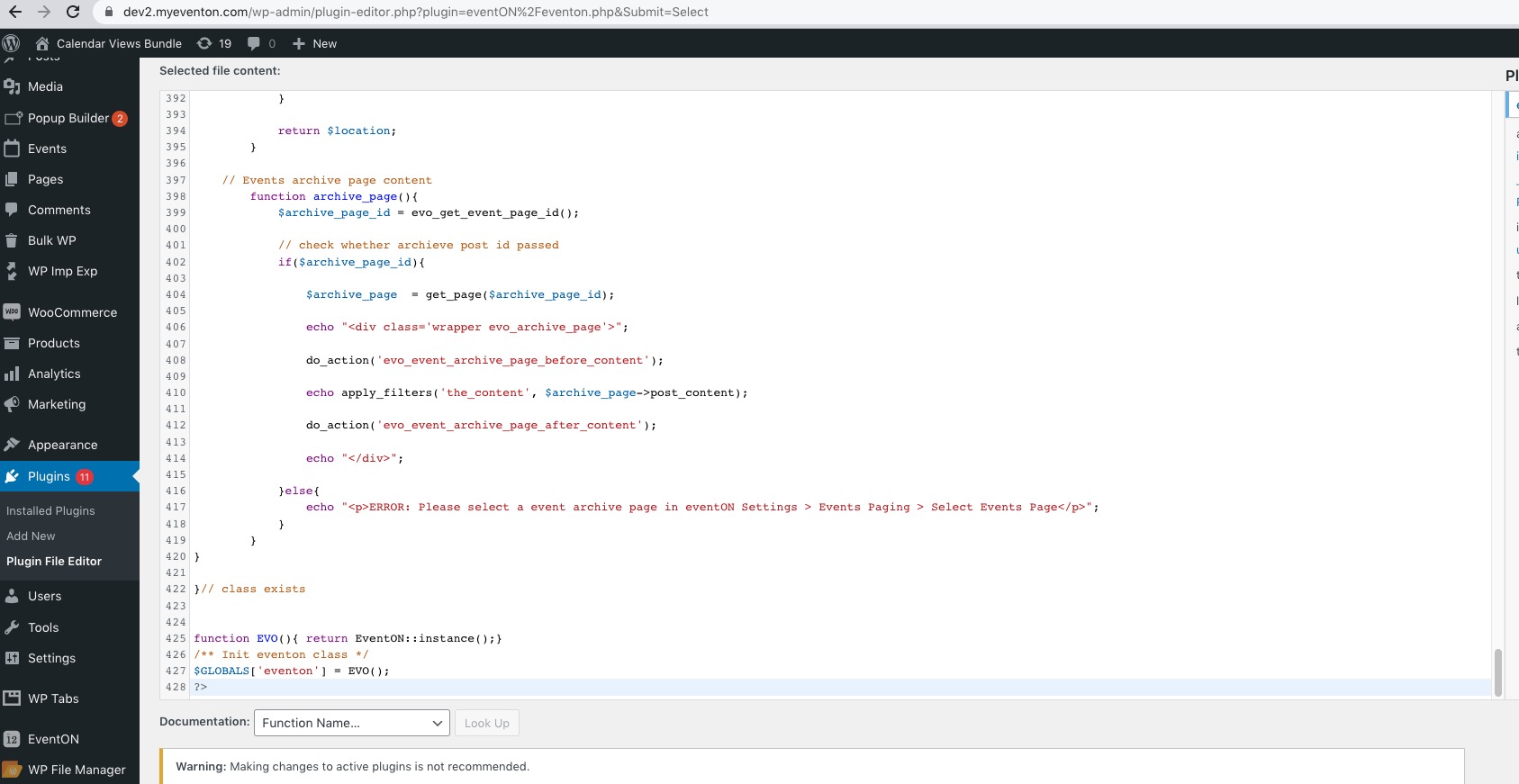
Please also note that “Bad Snippet of Code” is not part of the code. How it looks like on your test server:
Hi Alan,
I see the Full cal on my end.
If you are still not seeing the calendar on your end, please clear your browser cache and then check again.