Just a quick note – Tablet in Portrait mode has the same problem as Smartphone mode
Archives: Replies
Replies for tickets on suppota
Reply to: tickets(268557)
hello, I update from version 1.9.4 and also update the qr-code version from version 1.1.6
the site is live and I would prefer not to test that, because I receive several purchases per hour and I would not like there were any problems.
I have set up a staging version at this address
https://staging31.lapalestradelcibo.com/smt2019/
pw: admin
password: SMTpastaefagioli2020
there are the old versions of the plugins.
The same problem (I had already opened a ticket about it) happens if I update the version of eventon, all the formatting gets messed up and there is no way to put it back in order.
thank you
Reply to: tickets(268710)
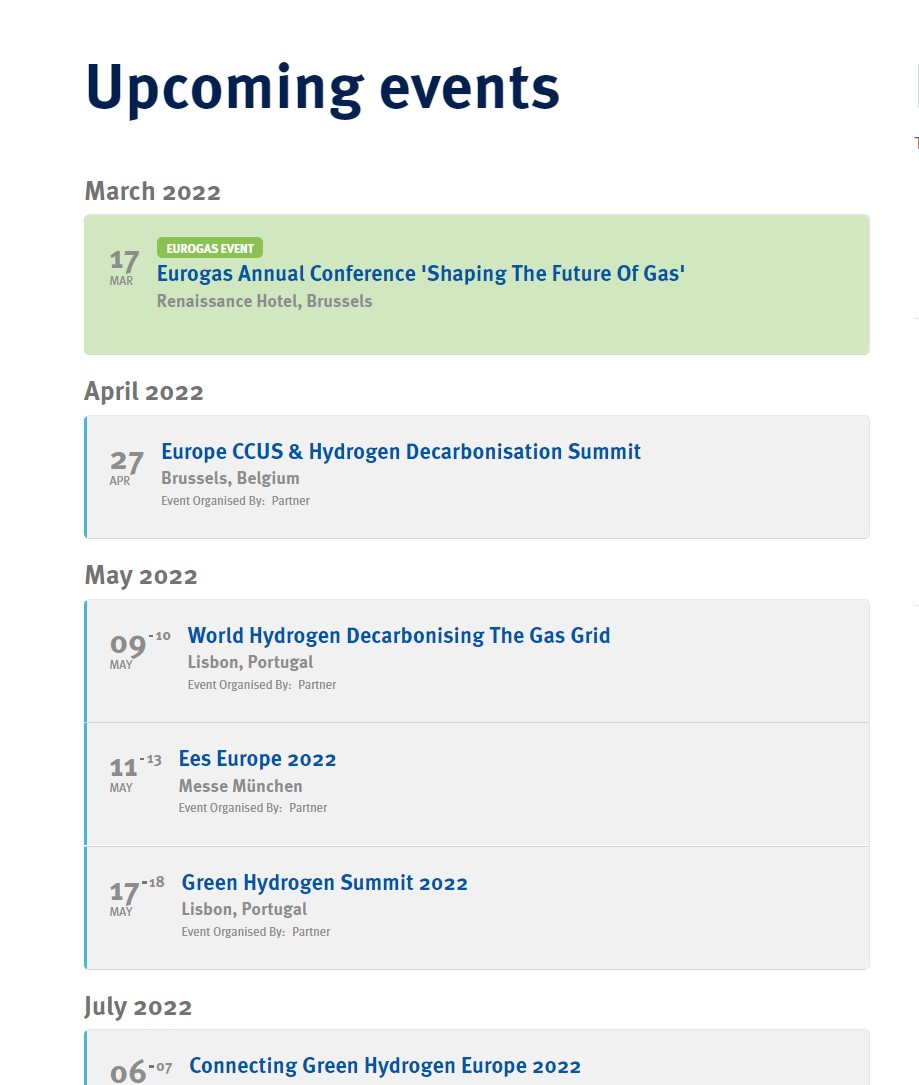
On a pc (the previous was an iphone)
Reply to: tickets(268710)
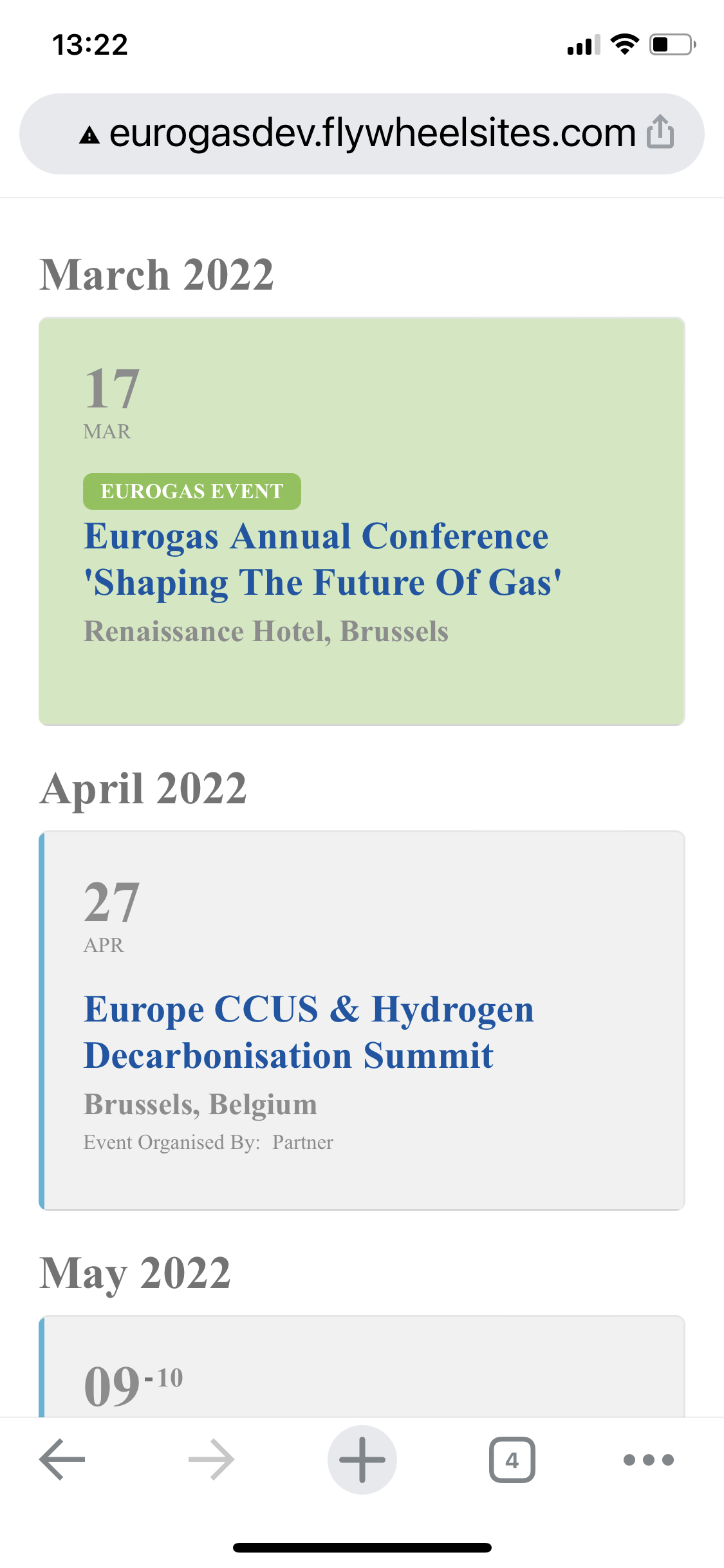
Here some screenshots
Reply to: tickets(268388)
Thank you! Please let me know if you need anything else from me.
Reply to: tickets(268429)
Hello,
Could you tell us more about how do you export the data from WooCommerce? Have you tried a third-party plugin for this?
Reply to: tickets(266287)
Everything seems to be working now. Could you check?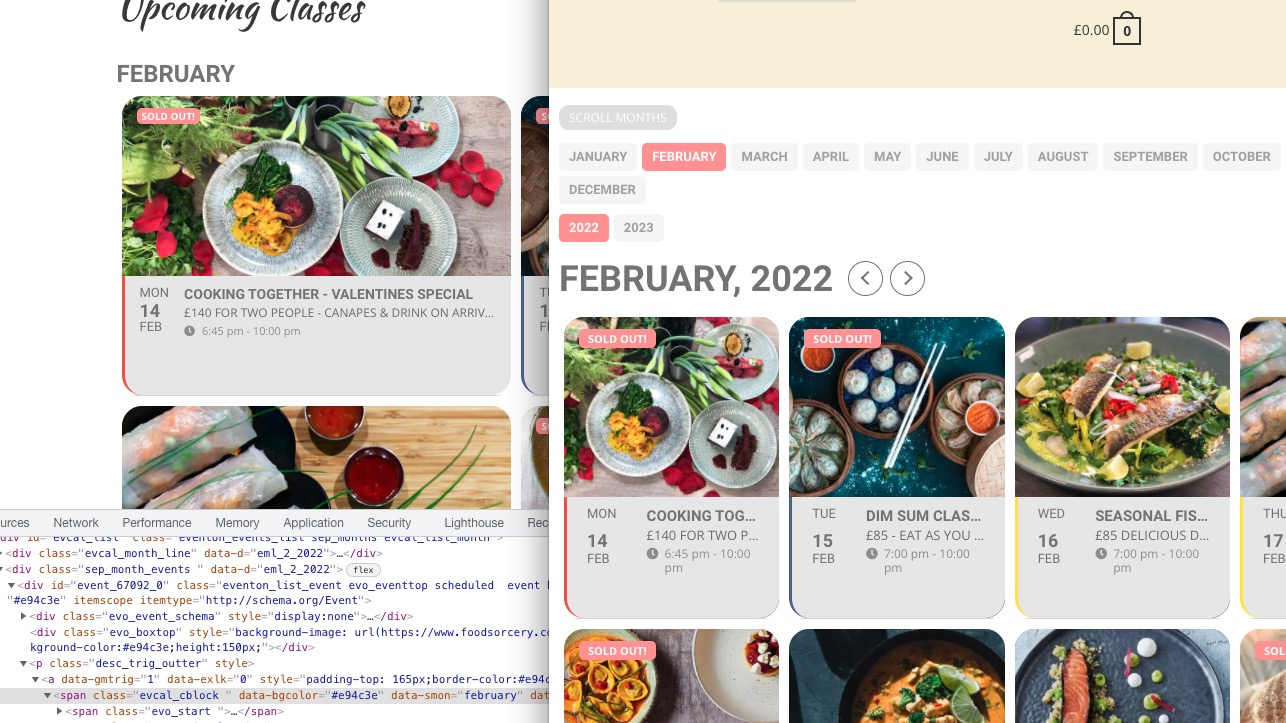
Reply to: tickets(268605)
Hello,
“Coming up Next in ___” altogether (so it only shows the live events).
Please add this CSS code to EventON > Styles (If you don’t see any change, EventON > Scripts & Styling > turn off Write styles to header > save settings > turn on Write styles to header):
.evo_eventon_live_now_section .evo_eventon_now_next h3 { display: none !important; }
…to have a countdown timer that counts down to the start time of the event?
Please take a look at Countdown add-on https://www.myeventon.com/addons/event-countdown/
How it looks like: https://dev2.myeventon.com/events/countdown-5/
Try on https://dev.myeventon.com/wp-admin/
Reply to: tickets(268693)
Hello,
Could you update Action User?
To update eventon addons: You can download latest eventon addons from myeventon > my account. Then you can go to your website, deactivate old addon and install new one and activate then delete the old addon. This link will further explain the process. Also you can follow us on twitter to get real-time announcements on updates!
Reply to: tickets(268693)
Hi Jeffrey,
Please upgrade to the latest version of the Action user addon and then check if that fixes your issue.
To update eventon addons: You can download latest eventon addons from myeventon > my account. Then you can go to your website, deactivate old addon and install new one and activate then delete the old addon. This link will further explain the process.